iOS 3.0.0
-
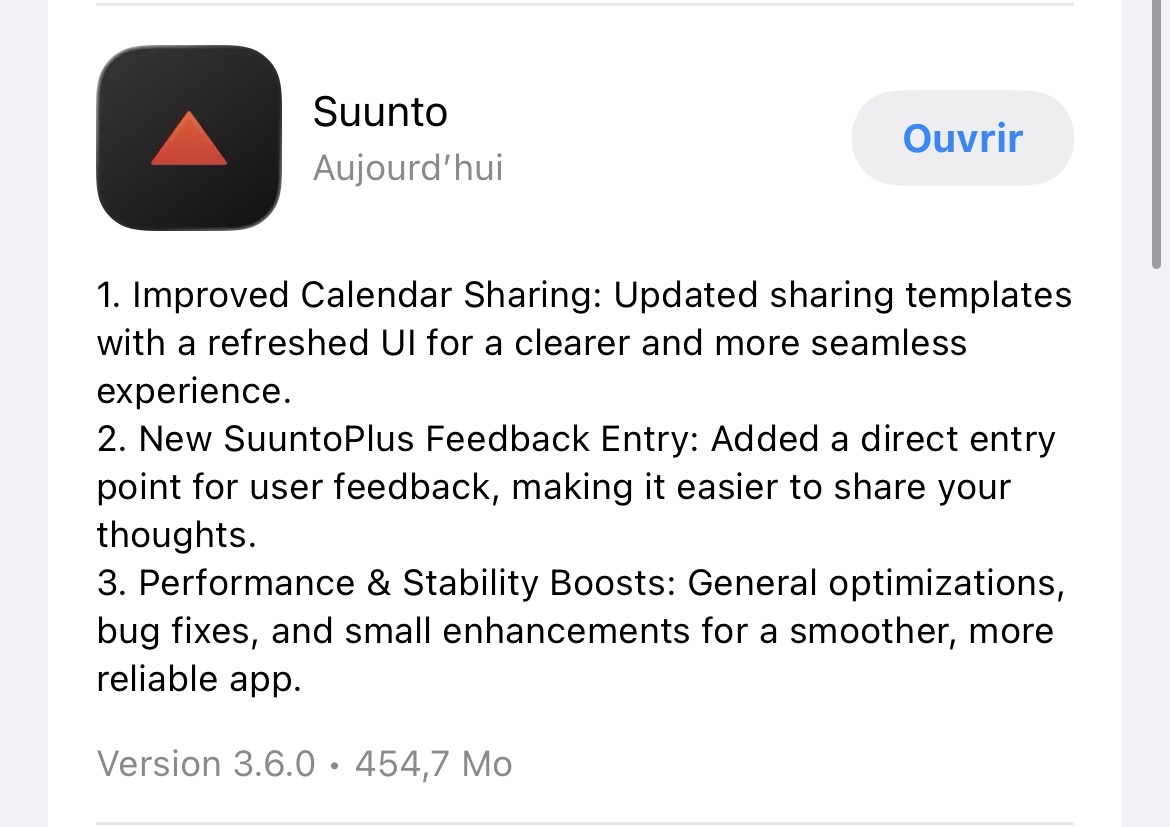
Public 3.6.0 version released with notes
Suunto’s devices at home :
Vertical titanium solar
Suunto Race S
S9pp titanium sand
Suunto Wing
S9B titanium Ambassador edition, A3P, X6 -
@Tieutieu but the problems were not solved
-
@Tieutieu and taggs does still not work with this update. When adding for example commute tagit does not stay. And the commute app does not update.
It has been lile this for a couple of versions as far as I know
-
@helgonet12 i have the same problem. This mainly occurs when I add tags to older workouts. These tags are then displayed in the detailed view of the individual workout, but not in the scroll view, and they are also not found in the “search” (magnifying glass) function.


-
@Olli2709 for it happens on all new as well. I hope they sort this out soon. But I wish there should be a place where we could send in bugs. This way we have no idea if they saw it or not
-
@olli2709 I just checked and obvioulsy I have the same behaviour as you do (yesterday I exactly was in this situation : adding tags on old snowshoe activities).
@helgonet12 for new activities I don’t have any issueSuunto’s devices at home :
Vertical titanium solar
Suunto Race S
S9pp titanium sand
Suunto Wing
S9B titanium Ambassador edition, A3P, X6 -
@Tieutieu hmm strange. I use e-bike activity and i have to add commute tagg every time and do so directly or as soon as it has synced to the app and there I have to ad the tagg multiple times until it shows up. But I does nothing on the commute page/ widget. There I have to log out and in order to update the info.
Do you mean that you do not have this behaviour? -
@helgonet12 my commutes are visible in the widget
-
@Tieutieu what activity do you use?
-
@pavel.samokha You’ve always been able to fix bugs before, maybe you could help resolve this one, too.


Unfortunately, the problem persists even after the last update.
Descriptions or tags entered after a workout are saved, but they aren’t found in the search results. This is especially noticeable when adding a tag/description after a workout has been saved, particularly emojis.
The strange thing is, I have the Suunto app installed on two phones, an iPhone SE 2 and an iPhone 14, both running the latest iOS, both with app version 3.7.2 (21451). On the iPhone SE, two more workouts are found in the same account using the same search options. Any help would be appreciated; I need to be able to rely on the search function. Thanks, Olli.
-
@Olli2709 maybe a cache corruption? Have you already tried to delete and reinstall the app?
Suunto Race S
Garmin Epix Pro -
said in iOS 3.0.0:
@olli2709 I just checked and obvioulsy I have the same behaviour as you do (yesterday I exactly was in this situation : adding tags on old snowshoe activities).
@helgonet12 for new activities I don’t have any issueStill in beta 3.7.1 but tags are working fine again, even those added on old activities. So i guess it was not directly app related but more a serveur/database issue.
(I really hope someday tags management will evolve ; no possibilty to rename a tag => that would be a good start to be able to do that !)
Suunto’s devices at home :
Vertical titanium solar
Suunto Race S
S9pp titanium sand
Suunto Wing
S9B titanium Ambassador edition, A3P, X6 -
@2b2bff No, you mean because of the missing search terms or because of the differences between iPhones? A search term added to a saved workout later is displayed (for example, “snowflake-icon”), but if you enter it in the search bar (magnifying glass), the workout isn’t shown.
-
@Tieutieu What constitutes a “new” activity? I can’t seem to add activities retroactively. For example, if I just finished a workout and then add a tag/description minutes later because I forgot something, it’s not showing up.
-
Sorry, that was a bit misleading; it is displayed, but not the workout, when you search for that tag!
-
@Olli2709 for me that sounds like an indexing/caching problem. If the index is hold locally, you can fix this with deleting the App and reinstalling it. So, the app has to download and reindex everything again…
Without knowing the internals of the Suunto App, this is just educated guessing, of cause… -
@Olli2709 reinstall the app
-
It worked, but I had to delete the app on three devices (including my iPad). The workouts I was looking for weren’t displayed correctly on any of them, which I hadn’t expected.
Thanks a lot @2b2bff for the help
 , things always go really well here in the forum.
Thanks @pavel.samokha and sorry for the panic