Sleep widget not working properly on Vertical 2
-
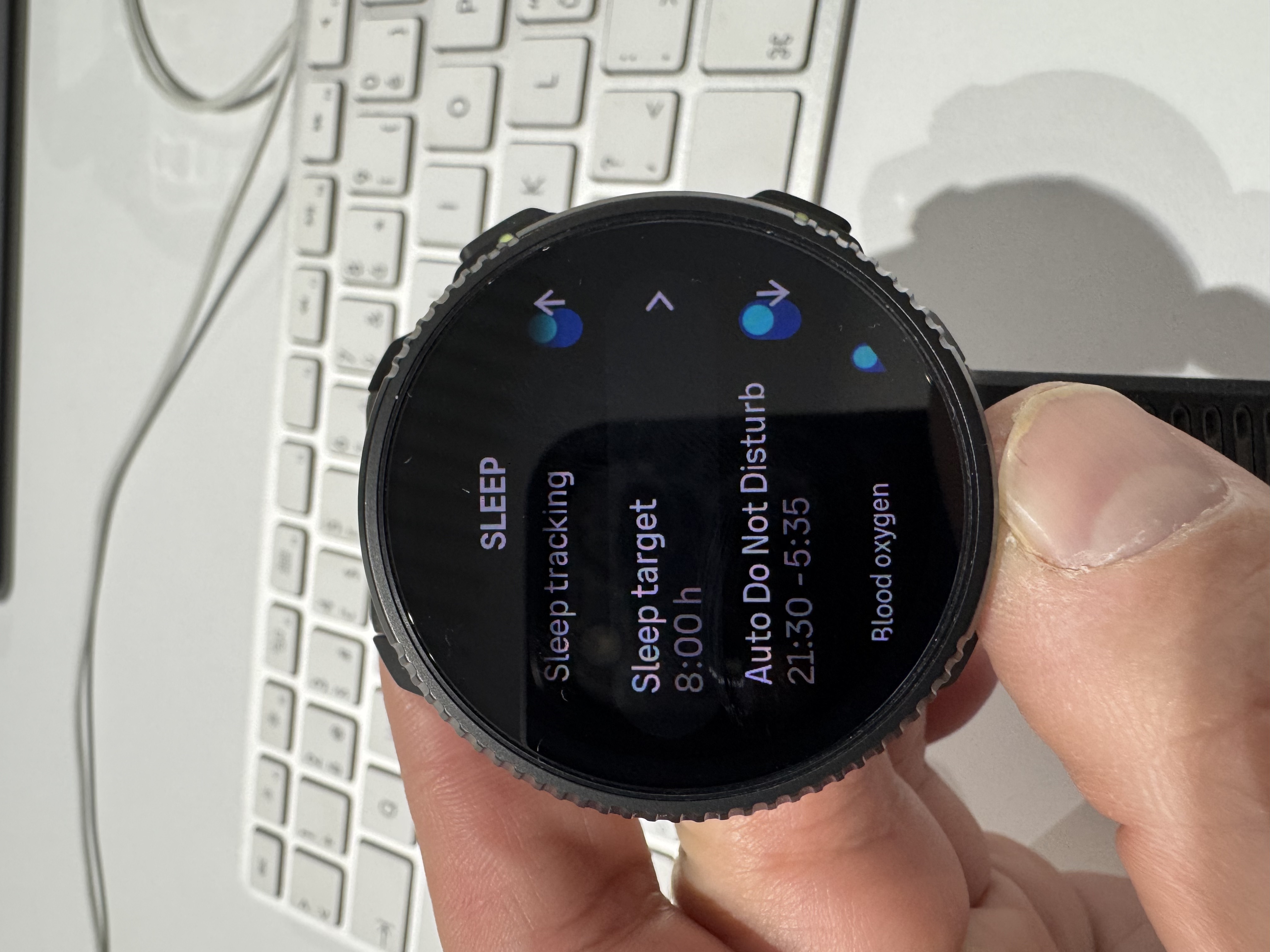
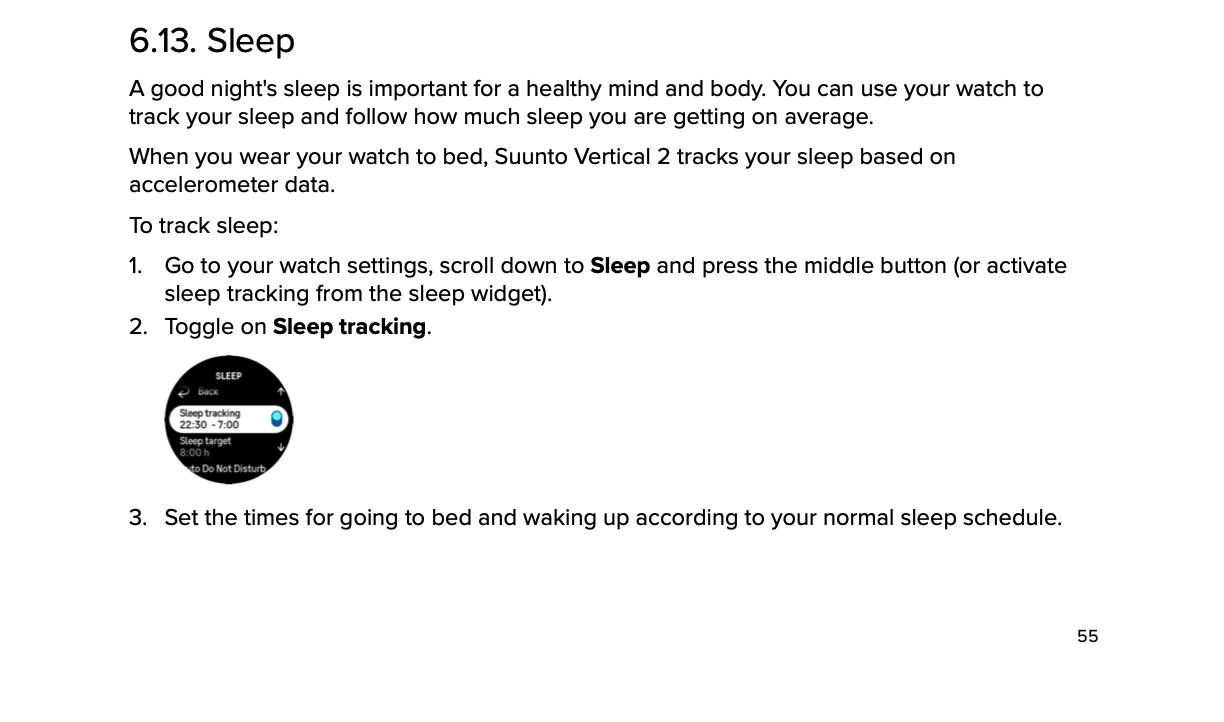
@Freezer And actually the sleep times are not available on the watch either. I think I originally set them from there. But now the sleep settings are missing it. Sleep tracking toggle is there but not the times when sleep should be tracked. I looked from the manual and it should be there.
-
I have the same affliction. The software version in the watch is 2.50.26. The sleep widget shows it is offset by one day. It shows the last date a day earlier. Everything is fine in the app on both iOS and macOS. I wanted to try the instructions from @Egika , but for me the “Time to bed” setting is currently missing. I only have Sleep tracking, Sleep target, Auto DNB…
I tried unpair, pair, delete. Nothing works. I will wait for a fix

-
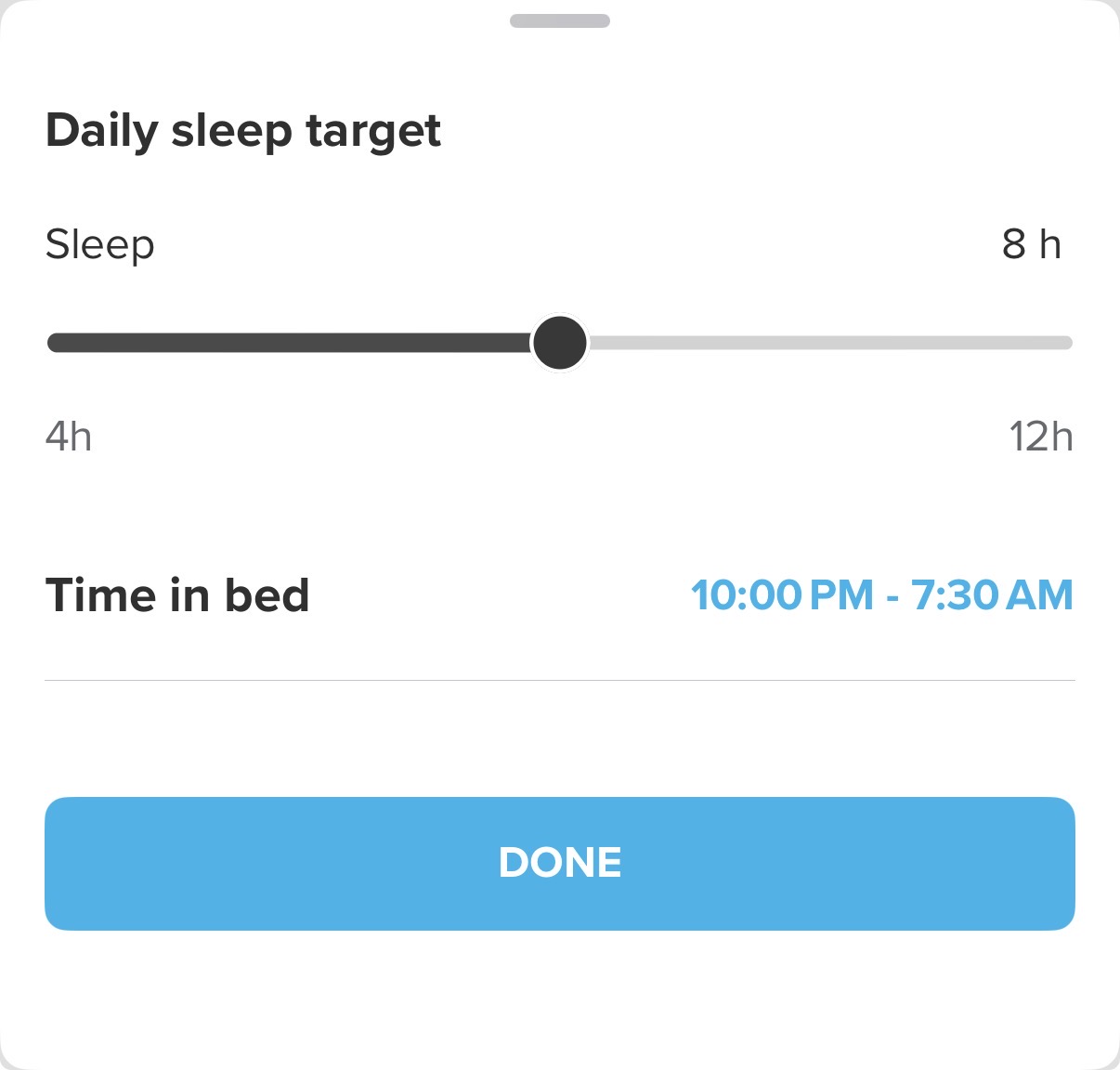
@Petr-Manek you should look for the “Time to bed” setting in the Suunto App (iOS), not on the watch.
-
@OpaJaa, sorry to hear that it didn’t work for you. I don’t have any other suggestions, for me it worked as described in the posts above.
-
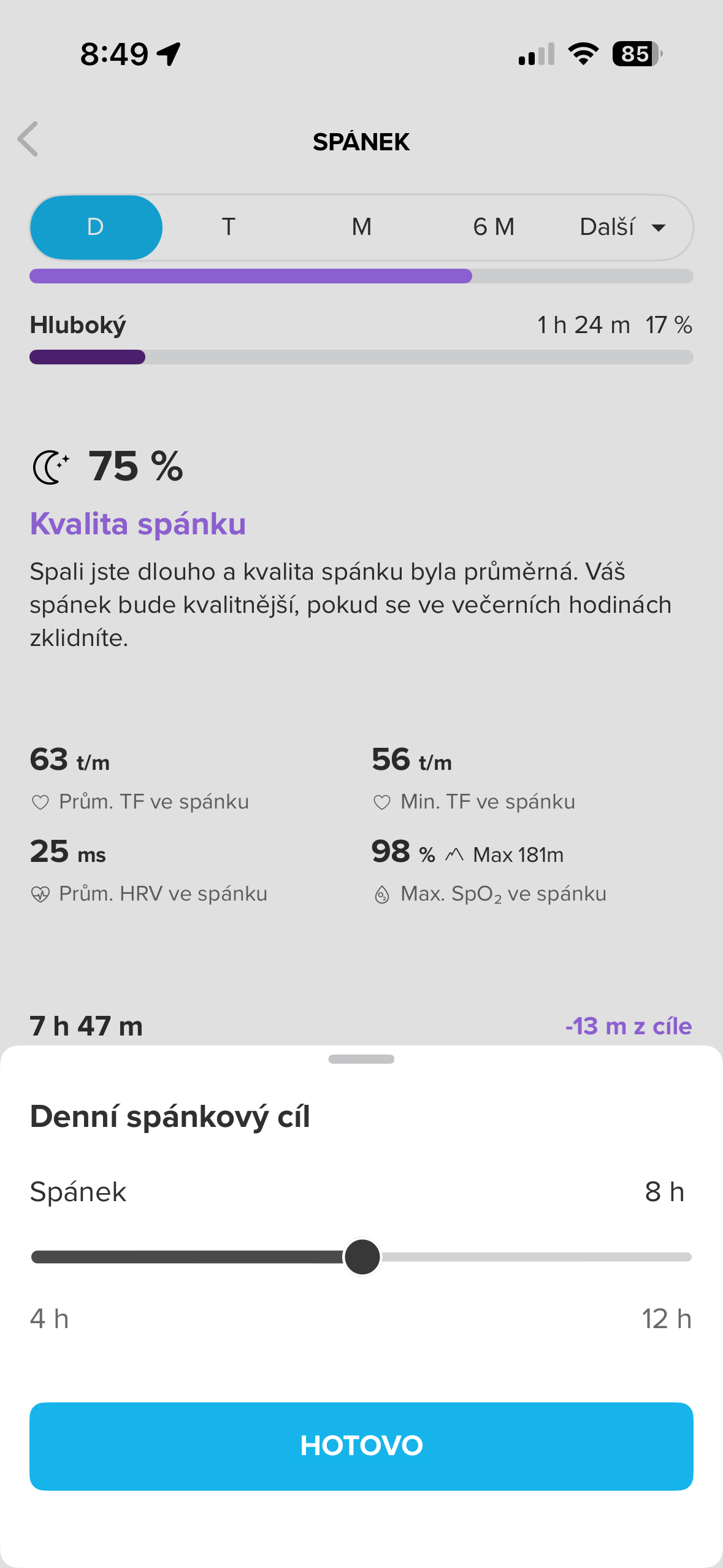
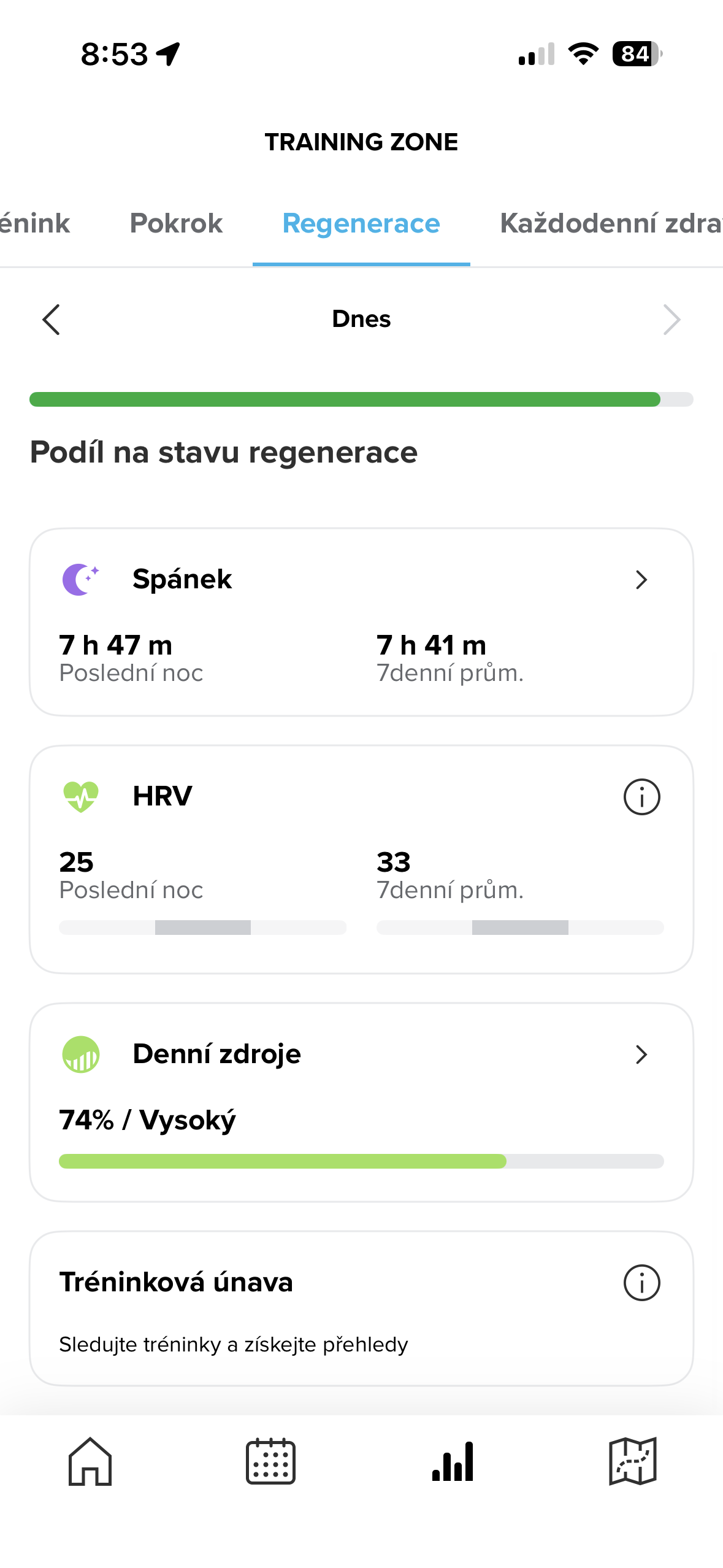
@Freezer Thank you, I automatically wanted to set it in the watch. I also looked in the manual and based on the picture shown. Ok, I went to Training zone > Regeneration > scrolled down and don’t see the Time to bad setting. If I click on sleep, only the daily goal is at the bottom. I must be doing something wrong. This is my first Suunto watch and I’m getting acquainted.
-
@Petr-Manek, seems you have a similar problem as @OpaJaa.
When I troubleshooted (after first unpairing Vertical2) what I did differently form you is that I selected “Sleep” from the “Dashboard” not from the “Training Zone -> …”. Maybe try that.
-
@Freezer Thank you for your interest in our problem. I tried to do what you said, but nothing changed.
-
@Petr-Manek You forgot to do the first step: unpair the watch and restart the mobile APP. I mentioned this above

-
@Egika if this might be of interest to Suunto; Setting for “Time in bed” is always visible/available when Suunto App is paired to (old) Vertical Solar but not when it’s paired to Vertical 2.
-
@Anton-Zhedik Hi, thank you, I tried it as you said, but still not working.

 ️
️ -
I have a Race S, and I tried everything you mentioned here, but it still isn’t working for me. In my case, it started on the 1st day of the year… I hope there will be a fix soon. I liked the sleep summary in the morning.

-
F Freezer referenced this topic on
-
F Freezer referenced this topic on
-
 O OutdoorMan referenced this topic on
-
M MMarcel referenced this topic on

