My Personal Swim Drills
-
Swim Drills – SuuntoPlus App Documentation
https://github.com/nousmc/Swim-Drills
Overview
Swim Drills is a SuuntoPlus application designed to track swimming drills (e.g. kick-only sets) where automatic distance detection is unreliable.
The app enables manual distance tracking while preserving native workout data from the watch.
Key Principles
- Manual control over drill distance
- Separation between native swim distance and drill distance
- Real-time visualization of combined total distance
- Minimal interaction during effort phases
Distance Model
The app manages three distance values:
-
Native Distance
- Source: watch (
Activity/Current/Distance) - Automatically recorded
- Cannot be modified
- Source: watch (
-
Drill Distance
- Manually calculated:
drillDistance = poolLength × lapCount- Accumulated across the session
-
Combined Distance
combinedDistance = nativeDistance + drillDistance- Used as the effective total distance
- Displayed during the workout and in summary outputs
Note: Combined distance does NOT replace the official workout distance.
App Workflow
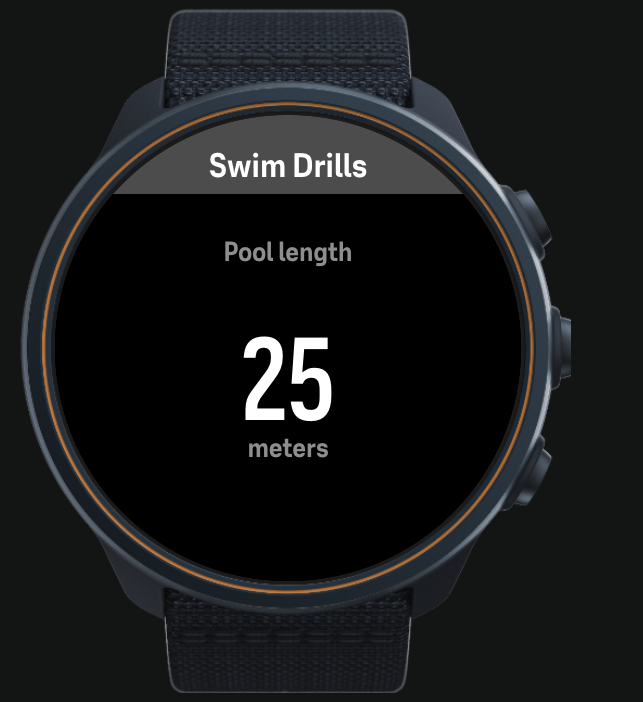
1. Pool Setup (initial only)
User defines pool length.
Controls
UP press→ +25 mUP long press→ −25 m (min 25 m)LAP→ start first drill
Behavior
- Executed only once at the beginning
- Value persists for the entire session
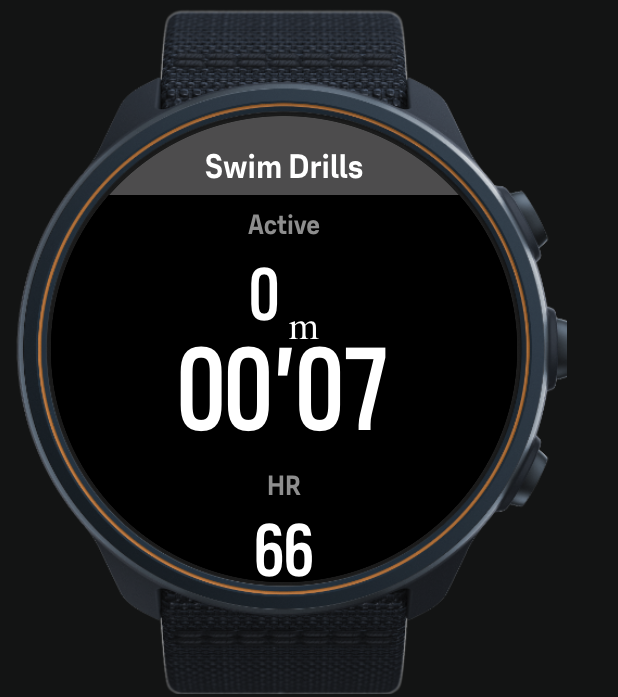
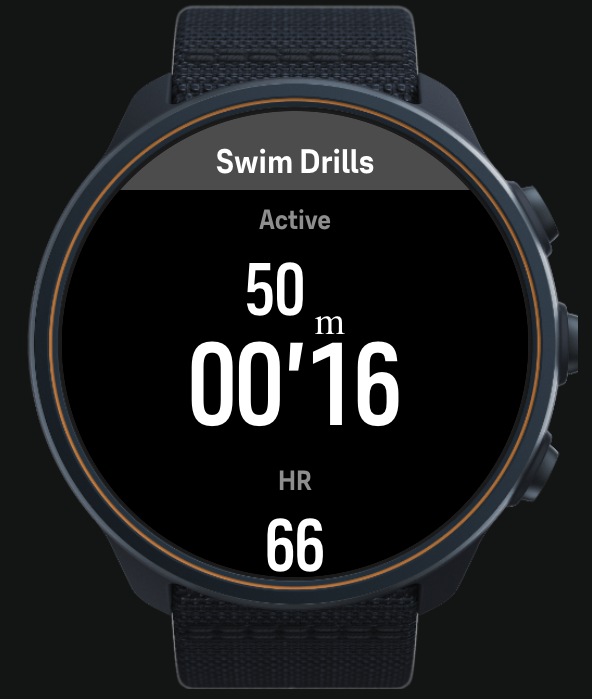
2. Swim Phase
Tracks active drill.
Display
Drills (m)→ cumulative manual drill distanceTimer→ elapsed swim timeHR→ heart rate
Controls
LAP→ end drill and start rest
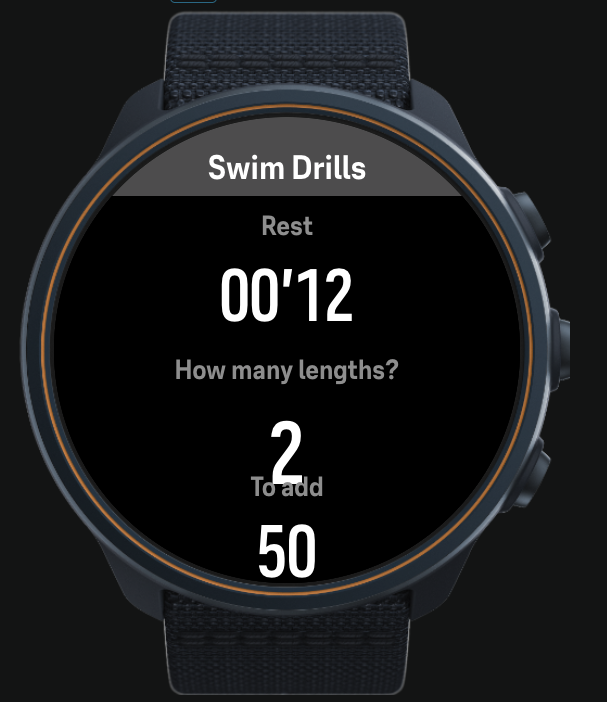
3. Rest + Input Phase (REST_EDIT)
Rest starts immediately.
User inputs number of completed lengths.
Display
- Rest timer (running)
- Number of lengths
- Distance to add
Controls
UP press→ +1 lengthUP long press→ −1 length (min 1)NEXT→ confirm
Result
drillDistance += lapCount × poolLength
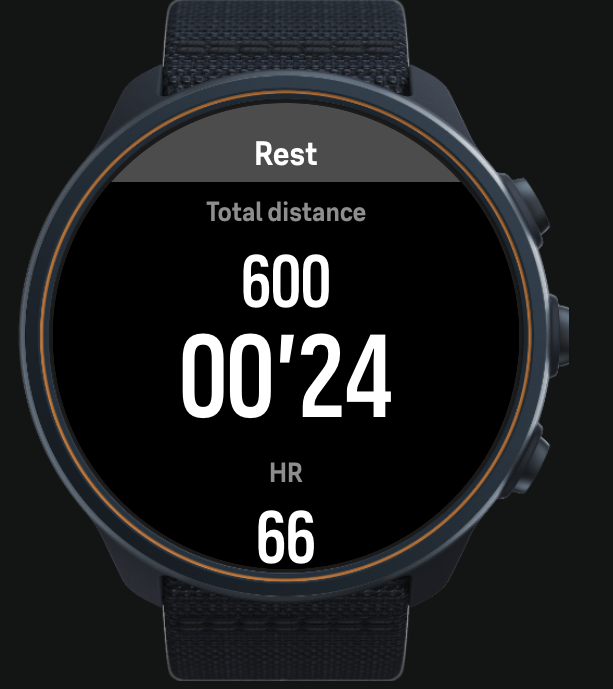
4. Rest View (REST_VIEW)
Passive recovery phase.
Display
Total (m)→ combined distanceRest timerHR
Controls
LAP→ start next drill
Timing Logic
Two timers are managed:
Swim Timer
- Starts on entering SWIM
- Stops on LAP
Rest Timer
- Starts immediately after swim ends
- Continues through:
- REST_EDIT
- REST_VIEW
- Resets on next drill start
Button Mapping
Button Action LAP (down) Start / stop drill UP press Increment value UP long press Decrement value NEXT Confirm input
UI Structure
Swim View
- Top: Drills distance
- Center: Timer
- Bottom: HR
Rest View
- Top: Total distance (combined)
- Center: Rest timer
- Bottom: HR
Summary Outputs
At the end of the activity, the app provides:
- Total → combined distance
- Drills → manual drill distance
- Swim → native watch distance
These values appear as SuuntoPlus custom summary fields.
Limitations
- Cannot modify official workout distance
- Combined distance is not exported as primary distance
- Manual input required for each drill
- No automatic lap detection
- No per-interval history
Recommended Use Cases
- Kick-only sets
- Technique drills
- Mixed swim sessions
- Structured workouts with manual control
Practical Recommendation
Use Combined Distance as the primary metric during training.
The official workout distance should be considered incomplete when drills are involved.