Suunto app Forum Suunto Community Forum
    • Recent
    • Tags
    • Popular
    • Users
    • Groups
    • Register
    • Login

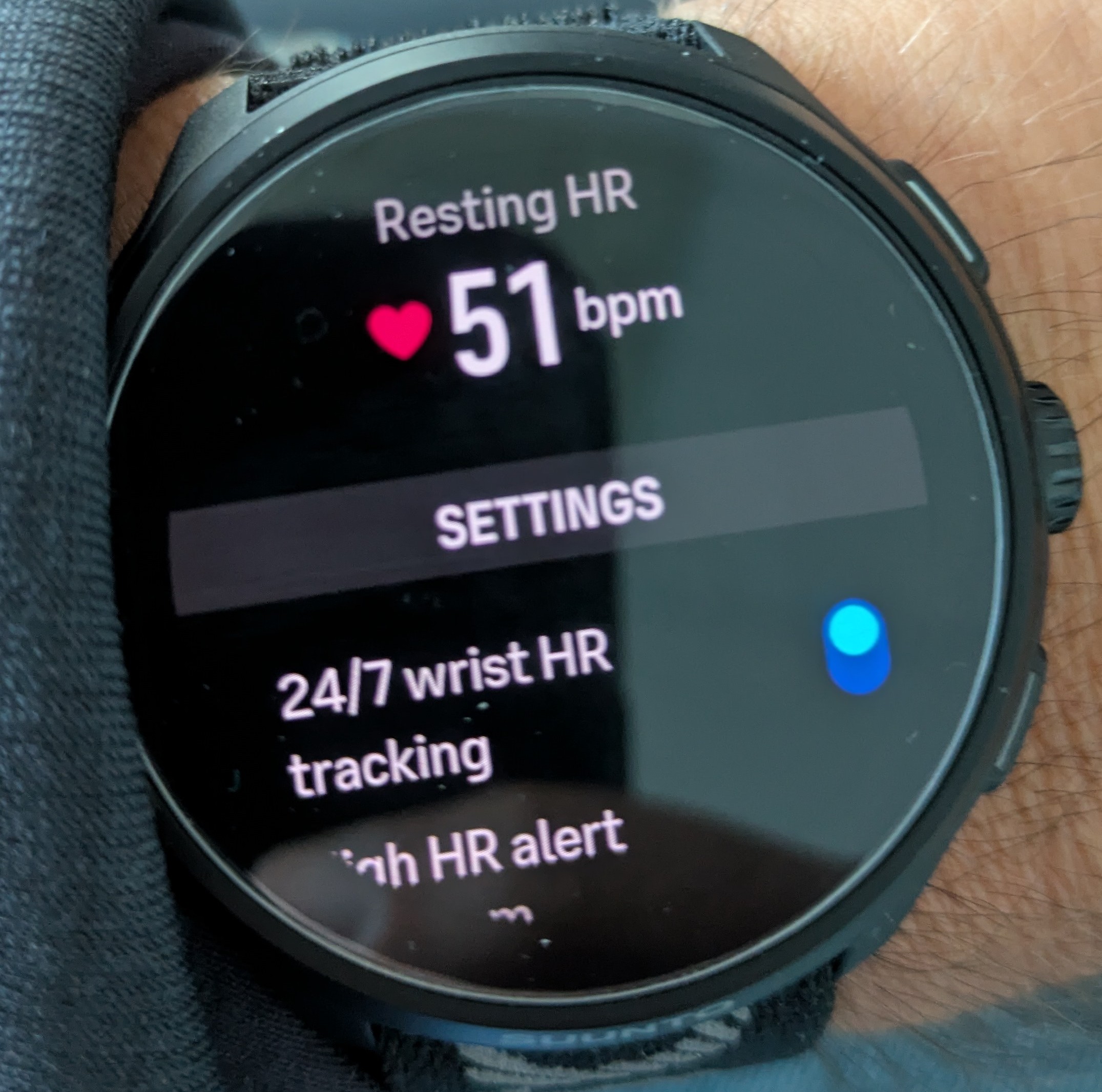
    Resting HR: watch and app always show different readings [SOLVED]

    Scheduled Pinned Locked Moved Suunto Run 2
    8 Posts 3 Posters 250 Views 3 Watching
    Loading More Posts
    • Oldest to Newest
    • Newest to Oldest
    • Most Votes
    Reply
    • Reply as topic
    Log in to reply
    This topic has been deleted. Only users with topic management privileges can see it.
    • S Offline
      snow*
      last edited by snow*

      Just to see if it’s just me or if it’s a minor bug

      Run 2
      SHRM2
      Spark

      EgikaE SvenningS 2 Replies Last reply Reply Quote 0
      • EgikaE Offline
        Egika Platinum Member @snow*
        last edited by

        @snow not sure, but where do you check resting HR in the watch and in the app (Android or iOS)?

        t6, S6, Elementum Terra, Ambit 3 Sapphire, Spartan Ultra, Traverse Alpha, S7 Graphite LE, S9B Ambassador, S9P Titanium, S9PP Titanium, Vertical All Black, Race Titanium, Race S Titanium Courtney, Run Lime, Race 2, Vertical 2 Titanium, Race 3s

        S 1 Reply Last reply Reply Quote 0
        • S Offline
          snow* @Egika
          last edited by snow*

          @Egika said:

          @snow not sure, but where do you check resting HR in the watch and in the app (Android or iOS)?

          Yes, in the ‘Min. sleep HR widget (today)’ app (Android) and in the heart rate widget on the watch. I might be wrong, but on the Race S they’ve always looked the same to me.

          Run 2
          SHRM2
          Spark

          EgikaE 1 Reply Last reply Reply Quote 0
          • SvenningS Offline
            Svenning Bronze Member @snow*
            last edited by

            @snow My watch doesn’t show a resting heart rate at all.
            I haven’t paid attention to that yet.
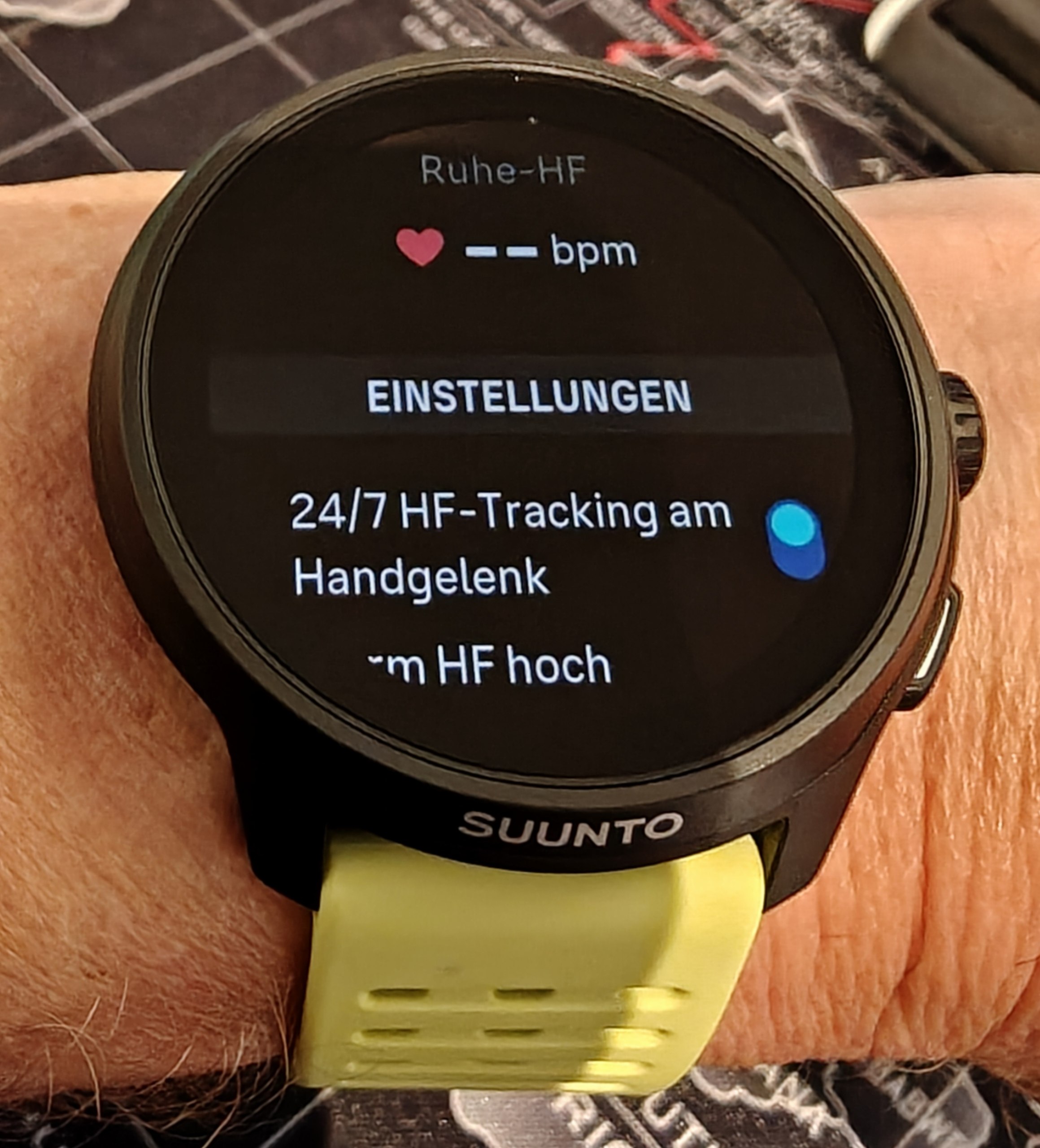
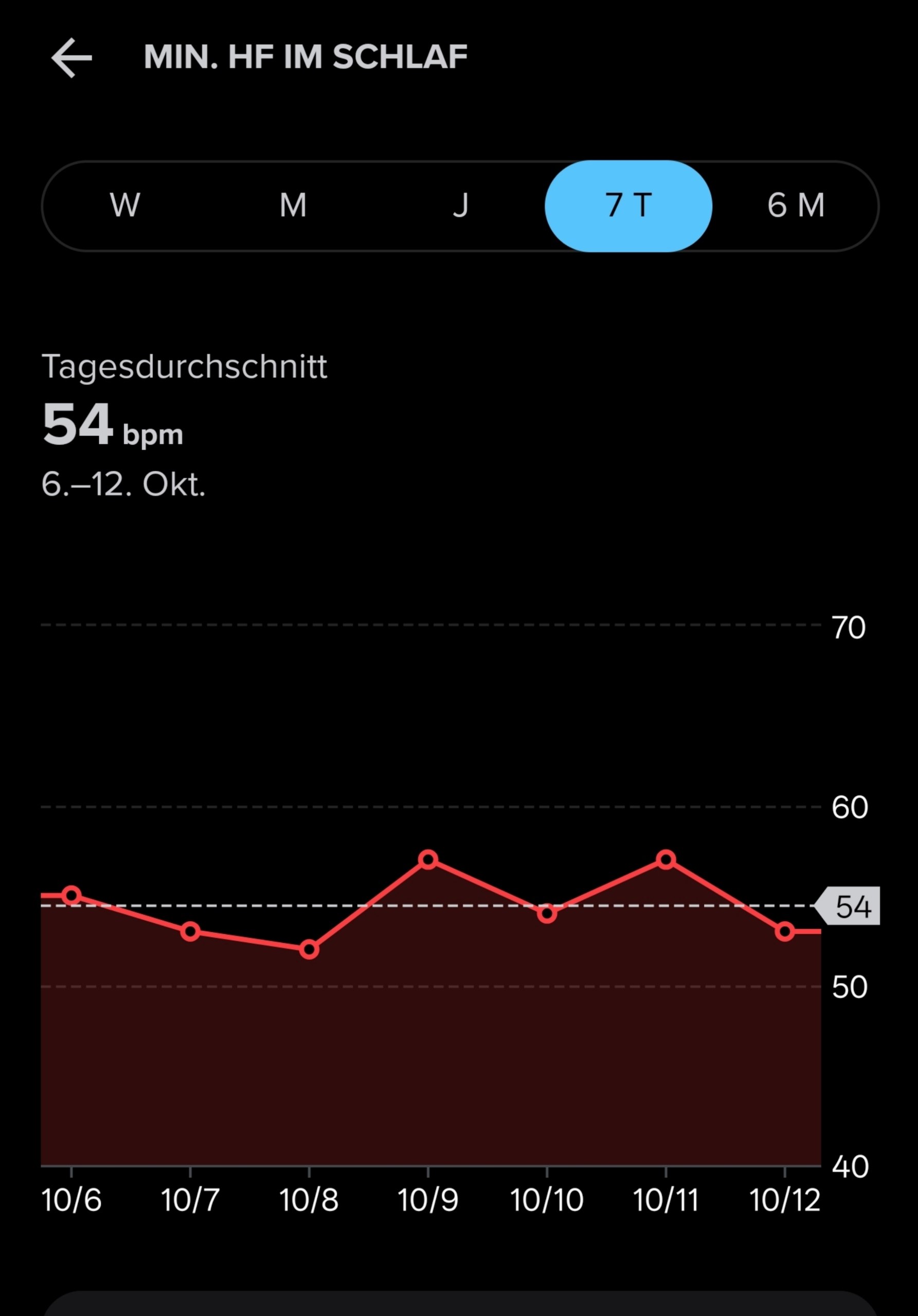
            photo_2026-10-12_08-24-38.jpg photo_2026-10-12_08-24-43.jpg

            Suunto Run 2 (Garmin FR255>Suunto RUN>RACE2>RUN2)
            Suunto Wing 2 + Spark
            Polar H10
            OnePlus 13

            S SvenningS 2 Replies Last reply Reply Quote 0
            • S Offline
              snow* @Svenning
              last edited by

              @Svenning mine
              img1.jpg

              Run 2
              SHRM2
              Spark

              1 Reply Last reply Reply Quote 0
              • SvenningS Offline
                Svenning Bronze Member @Svenning
                last edited by

                Offtopic: Is there a way to resize images here, or do I need to downsize them before uploading? I haven’t found a resize option yet.

                Suunto Run 2 (Garmin FR255>Suunto RUN>RACE2>RUN2)
                Suunto Wing 2 + Spark
                Polar H10
                OnePlus 13

                1 Reply Last reply Reply Quote 1
                • EgikaE Offline
                  Egika Platinum Member @snow*
                  last edited by

                  @snow said:

                  @Egika said:

                  @snow not sure, but where do you check resting HR in the watch and in the app (Android or iOS)?

                  Yes, in the ‘Min. sleep HR widget (today)’ app (Android) and in the heart rate widget on the watch. I might be wrong, but on the Race S they’ve always looked the same to me.

                  there is a difference between “resting HR” and “min HR”.
                  Min HR during sleep on the watch (in sleep widget) and in app (iOS) does match for me.

                  Then there is a min. HR value in the HR widget, which states to be the minimum in the last 12h. So if read in the evening it will not cover last nights sleep minimum.

                  Resting HR instead is a value you set in the watch in Settings - General - Personal. Though I do not know where this value is actually used…

                  t6, S6, Elementum Terra, Ambit 3 Sapphire, Spartan Ultra, Traverse Alpha, S7 Graphite LE, S9B Ambassador, S9P Titanium, S9PP Titanium, Vertical All Black, Race Titanium, Race S Titanium Courtney, Run Lime, Race 2, Vertical 2 Titanium, Race 3s

                  S 1 Reply Last reply Reply Quote 1
                  • S Offline
                    snow* @Egika
                    last edited by

                    @Egika said:

                    there is a difference between “resting HR” and “min HR”.
                    Min HR during sleep on the watch (in sleep widget) and in app (iOS) does match for me.

                    Then there is a min. HR value in the HR widget, which states to be the minimum in the last 12h. So if read in the evening it will not cover last nights sleep minimum. Resting HR instead is a value you set in the watch in Settings - General - Personal. Though I do not know where this value is actually used…

                    You’re right!
                    I’ve never really paid much attention to them, but after fiddling about with the Run 2 a bit recently, I’ve become curious about those Min/Avg/Rest values… Sorry for the noise!


                    Run 2
                    SHRM2
                    Spark

                    1 Reply Last reply Reply Quote 0

                    Hello! It looks like you're interested in this conversation, but you don't have an account yet.

                    Getting fed up of having to scroll through the same posts each visit? When you register for an account, you'll always come back to exactly where you were before, and choose to be notified of new replies (either via email, or push notification). You'll also be able to save bookmarks and upvote posts to show your appreciation to other community members.

                    With your input, this post could be even better 💗

                    Register Login
                    • First post
                      Last post

                    Suunto Terms | Privacy Policy