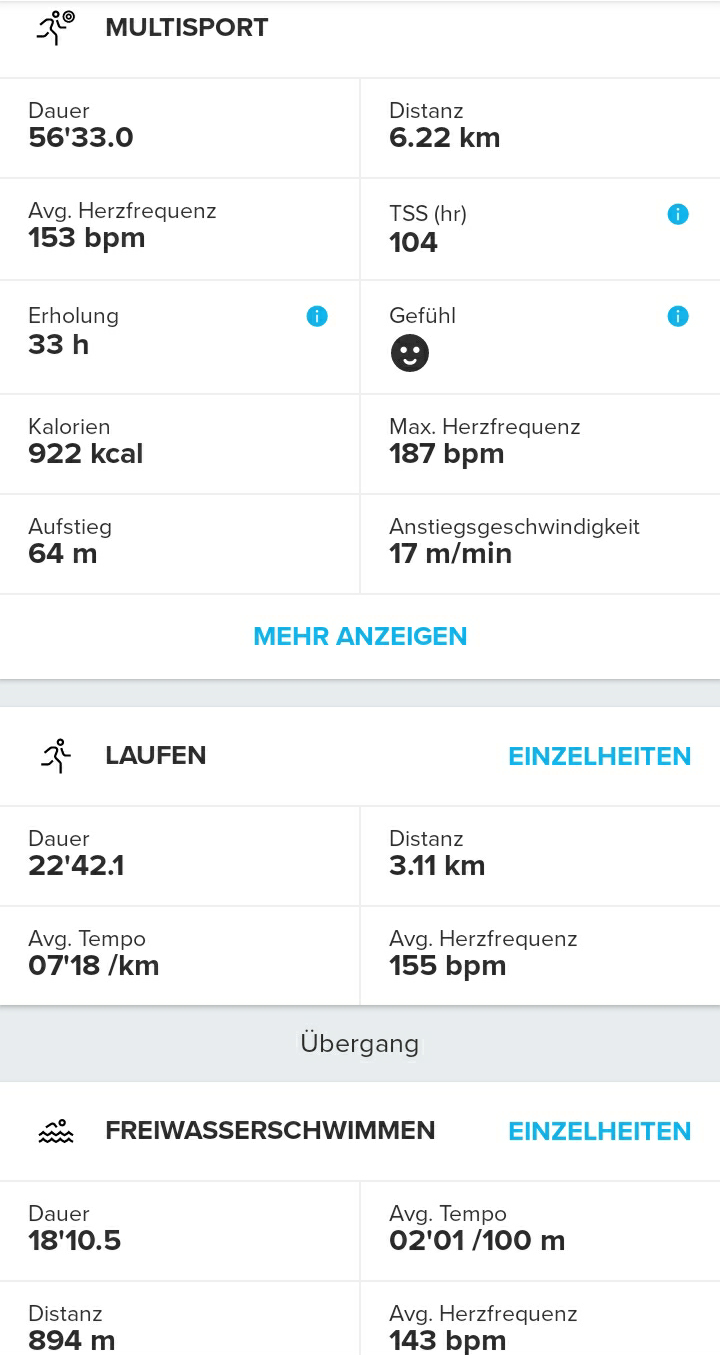
@Victor-Hugo-Santoyo said:
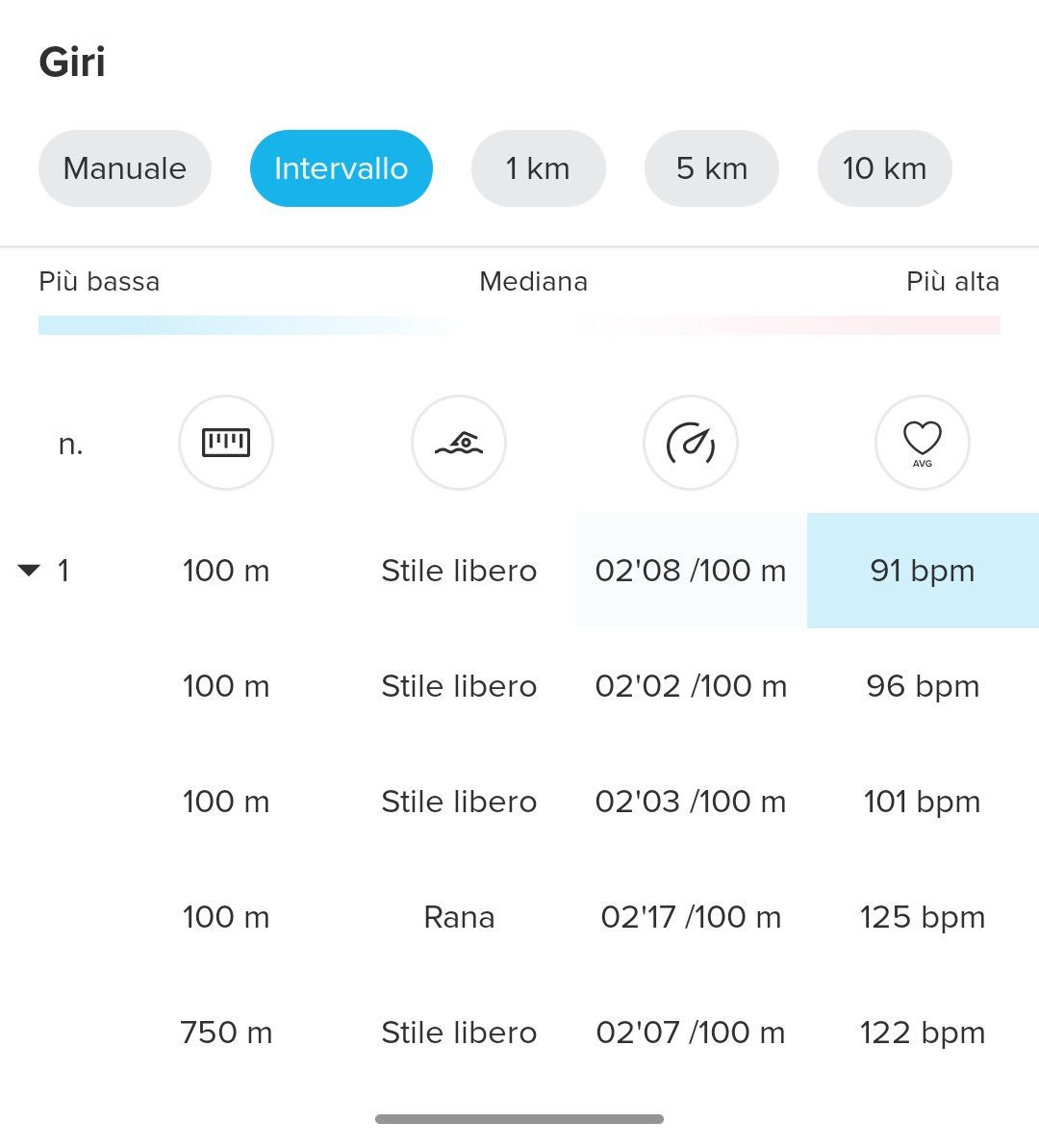
Tienen desactivada la función de autolap, ya que si no les va mostrar en la APP esta como la manual, en mi caso cuando hago intervalos de esta manera que indican siempre desactivo el autolap y en la app aparecen según los he programado.
It appears to be a bug. I had the auto-lap feature turned off. Shorter intervals functioned well, so the problem may arise only during long sessions. I was also using ZoneSense. I will examine this further this week.