Race S Problem after last update 2.44.46
-
Well : it’s quite very very strange…
At wake up this morning it’s was still displaying the same message error.
I have tried a « desperate » soft reset…
Then it has switched to « improving you watch… »
Then error message with fw, the « decide has woke up after an error »
…then watch turned ON…without all parameters ok, personnal sport modes…only sleep and vfc history seems to have been reseted, and hr zones have been also reseted (and running specific zones was pinned again). Seems that 2.44.46 has been reinstalled automatically
Very very strange …. -
@Tieutieu
Did you see what error? I had something similar with my Race S last weekend. It was charging during the night and when I woke up it was in a loop trying to restore. After disconnecting it from the charger it recovered after a while, showing error 1403 4 times, also firmware 2.44.46. The only thing different fro normal was that I was in a hotel and connected the charging cable to a usb socket in the wall - normally I charge via my power bank. -
@mwijns exactly same case : I was using usb socket in a hotel ! Maybe to much power supply or so ??!
I have had those messages :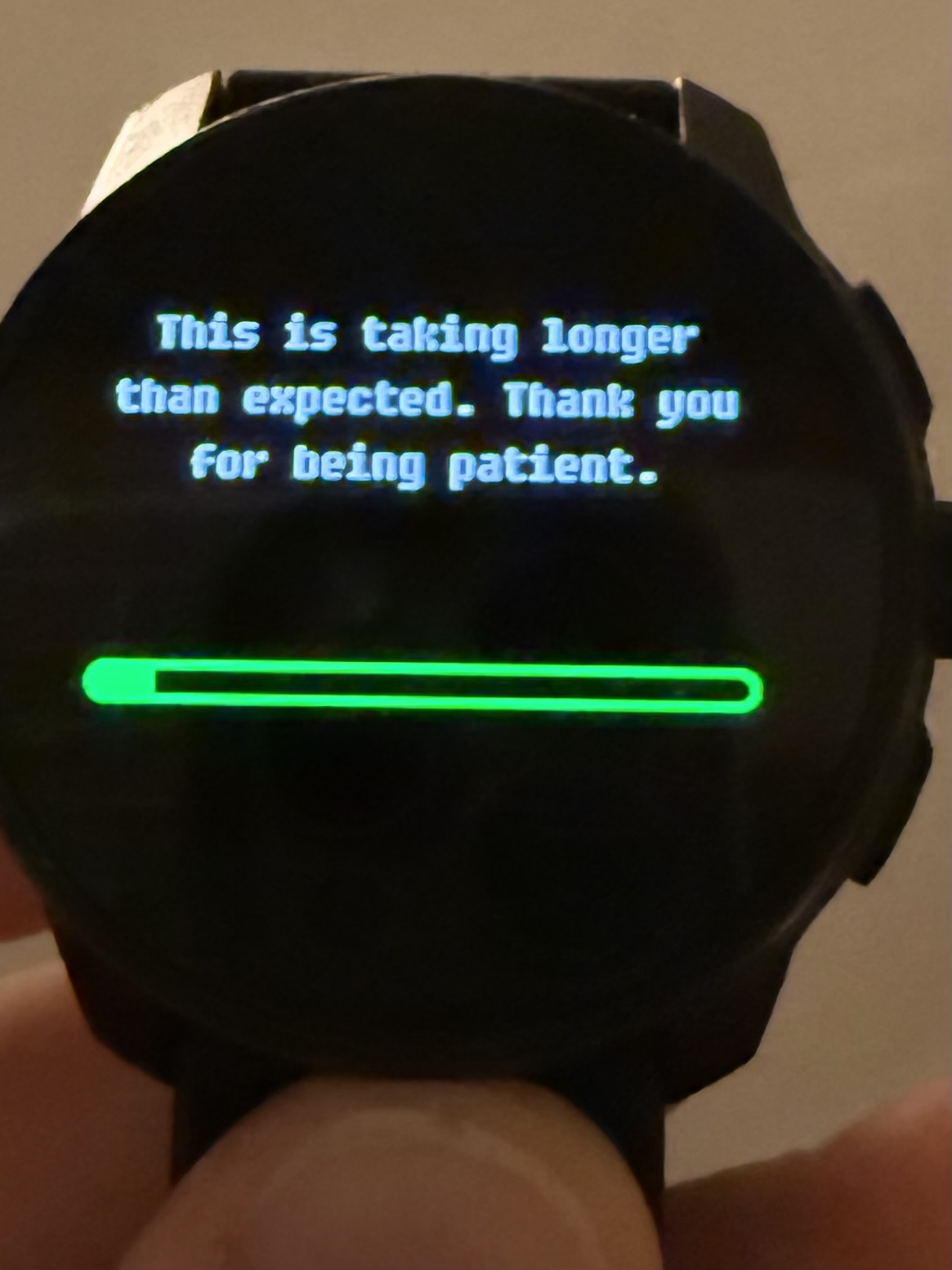
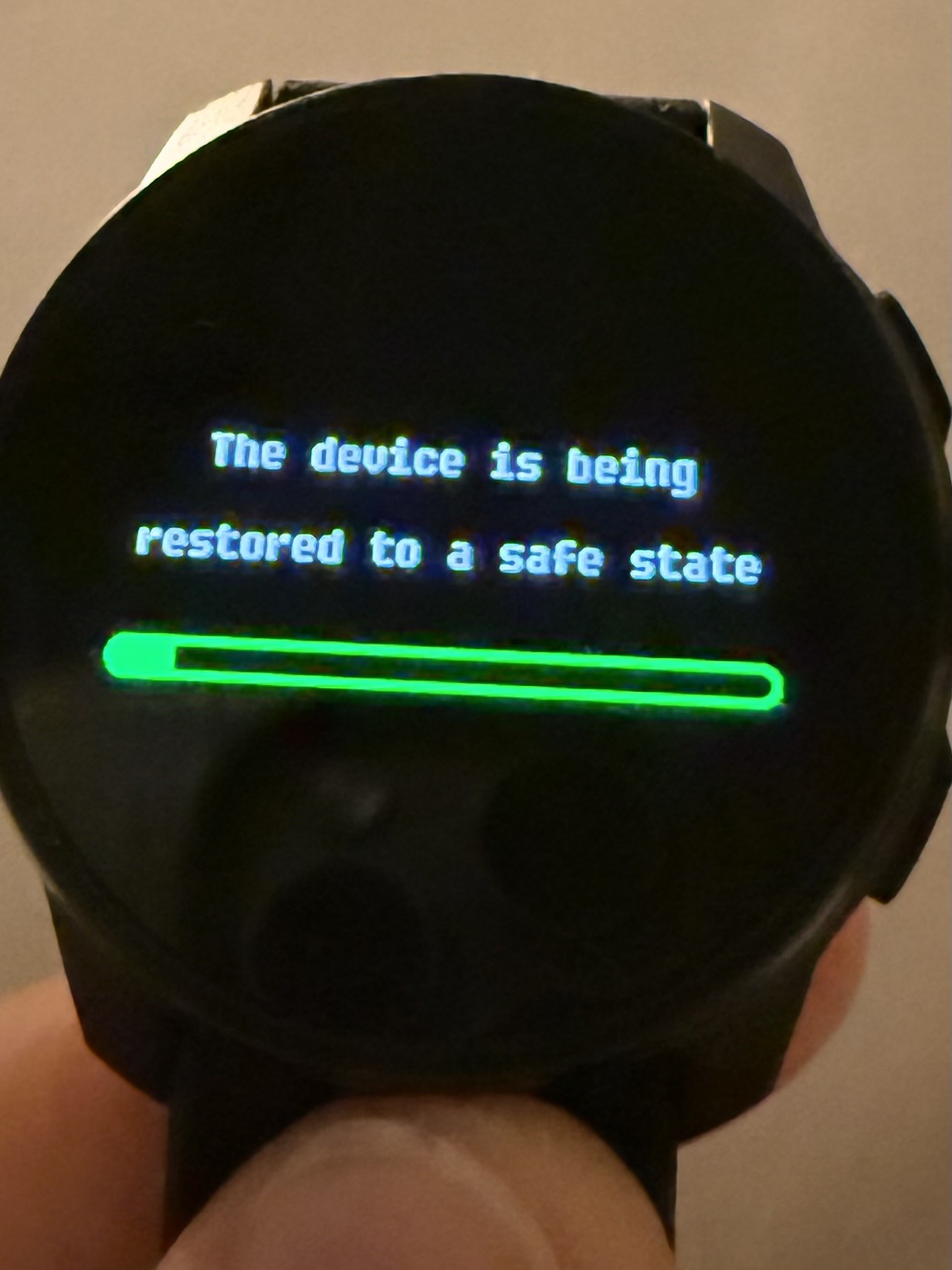
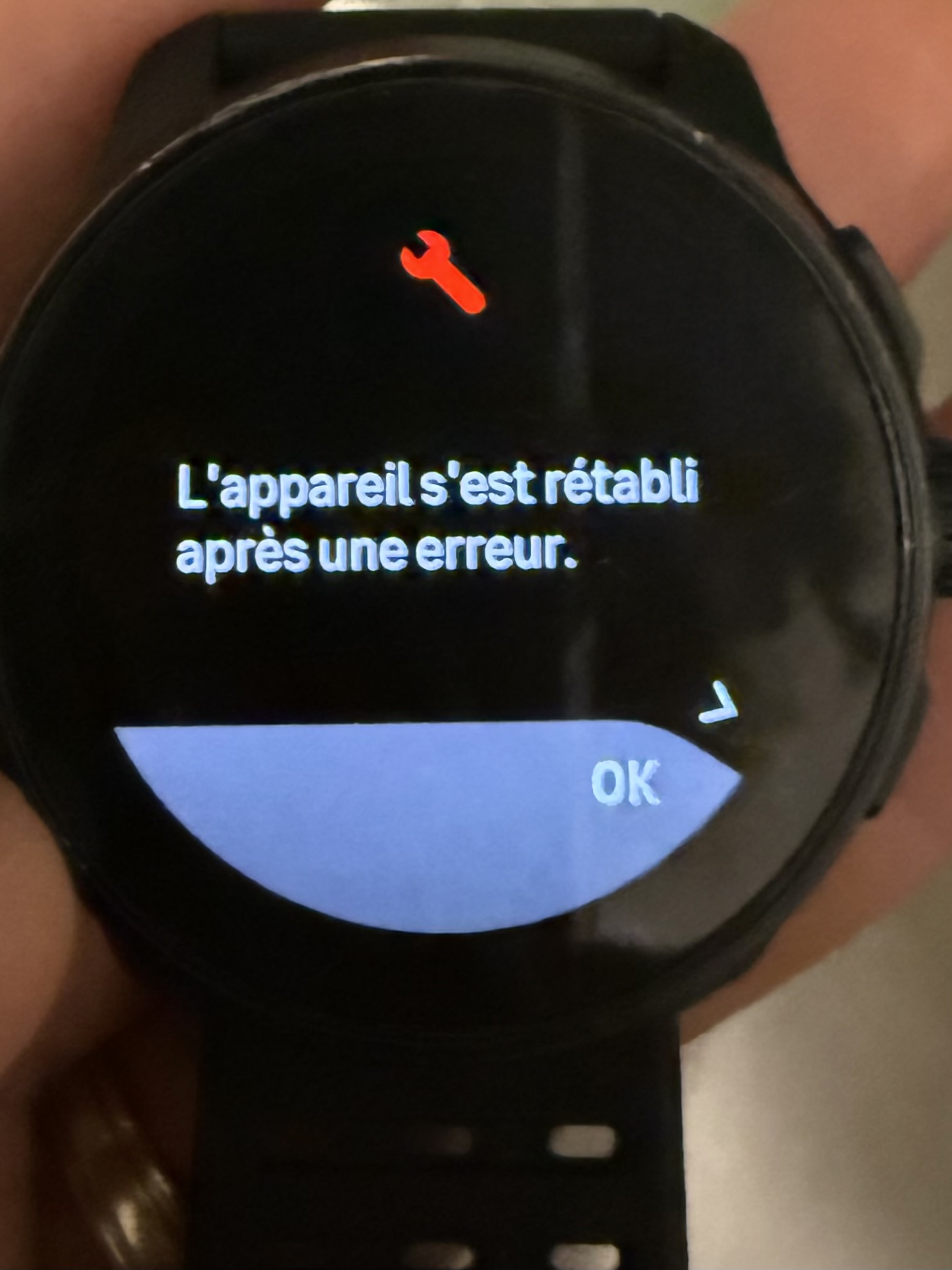
-
Interesting, maybe the power supply was not clean. It’s the last time I connect to a socket like this. Mine gave specific error information after it finally recovered:
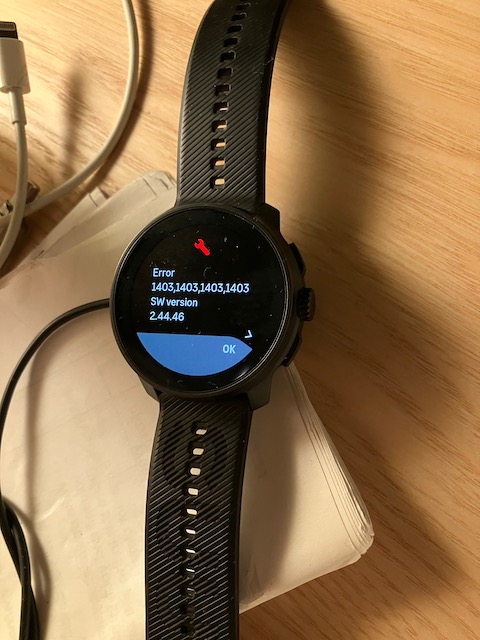
-
I seem to have the exact same issue when charging with a power bank (even in safe trickle mode) or with my computer usb connection. I am trying to understand if it is an issue with the power source or if it is something to do with the cable / charging connectors? Has anyone got feedback from Suunto on this?
-
It’s happening to me at this exact moment ! I charge the watch with my PC as usual and now I have this message. I have no idea why and why now ? What to do ? I’m tired of this all the bugs I have with this watch
-
Well I have the Suunto’s feedback : it is normal.
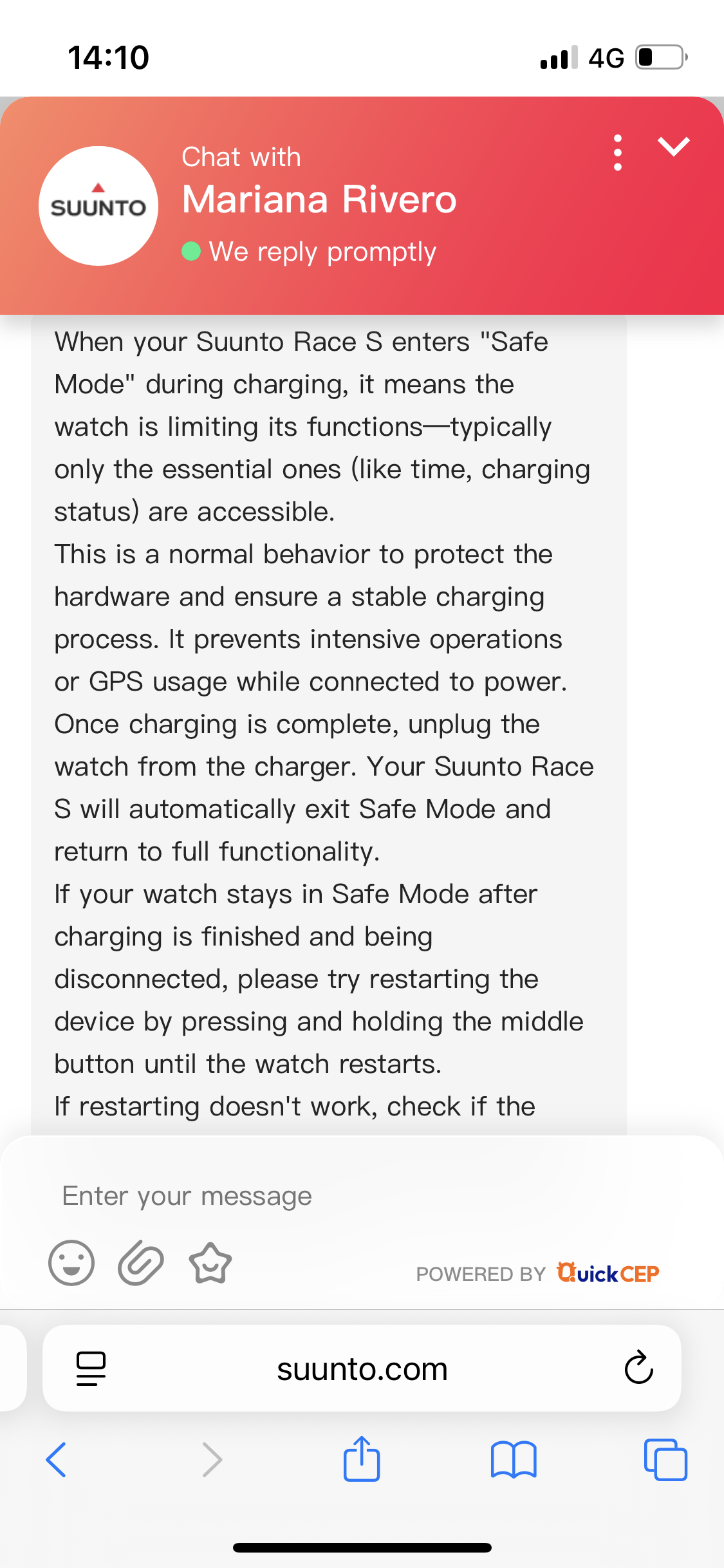
-
@valeR
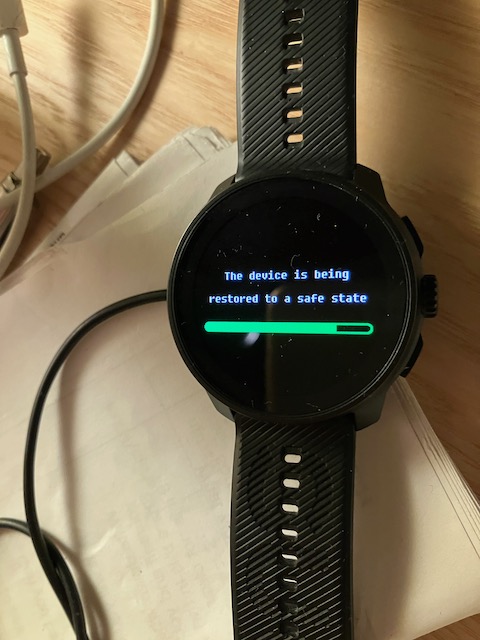
This sounds like two different things. What I saw on my watch was not a safe mode with limited functionality, it reported that it was restoring the watch to a safe state after encountering an error (1403, whatever that means, in my case). It had no functionality other than the progress bar showing the restore progress. No time, etc. -
Hello, I received the Suunto Race S All Black watch a week ago. For the first two days, the watch worked perfectly. However, on the third day it became impossible to record an activity without the watch displaying “The device is being restored to a safe state,” “Improving your watch for adventure,” “Error 1403,1403,1403,1403 – SW version 2.48.16,” and “The device recovered from an error,” for a duration ranging from 5 minutes to 1 hour.
I have experienced this issue five times since then. This message also appears even when I am not starting any activity, or when I try to install an offline map. Once the watch becomes usable again, the previous display state is not saved and the watch is partially reset.
Has anyone managed to resolve this issue? If I send it to Suunto for repair, will the problem be fixed, or do I need to wait for a new software update? -
@Valentin-Schulz You could wait for an update that should be soon but this should not be happening. I would try a hard reset but that seems to be what has happened. Try a hard reset and if still an issue it might be faulty hardware and will be replaced.