• Race S activity data logging intervals

    2
    0 Votes
    2 Posts
    77 Views
    M
    @tonkosefko hi, I also left G. I use Race2 + external HRM sensor. I don’t have such a problem. can you please make some screen recordings of the activity …
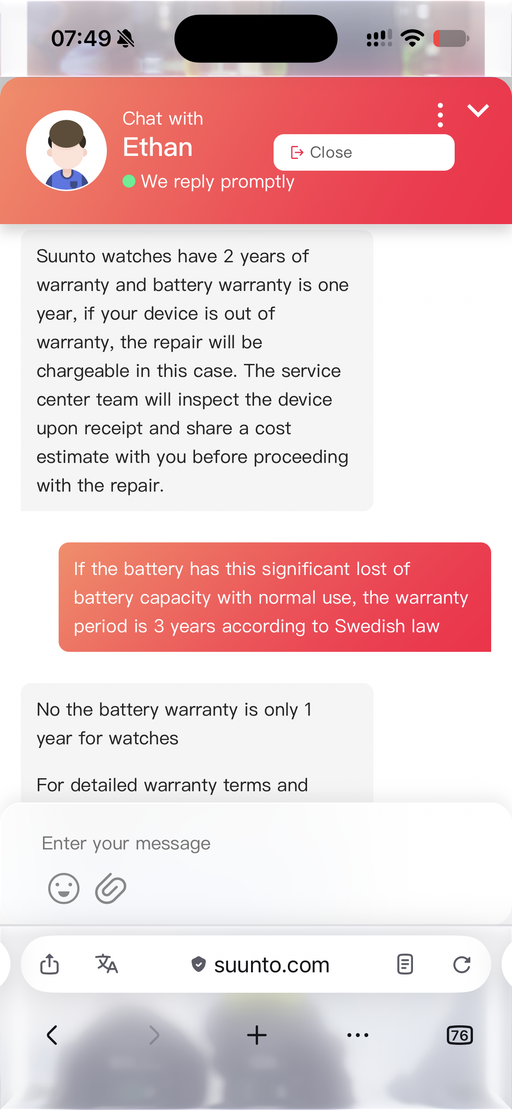
  • Battery capacity significantly dropped after 1.5 years

    4
    1
    0 Votes
    4 Posts
    175 Views
    E
    @Gunnar Yeh. There is also the excessive wear and to be expected wear of a battery. Still, I suggest the OP first depletes the battery and charge it again to force a battery management reset. For me it helped (probably temporarily)
  • 2 Votes
    15 Posts
    2k Views
    B
    A new development, same firmware (the latest one). I searched the internet to find whether it is possible to downgrade the current firmware to the previous firmware version. In theory, it is possible. In practice, my watch started the downgrade process and then reported an undefined error and reverted to the latest firmware again. I did this procedure 3 times, unsuccessfully. Each time after the unsuccessful downgrade, I did the hard reset of the watch. Plenty of time was spent on these activities. Finally, after the last attempt to downgrade the firmware and a hard reset of the watch, I connected / paired the watch with the Suunto app in my mobile phone, and went to sleep. Yesterday morning, the watch warned me if I had wanted to switch on sleep tracking. I switched it on. Last night I went to sleep hoping that sleep tracking would work. And it did. I see this problem as one similar to firmware upgrades in mobile phones. Sometimes the new firmware doesn’t “sit” well and had to be reinstalled. I’ve been doing this on my phones for years. Now I did the same on the Race S watch. I’ll see whether the problem is finally resolved.
  • SuuntoPlus Guides are not syncing

    30
    0 Votes
    30 Posts
    4k Views
    mickywickyftwM
    To add a data point: I was able to reproduce this reliably. I am normally connected to TrainAsOne and by itself I’ve had no trouble whatsoever in close to 3 years. Each time I registered for a Suunto AI plan in parallel, Suunto pushes its workouts to the watch, which is too many workouts I guess. From then on, the sync breaks. Unlike « regular » sync failures which I’ve managed to resolve via a combo of soft reset and re-pairing the watch (this happened a handful of times in 3 years), this case has only ever been resolved with a hard reset. Reproduced 4 times.
  • Activity saved with wrong date, can't sync

    2
    1
    0 Votes
    2 Posts
    325 Views
    S
    @Pandametal I have the exact same issue. Were you able to solve it?
  • Offline Map Download Speed

    15
    0 Votes
    15 Posts
    1k Views
    L
    Squirrel, thanks for your answer and for the forum link, which contains a very useful screenshot clearly showing how map updates are displayed in the Suunto app . Personally, I think Suunto watches and the smartphone app lack documentation. I’m glad this forum exists, with so many advanced Suunto users!
  • Suunto Smart Heart Rate Belt keeps losing connection to the watch

    46
    1 Votes
    46 Posts
    5k Views
    Petr DubskýP
    On Thursday, I recorded an ice hockey session using a new Suunto strap, following the instructions exactly; I left my Race S watch in the locker room, and after the session, I stopped the activity and waited for the data to sync to the watch. Upon checking, I found that the heart rate graph only starts at around the 50-second mark of the activity. This also happened during my previous session when recording to the Suunto Smart HR memory. Am I doing something wrong? Thank you. [image: 1789209292973-img_0351.png] [image: 1789209311398-img_0351.png]
  • Tides

    20
    3 Votes
    20 Posts
    3k Views
    L
    +1 I would also appreciate to have tides displayed “somewhere” on my Race S watch .
  • Power Saving

    2
    0 Votes
    2 Posts
    138 Views
    SquirrelS
    @tomvanacker Press lower button to enter Control panel Scroll down to Power saving and disable
  • Why Suuntoplus apps is a max of 2 apps enabled for workout?

    4
    0 Votes
    4 Posts
    295 Views
    Łukasz SzmigielŁ
    @athinakap30 memory. You’re handling a very low resource device that has to do plenty of hard work every second to display accurate workout data - while being active for 70 or so constant hours on one battery charge. Suunto+ apps can be very demanding, especially if you want to draw something more than just a number.
  • Suunto repair service - praise

    5
    9 Votes
    5 Posts
    331 Views
    S
    @HonzaS Today had to send also the HR smart sensor bought two months ago. Let’s see how it goes this time. Glad to hear more people had good experience with service
  • Suunto Race S - Plans from Runna not synchronized with the Watch

    6
    0 Votes
    6 Posts
    292 Views
    2
    try removing all Guides and sync again other Apps and Watch Faces. If that doesn’t work, a hard reset probably will…
  • Suunto Race S – Climb Guidance screen is black

    2
    2
    0 Votes
    2 Posts
    119 Views
    S
    @Thomas-Gilquin never experienced something like that, but since a couple of weeks there is a “similar” issue with climb guidance in the zoomed segment where no profile is visible (see https://forum.suunto.com/post/195432). Your doesn’t seem to be the exact same problem, but who knows, it can be somehow related if this is a backed issue from Suunto servers.
  • Race S: Extremely high battery use rate

    125
    6 Votes
    125 Posts
    15k Views
    2
    @johann.fuehrer for me the soft reset after charging doesn’t help with battery run time. But it certainly helps with Resources. Will keep doing it…
  • 0 Votes
    4 Posts
    178 Views
    J
    @isazi … and the same happens on the Vertical 2 with powermeter connection as well…
  • Switching back to Suunto - Race S?

    16
    1 Votes
    16 Posts
    1k Views
    S
    @Tieutieu Battery drain: Same here
  • TSS (hr) different for imported activities

    7
    1 Votes
    7 Posts
    1k Views
    S
    ​Hi everyone, ​I contacted Suunto Support regarding an issue with Heart Rate zone distribution and TSS calculations for activities synced from my Hammerhead Karoo unit. ​Currently, third-party imported activities ignore custom HR zones set on the watch and instead rely on Suunto’s default backend algorithms. As a result, rides synced from my Karoo end up with mismatched HR zones (e.g., shifting Zone 2 efforts into Zone 1), which directly distorts HR-TSS, CTL, and ATL tracking in the Suunto App. ​I strongly request that Suunto allows manual HR zone configuration directly within the Suunto App (or enables synced activities to respect the watch’s custom HR zone settings/LTHR). This would ensure that data imported from head units like Hammerhead is categorized accurately. ​Below is the official response I received from Suunto Support confirming this current limitation: Thank you for contacting Suunto Support and for providing the detailed information. We understand that you are recording cycling activities with your Hammerhead Karoo 3, which are then automatically synced to the Suunto App, and that you have noticed differences in the heart rate zone distribution between the Hammerhead platform and the Suunto App. Regarding imported activities from third-party platforms, the heart rate zone analysis displayed in the Suunto App is calculated based on the settings and algorithms used by Suunto. The HR zones configured on your Suunto Race S watch may not be applied to activities imported from other services, which can result in differences between the original platform and the Suunto App. At the moment, the Suunto App does not support setting independent heart rate zones specifically for imported third-party activities. Therefore, there is currently no setting available to force imported activities to use the HR zone configuration from Hammerhead. We appreciate your feedback regarding this functionality. We will forward your comments to the relevant team as user feedback for future improvements. Thank you again for your understanding and support. Kind regards, Suunto Support Team
  • Race S reliability

    8
    1 Votes
    8 Posts
    689 Views
    G
    @snow had it from May last year & until June this year it was fab, no issues whatsoever. Just since June the issues seem to have been. Updated the app, software, etc, used S+, not used S+, but seems no pattern
  • Race S physical button

    1
    0 Votes
    1 Posts
    157 Views
    No one has replied
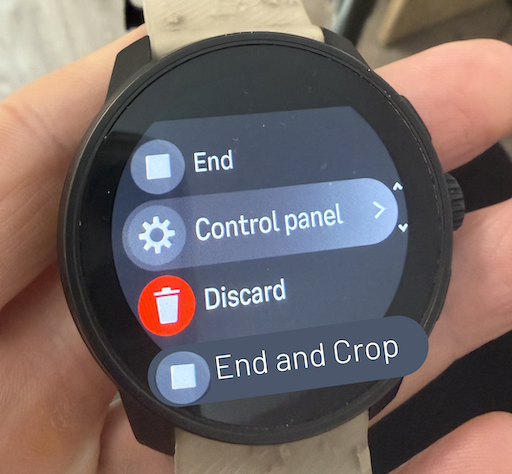
  • Feature Request: Crop Activity Before Saving

    24
    2
    34 Votes
    24 Posts
    2k Views
    MdzOttM
    @Ecki-D. I sync to Strava, crop there, export GPX, load it to Sport Tracker (after deleting the original). It works, but it is like trying to scratch your left ear with your right foot . Btw. This feature was asked for for at least 10 years

Suunto Terms | Privacy Policy