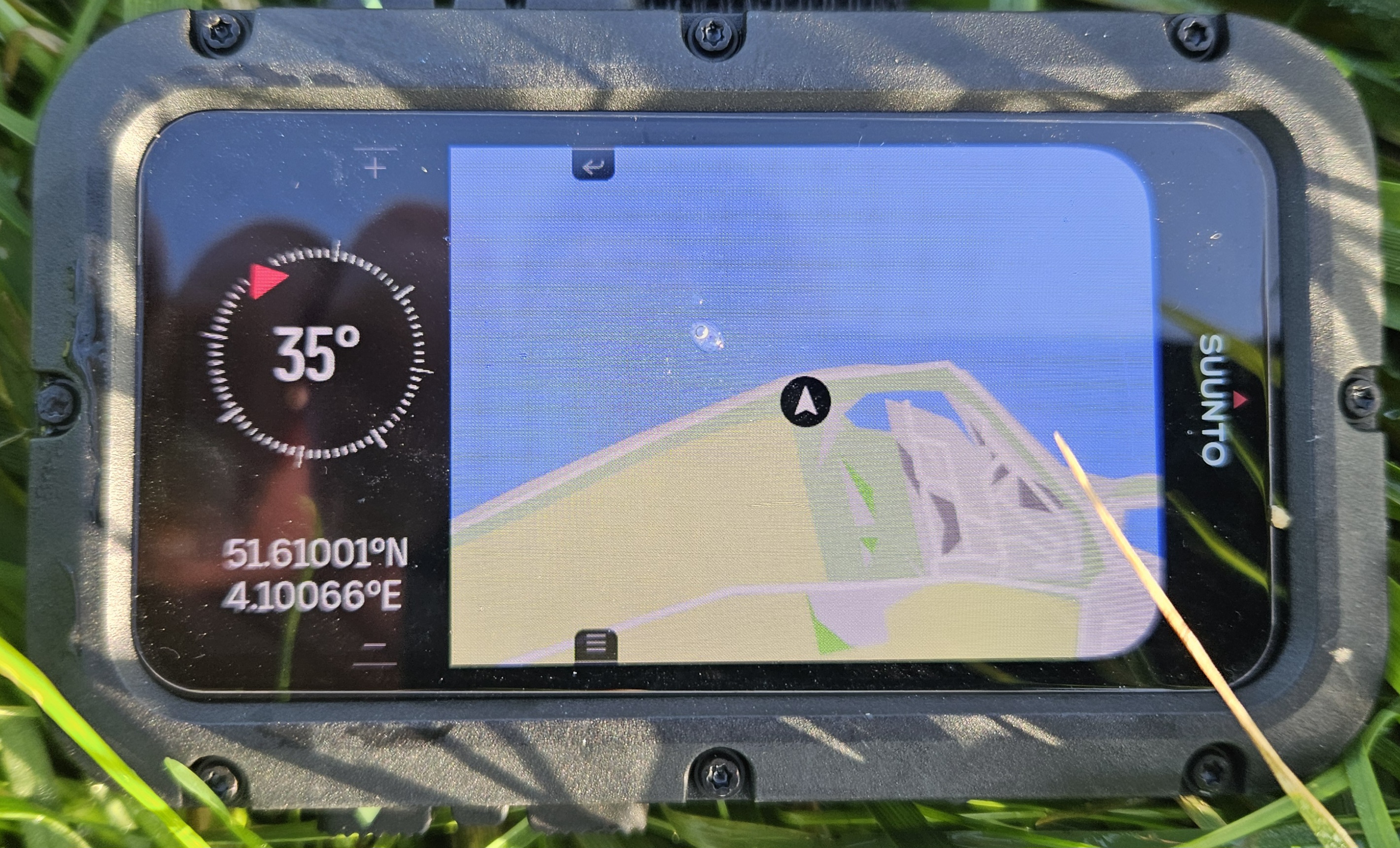
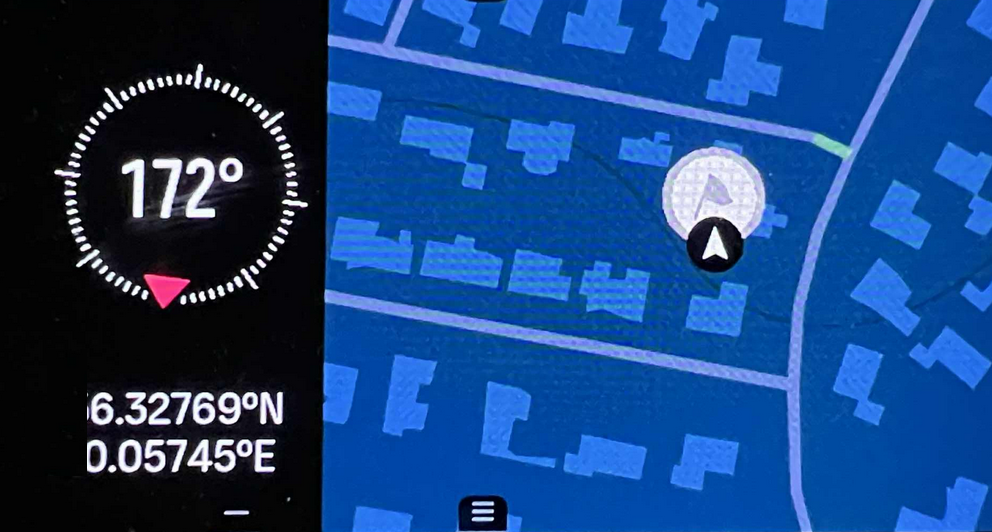
Set Compass baring in Maps widget
-
It would be great to be able to set the compass baring in the Maps widget as it gives a better overview of the divesite and required route possibilities for the dive, The compass is already there but set baring does not work from that screen…
-
@hhouter Very good idea… along with POIs… and a planetary location view of POIs both on the Maps Widget’s Compass and i the Compass on the dive screen…
It does not necessary have to be real time navigation - but just an on dive computer screen mapping of POIs, compass baring etc… it will be so much better that previous computers!
-
Manual page 59
You can use your device to navigate in various ways. You can, for example, use it to orient
yourself in relation to magnetic north or navigate to a point of interest (POI).Can you guys confirm that is possible to create POI in Suunto APP, then synchronise with Nautic and it will use GPS (on surface) to navigate towards POI created previously ??
-
Yes…
By using the Suunto App’s Map = POI. I have created a POI.
And by selecting the POI from the list and enabled Use in Watch, then the POI is now on the Nautic’s Map…But, there is nothing about which watch i the App, so it could be my sports watch also or something else…
Basically it works. But, not much in the menu to help navigating, yet.
It could be something simple as distance and direction to POI from entry point… as a start.Just very simple things could make diving with a Suunto Nautic much more fun than before… the platform for the device is there and the software possibilities on this platform are endless…
-
These are the situations where need to remember the baring degrees, setting the baring sits in another switch window. It would indeed be perfect to indicate GPS locations via POI’s in the water on the map. This will help us getting on track to wrecks, reefs etc…sits in another Switch window.