Suunto 2.50.28 hot-fix Q4
-
After the latest firmware update I’ve noticed something new and wanted to check if others are seeing the same.
Since yesterday my 9 Peak Pro has stopped the OHR sensor three times – always after a training session, possibly after syncing.
I never had this issue before. Maybe once per month during the night, but never directly after an activity.
It happened once yesterday and twice today. The only way to recover so far has been a full restart of the watch.
In addition, with the recent Suunto App update the number of routes that can be synced to the 9PP seems to have been reduced (from 20 to 15?). On Monday I had to delete 6 routes just to sync one new route.
I really like the watch and the Suunto ecosystem overall, so I’m hoping this is something that can be looked into and improved.
Has anyone else experienced the OHR stopping after activities?
Any recommendations or known workarounds?Also, just out of curiosity: are there current Suunto models where this kind of issue is less common? I’d prefer to stay with Suunto — features are great — but reliability is very important to me.
https://www.strava.com/athletes/37982563
https://www.instagram.com/macdev -
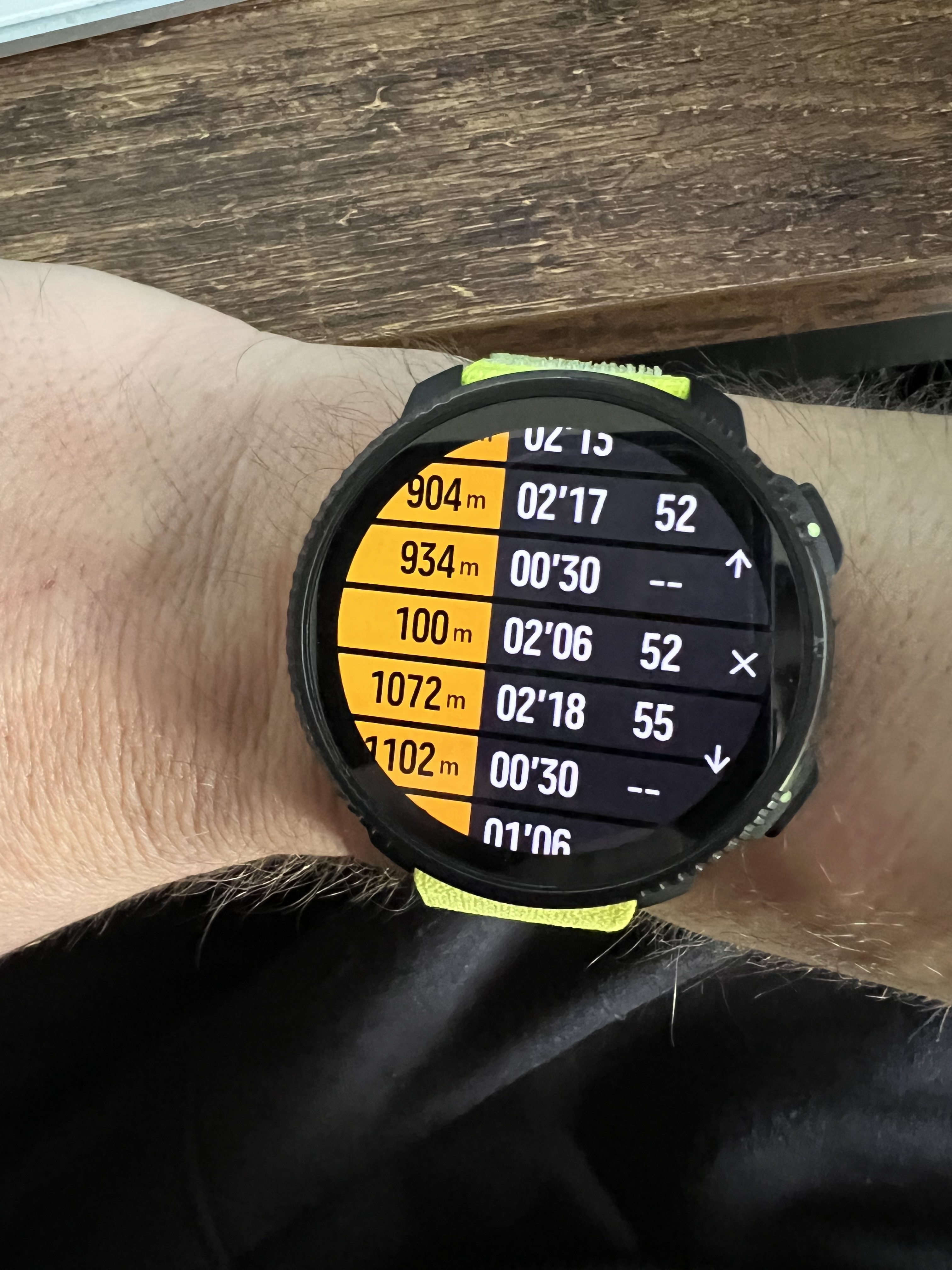
@Александр-Даниленко same problem on vertical 2
-
@Ecki-D. yup, the HR thing going offline happened twice with the latest update, and i’m having very erratic behavior when the watch turned iself of on multiple occasion last weeks, it “seems” to be ok now, i charged it again to 100% and let it idle on the charger for 2 more hours.
I had to find a “dumb” charger as the others wouldn’t charge the watch above 90ish percent (i think the current is too low and the charger goes offline, i’ve seen this especially on power banks -
Since the latest update and the hotfix, I experienced the HR unexpected off three time… all the time I activated a soft reset and the sensor started to work again quickly.
Luckily I noticed the fact as I started the training record and the HR was not synced…
I hope a new hotfix could delete this annoying problem…crossed fingers here! -
@misu763 It helps me to have the passcode function enabled.
So everytime the hr sensor fails, the watch thinks it is not on the wrist anymore and locks itself.
So as soon as I have to dial in the passcode I know something is wrong. -
@Ecki-D.
Clever strategy! Thank you for the suggestion! -
I have nothing exciting to note other than my alarms both went off 50 minutes later than planned today, on 9PP. I suppose it’s possible I snoozed them both 5 times or slept through them but I have doubts.
-
@Ecki-D. The OHR sensor doesn’t work for me either, the latest firmware. I restored it to 2.50.26 and it’s been perfect ever since.
-
@The_77 Any chance the watch face could have been touching your skin when the alarm was supposed to go off? The touch screen activates a moment before the vibration or sound does when an alarm goes off, making it possible to snooze or dismiss it without even knowing. It’s possible this could have happened 5 times if you didn’t move.
Old software required a button push to turn off or snooze the alarm. This is the way it should be. Not sure why it changed.
-
@duffman19 I mean, I was wearing long sleeves, so theoretically they could have been touching the surface, if that’s the case then it’s plausible.
I guess if it happens again I’ll find out!
-
After latest FW: ~1%/h drain in smartwatch mode (~4d total) 9PP.
• No activities
• GPS perf OK (~37–40h)
• Static WF
• Soft reset → no change
• Flight mode → still ~1%/hHW seems fine → likely FW idle/deep sleep regression.
I think I’ll roll back FW.
https://www.strava.com/athletes/37982563
https://www.instagram.com/macdev -
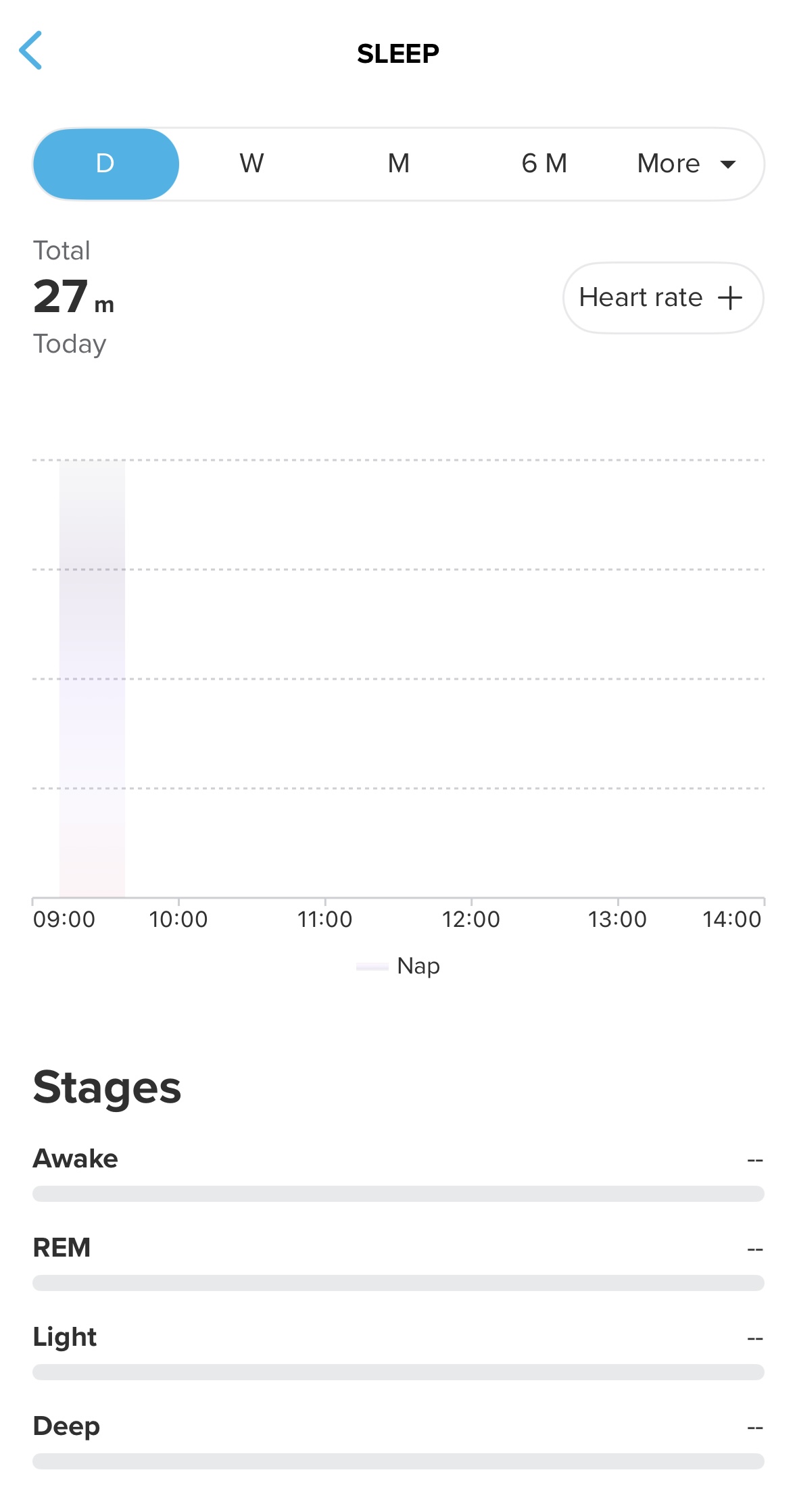
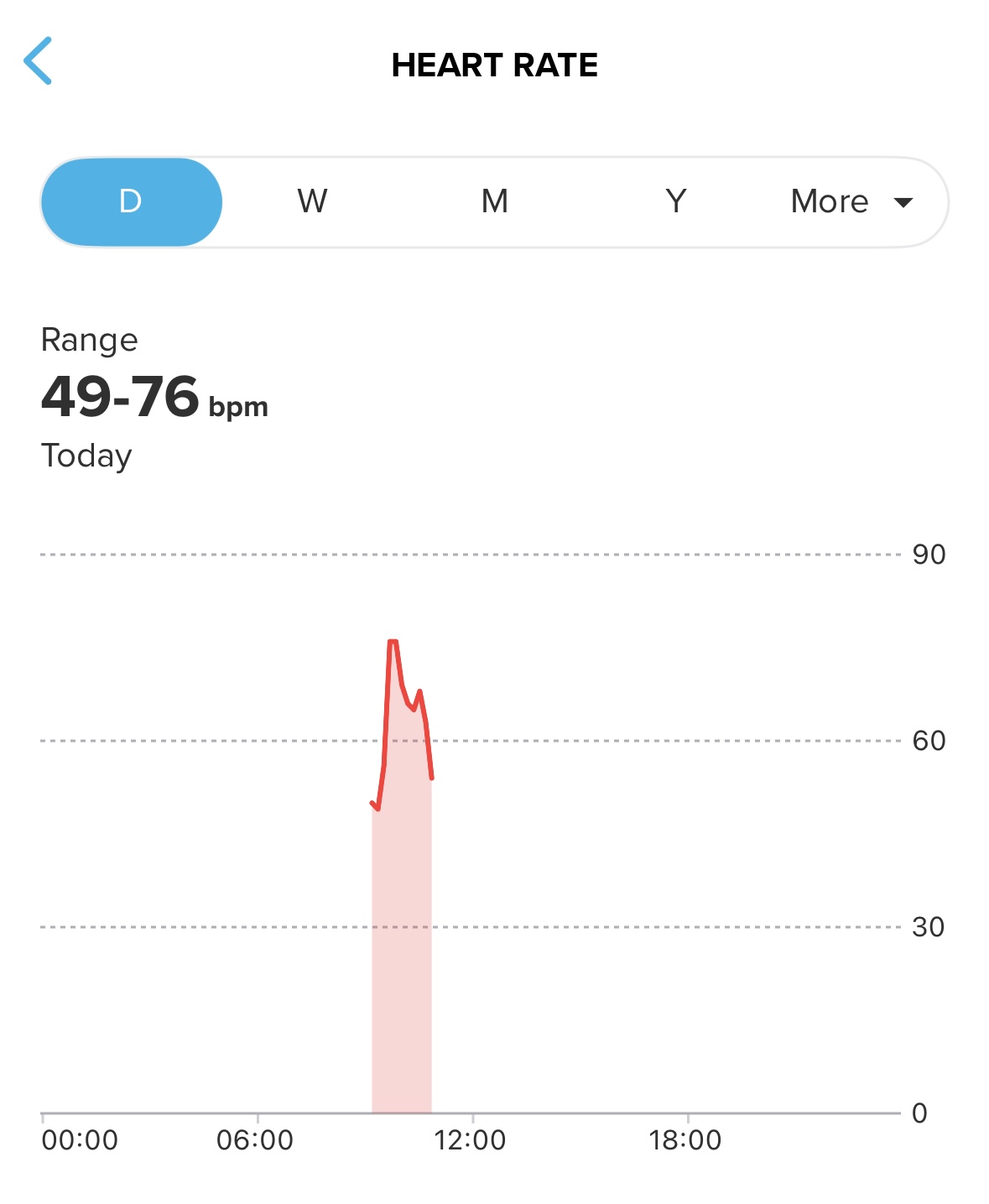
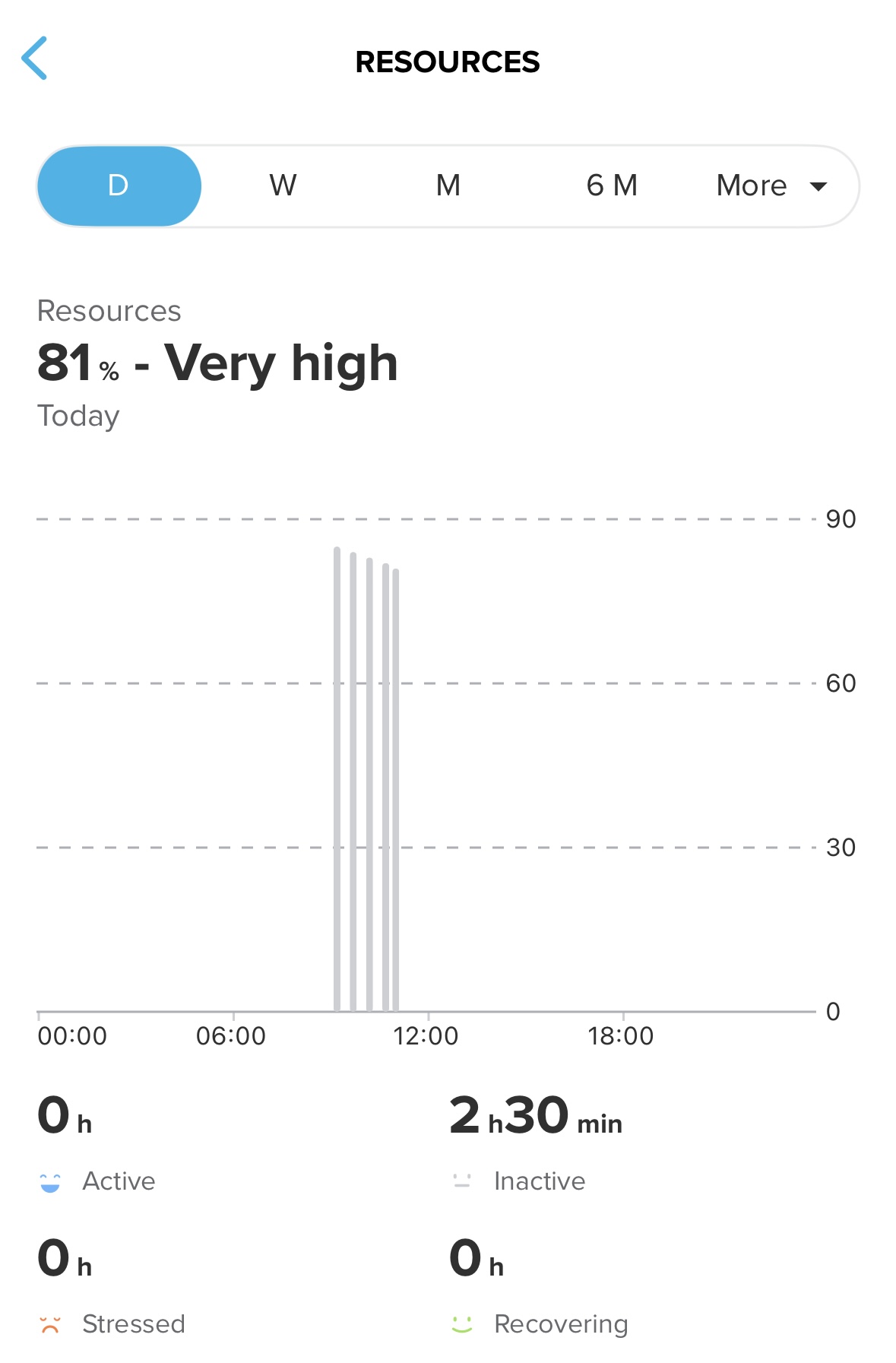
Race S, no issues until the latest hotfix. Now issues with sleep detection. There is also no data on the watch. Should I open a separate thread?
-
@OutdoorMan no need to open a new thread. It is already known to Suunto, it seems… https://forum.suunto.com/post/185192
-
@2b2bff I see, thanks. Let’s wait then…
-
Update – S9PP idle drain
Observed ~1%/h drain in normal mode.
In flight mode: ~0.25–0.5%/h (normal).
BT on (watch) + BT off (phone): normal drain.
Fully connected to iPhone: ~1%/h again.So it seems related to active BT/App communication, not hardware or general FW idle.
Now testing with background app refresh disabled.
Will report back.
https://www.strava.com/athletes/37982563
https://www.instagram.com/macdev -
Hi everybody,
Does the North-up option work? I think I tried just after release of version 2.50.26 and it worked, but now on 2.50.28, it doesn’t work, even after a soft reset, any clue? -
Just found small bug. The next alarm time in morning report is not right, because it does not reflect alarms set for workdays. I think it only counts with general time.
If I have set alarms for 6:00 and 10:00 on workdays and morning report shows up on saturday at 8:00, it shows next alarm at 10:00 but next alarm will be on monday at 6:00. -
S9PP – Idle drain investigation (final update)
I initially observed ~1%/h drain in smartwatch mode after the latest FW.
Testing over the last 24h:
• Flight mode → ~0.25–0.4%/h (normal)
• BT on (watch) + BT off (phone) → normal
• Background App Refresh OFF → normal overnight drain
• Activities (no GPS / short GPS) → within spec
• With Background App Refresh ON → slightly higher idle, but not consistently reproducible 1%/h anymoreConclusion so far:
• HW is fine (training battery life fully in spec)
• Deep sleep works
• High drain seems related to iOS app communication state
• Not a permanent FW idle regressionFor now I’ll keep Background App Refresh disabled and continue monitoring.
-
regarding the drain/battery management or whatever is related to the indication the watch provides … I am a bit disappointed… after letting the watch deplete and recharged it , I used and for 2 days it consumed like 2% per day - which gave me some smiles… (with oHR and notifications off though) … then I went for a run , using Suunto HR Belt, enabled the notifications and it lost 10% over 1 hour…
it is what it is , but it’s definitely not great
-
@thanasis if you like you can check battery usage during workout in https://smlanal.szmigiel.design from @łukasz-szmigiel
Export the json form the workout in suunto app and upload it there.I haven’t checked yet but I guess the permanent sync with the HR Belt or other sensor is using much more battery. I did a MTB Ride this morning only with the OHR and best GPS and it uses about 2,8% / Hour.
Edit:
Uploaded a 10k run from December with Suunto HR Belt, it says 4,04%h. Still have to re-check with latest FW and App version.






Hello! It looks like you're interested in this conversation, but you don't have an account yet.
Getting fed up of having to scroll through the same posts each visit? When you register for an account, you'll always come back to exactly where you were before, and choose to be notified of new replies (either via email, or push notification). You'll also be able to save bookmarks and upvote posts to show your appreciation to other community members.
With your input, this post could be even better 💗
Register Login