[Discussion] Share your projects
-
@safari Please let me know if you encounter other issues
-
I am not really good at coding, but my idea would be to program an S+ for the Woo kite sensor.
Maybe it’s possible to show the jump data right on the watch?
How can do this? -
@Egika I don’t know anything about the Woo kite sensor, but I guess you would want to connect to it using BLE. You would need specification of their BLE data format to write an app for it, at least I couldn’t find any documentation for it.
-
@Raimo-Järvi thank you, Raimo!
I’ll check with them. Let’s see.
-
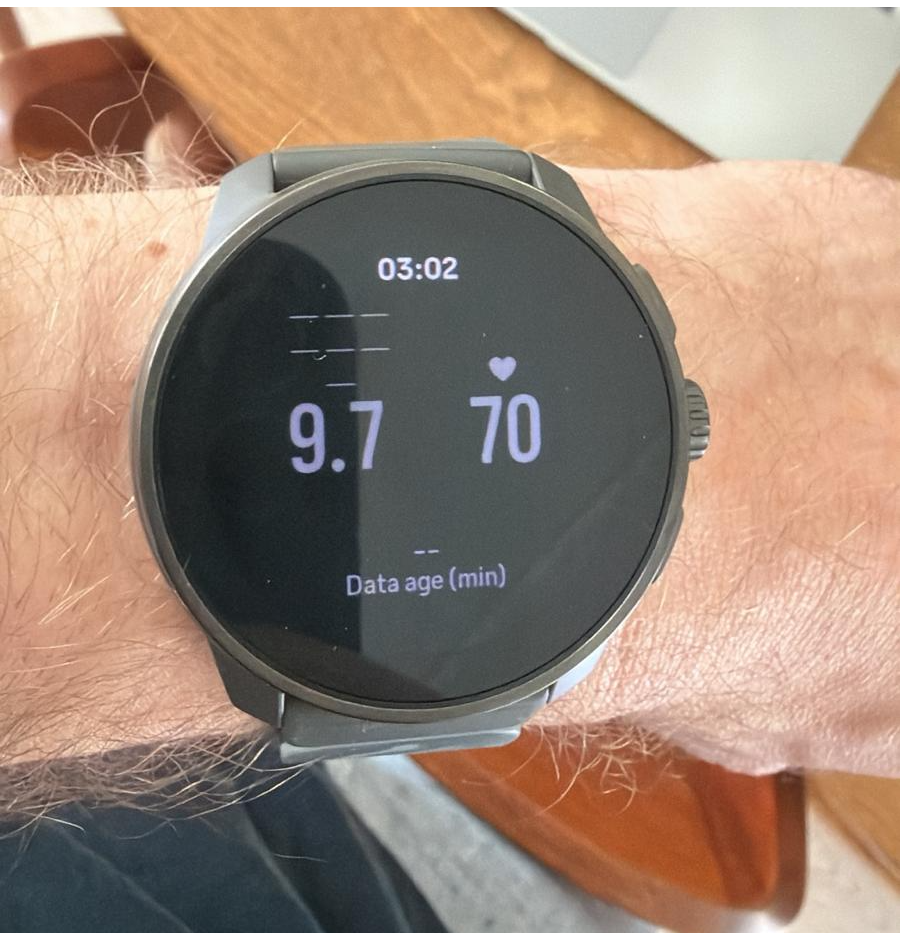
Hello all, I’m currently mostly vibe coding an app because my programming skills are too low for what I want. I am type 1 diabetic since recently so been looking for a way to track blood sugar without having to constantly look at my phone. Was finally able to get it somewhat working so that the values are being received correctly, just needs some polishing to make it all look a bit better.
-
@aenzed Sounds interesting! Are you receiving blood glucose values from a sensor, or how does it work?
-
@Raimo-Järvi A rather convoluted setup where glucose sensor values are sent to a open source cloud app (Nightscout) for logging. Data is then retrieved from Nightscout API in a self built BLE bridge app which then sends the data to the watch. Internet access is unfortunately required, but for most things that’s not a problem.
-
@aenzed so your Suunto watch connects back to the phone using this BLE connection method with uuids and byte blob reading?
-
@brechtvb Yep, UUID is set in the BLE bridge app and SuuntoPlus app explicitly
 The docs have a very nice walkthrough of BLE device connection, although it still took me awhile to get everything working.
 -
@aenzed do you mean the suunto manual? It also states max 2 devices, is that 2 devices per custom suunto plus app?
-
@brechtvb Yes, the manual/reference sheet in the VS code simulator. I don’t think I can answer that 100% correctly, but from the reference sheet I would say that it is max 2 devices per watch and not per app as they specifically mention watch firmware.
-
@aenzed okay thank you for your input.
This weekend i’m starting on reading a garmin sensor, should not be too hard.
But this limit of 2 sensors is really wild. If one cycles with:
- speed
- cadance
- power
- heart rate
sensor, we are 2 times in the blue. Suunto should really up this number, with just a note/popup that power consumption will go up because of the number of connected devices. That is totally acceptable.
Suunto users understand as well that GPS can be configured less precise for less power consumption.
-
@AYamshanov
Someone developed it. I assumed that you are aware.com.sports-tracker.suunto://campaign/suuntoplusstore/sportsapp/zzanch01
-
For the sailors among us…
I’m developing an app for the calculation of Velocity Made on Course (VMC).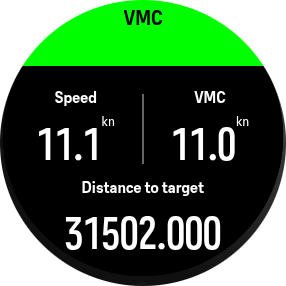
First of all, the simulator totally ignores the nautical distance format. The watch does format it well so it’s not a big deal.
The second issue is that I don’t see any option to get the bearing and/or coordinates of a selected POI. Only the distance is available. This makes the VMC calculation very inaccurate since the distance is measured in meters only.
The preferred way would be to calculate the VMC with the speed and angle
speed * Math.cos(heading - bearing);
All of the values are known, except the bearing to the POI. Is there any way to get this information?
Suunto Vertical Titanium Solar
OnePlus Nord 4 -
Here’s my little S+ app called “Constantin” that shows either pace or HR in split view:
Graph on the left and delta / current / average on the right.
Top button switches between pace and HR.
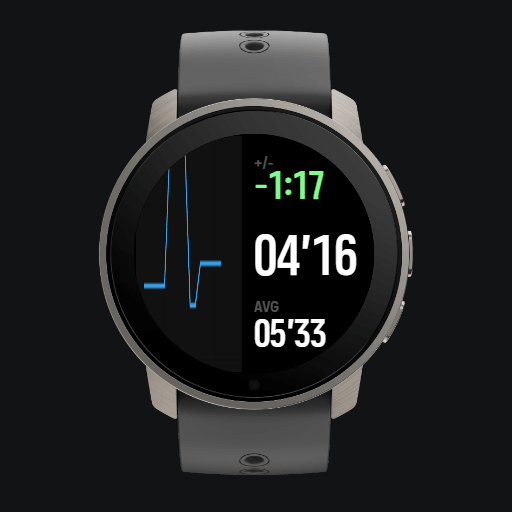
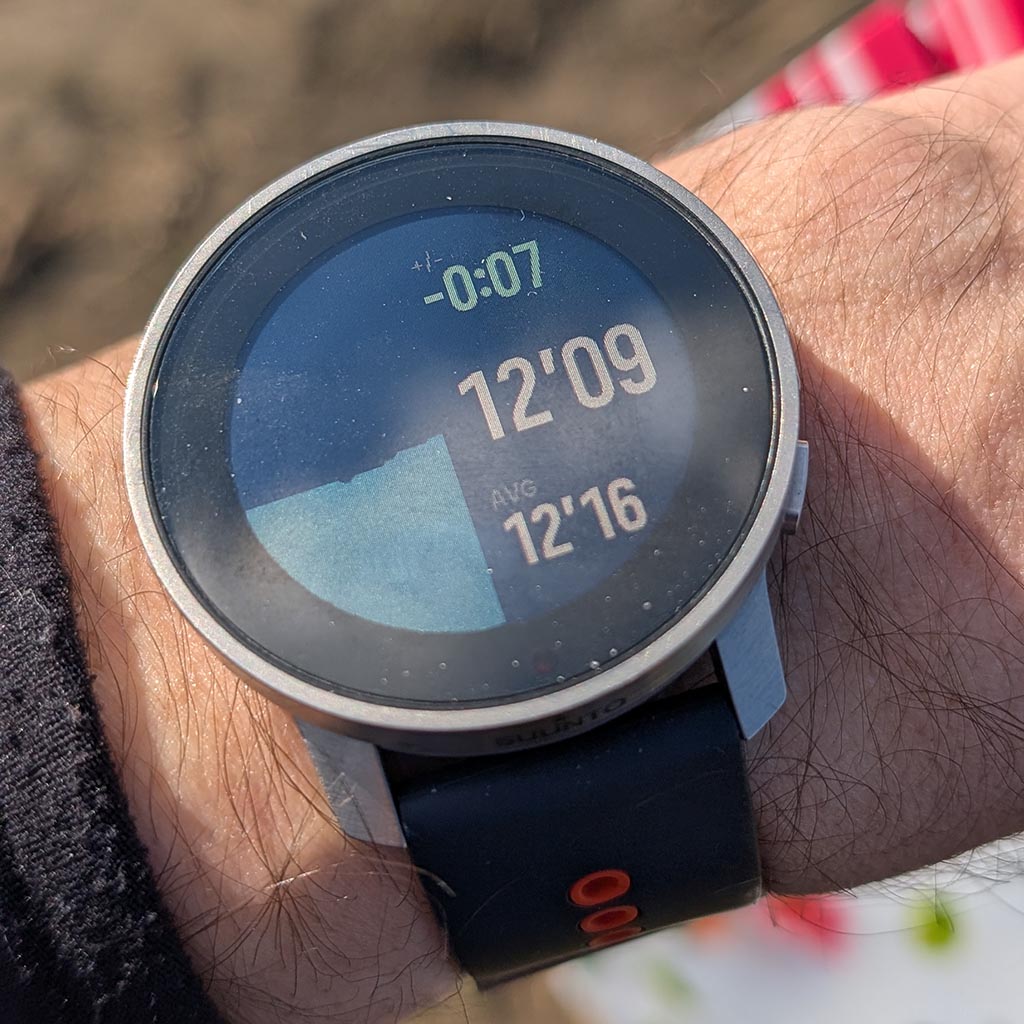
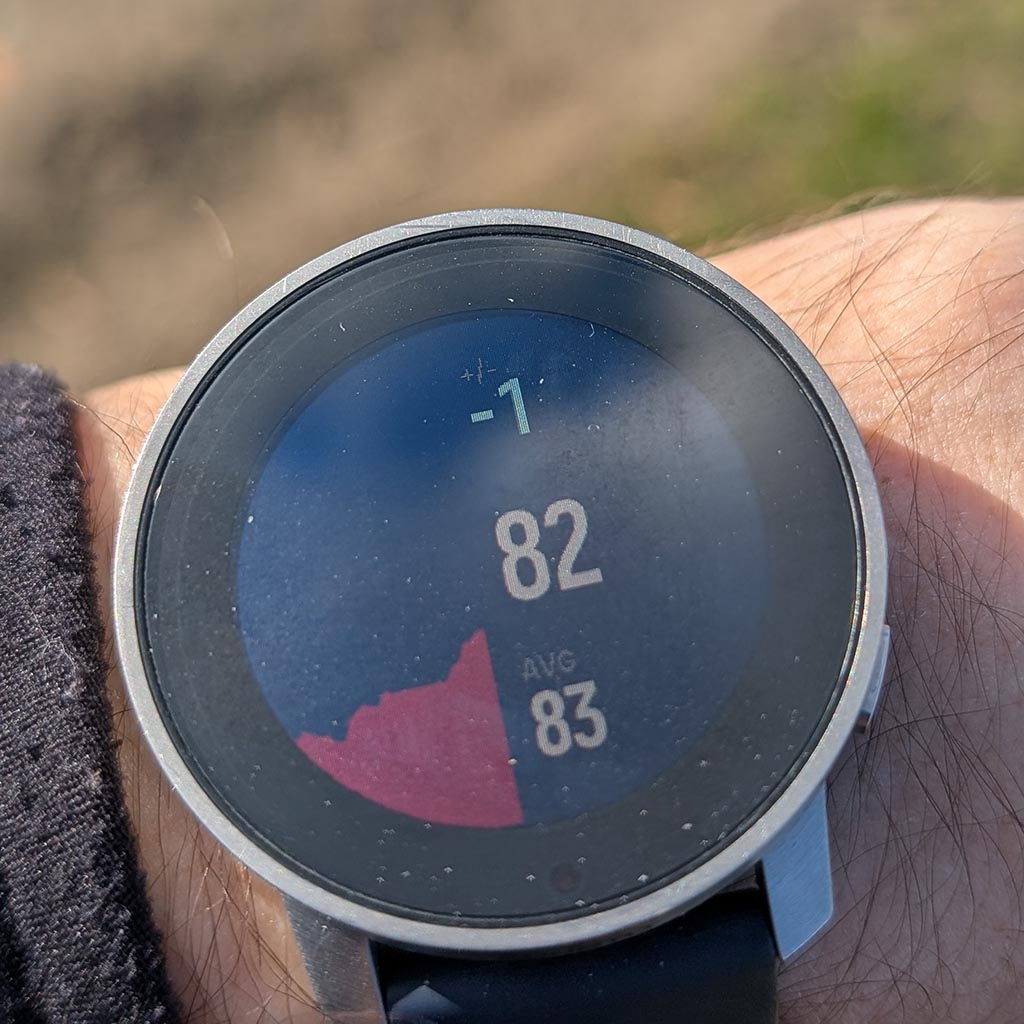
When I run I tend to have quick glimpses on my watch to see if I have a tendency to go too fast or if my HR climbs. So I have designed a view that shows me if I’m actually deviating from the average in pace or HR or not.
S9PP 2.50.28
-
It’s evolving
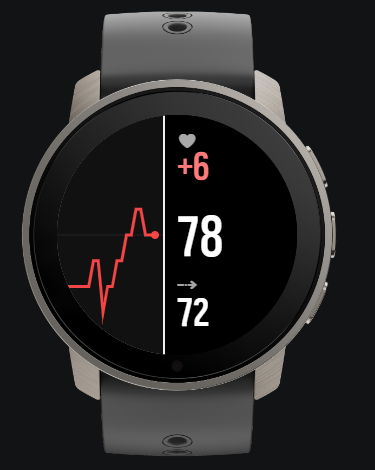
I went for canvas instead of default chart so that I can have the latest value exactly in the center.
-
@Łukasz-Szmigiel Hope to see this in the Store soon—it looks incredibly useful.
-
@Bigb0zz thanks, I just filled in the form to become a Suunto Partner. I’ll upload it after I’m accepted.
-
@surfboomerang said in [Discussion] Share your projects:
All of the values are known, except the bearing to the POI. Is there any way to get this information?
It should be possible to just calculate the bearing yourself.
I think we are looking at the loxodrome here:
https://en.wikipedia.org/wiki/Rhumb_linet6, S6, Elementum Terra, Ambit 3 Sapphire, Spartan Ultra Copper, Traverse Alpha, S7 Graphite LE, S9B Ambassador, S9P Titanium, S9PP Titanium, Vertical All Black, Race Titanium Charcoal, Race S Titanium Courtney, Run Lime, Race 2, Vertical 2 Titanium
-
@wilson75 thanks for the heads-up! Yes, that was me. After seeing such great feedback here and on Reddit, I decided to join the Partner Program and bring the app to the SuuntoPlus Store for everyone to enjoy.






Hello! It looks like you're interested in this conversation, but you don't have an account yet.
Getting fed up of having to scroll through the same posts each visit? When you register for an account, you'll always come back to exactly where you were before, and choose to be notified of new replies (either via email, or push notification). You'll also be able to save bookmarks and upvote posts to show your appreciation to other community members.
With your input, this post could be even better 💗
Register Login