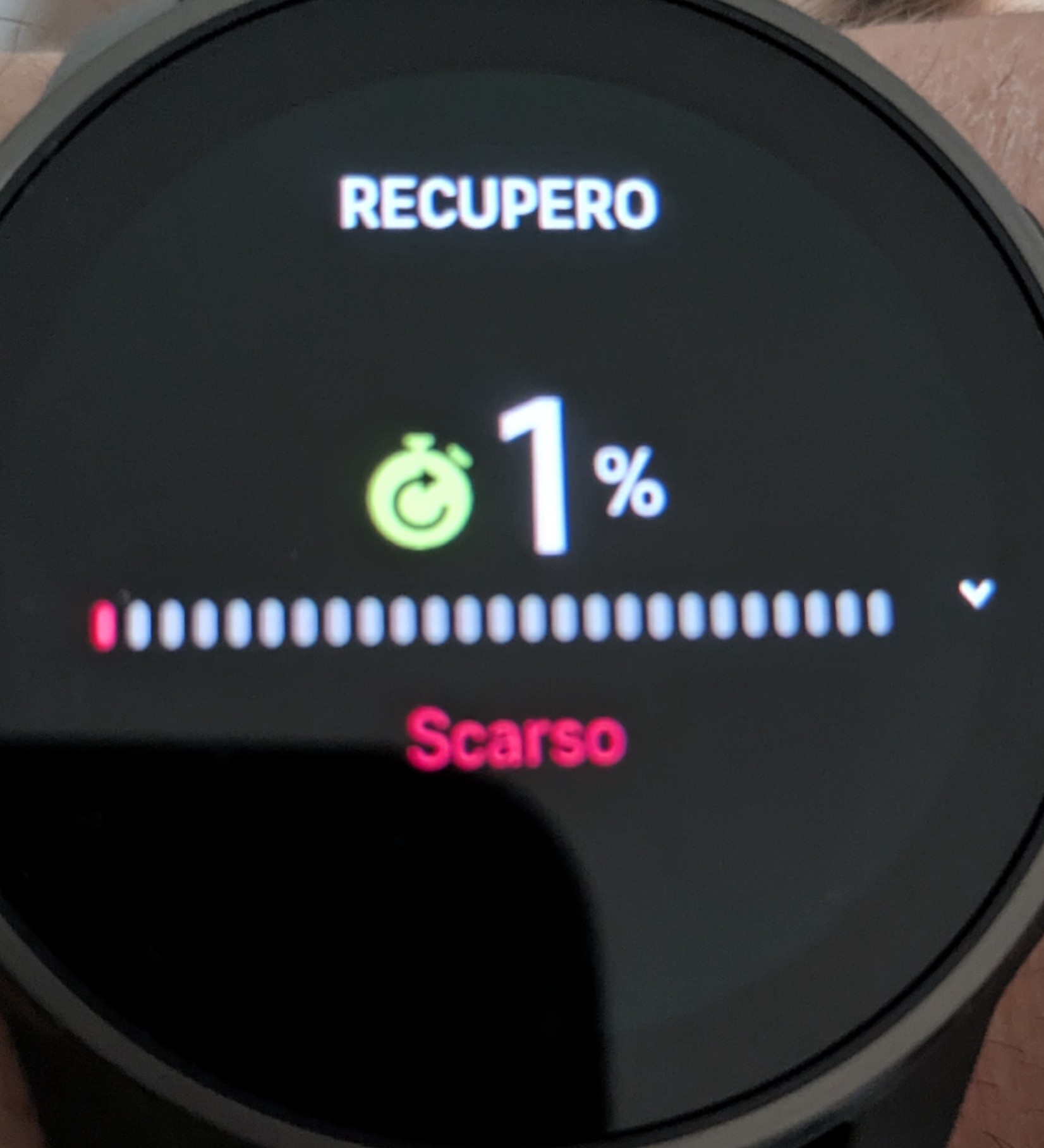
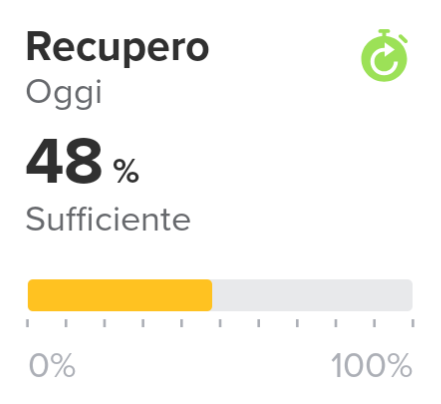
Recovery: watch and SA differ
-
Am I missing something or is this a known issue?
Thanks for your help
SA 6.8.9
FW 2.50.28Edit: I’ve restarted the watch, synced, and now SA reports 42% and watch 47%

-
@snow
yes known -
@freeheeler thanks!
-
@freeheeler As far as I can tell it seems that Q1 hasn’t fixed the issue
-
@snow
exactly
-
I was hoping for the fix of the sync issues. Already listed my Garmin for sale - pulling back.
I do not understand where the problem is - is it so hard to have sync data on the watch and in the app? -
@emkei
me too…
but I found a workaround:
in movescount suunto promoted the phone as an extended watch display: that’s what I do. I use the watch mainly to track and record and look at the data in the app only. which data is correct? I don’t know. but it is where I see a long term trend.
and I don’t want to worry
-
@emkei
sorry, forgot the detail to mention: …and remove the widget from the list in the watch… that’s what I did
 -
@freeheeler said in Recovery: watch and SA differ:
@emkei
me too…
but I found a workaround:
in movescount suunto promoted the phone as an extended watch display: that’s what I do. I use the watch mainly to track and record and look at the data in the app only. which data is correct? I don’t know. but it is where I see a long term trend.
and I don’t want to worryYes, this is probably the only way - but still awkward as Suunto is the only company I know having this issue.
Unfortunately, this was not the only reason I left - there were differences between watch, iOS app and iPadOS in:- steps
- TSS
- Recovery
- Resources
- HRV
And sleep tracking was really off (especially if ready at bed, or working at a standing desk)
The thread: Recovery watch & App

Hello! It looks like you're interested in this conversation, but you don't have an account yet.
Getting fed up of having to scroll through the same posts each visit? When you register for an account, you'll always come back to exactly where you were before, and choose to be notified of new replies (either via email, or push notification). You'll also be able to save bookmarks and upvote posts to show your appreciation to other community members.
With your input, this post could be even better 💗
Register Login