Vector watch face - tone down digital shadow
-
@ggrego said in Vector watch face - tone down digital shadow:
@Prenj Hello on v1 the compass alti and barometer data disappear after 30 seconds?
Only time is shown when display is in “always on display” mode
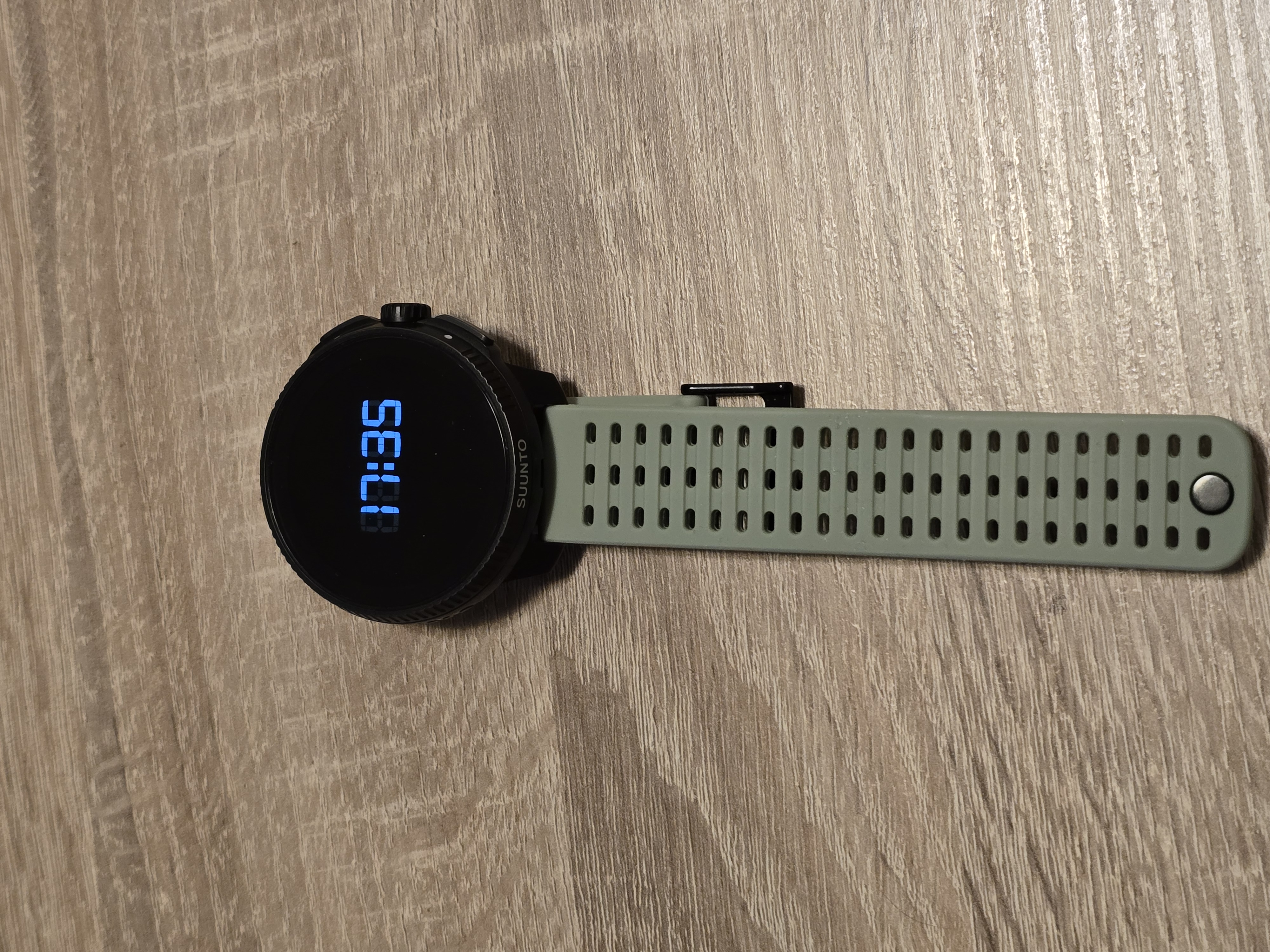
-
@Prenj Ok thank you it’s a shame

-
@ggrego it’s one of the better AOD designs
-
The only thing missing for me is the date.
Somebody know what means the Little arrow on the top of the Watch face ? -
@Tony-Monteiro baro trend
-
we are aware of the contrast issue on V1 and looking into solutions.
-
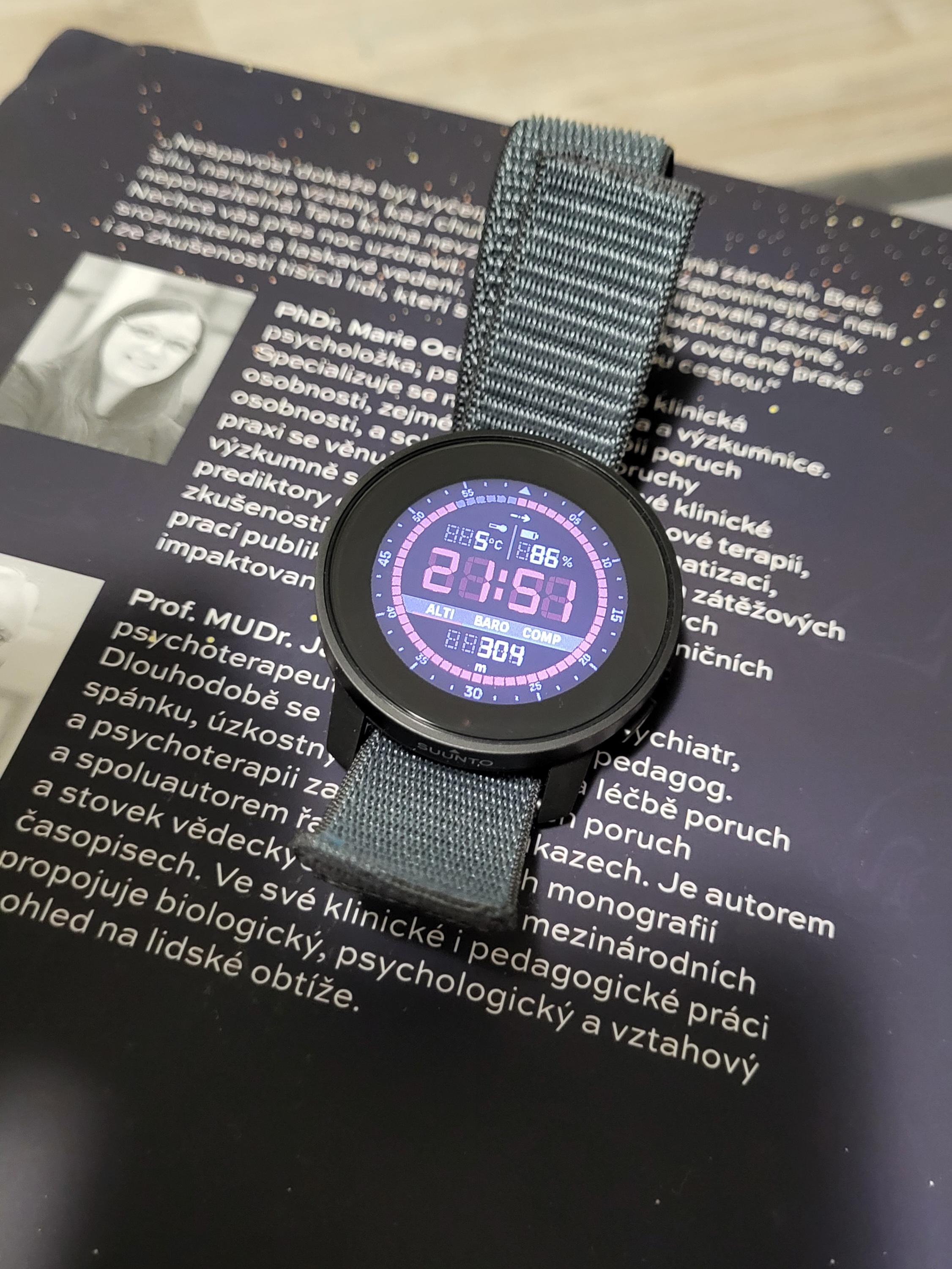
I like it very much on my 9PP, if you solve this contrast issue, I will be even happier
-
it’s a watch face designed for AMOLED displays (developed for the Vertical 2 90° edition), I find that it still looks very good even on the older MIP displays of the V1.
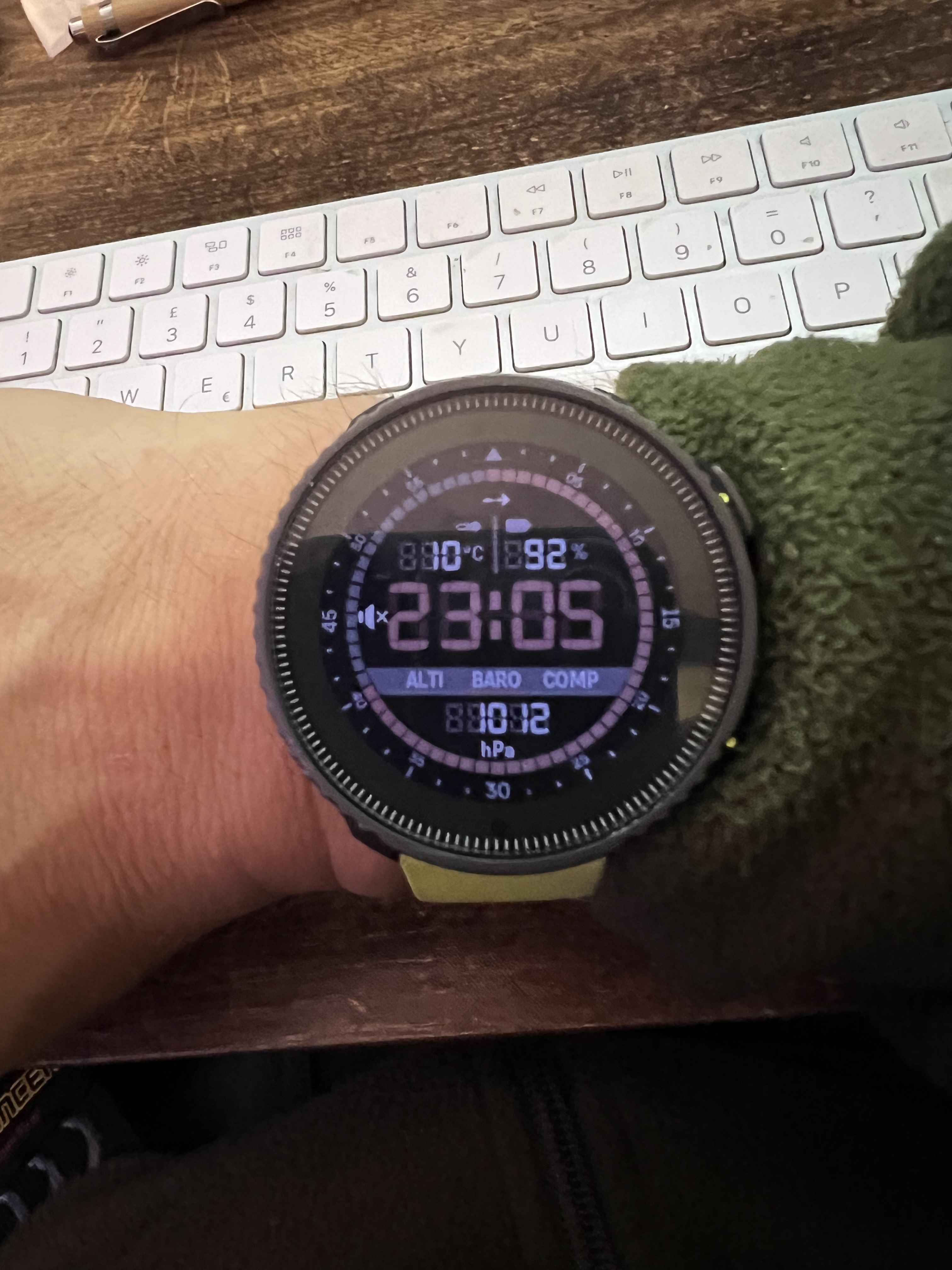
Although on MIP I prefer analog hands.
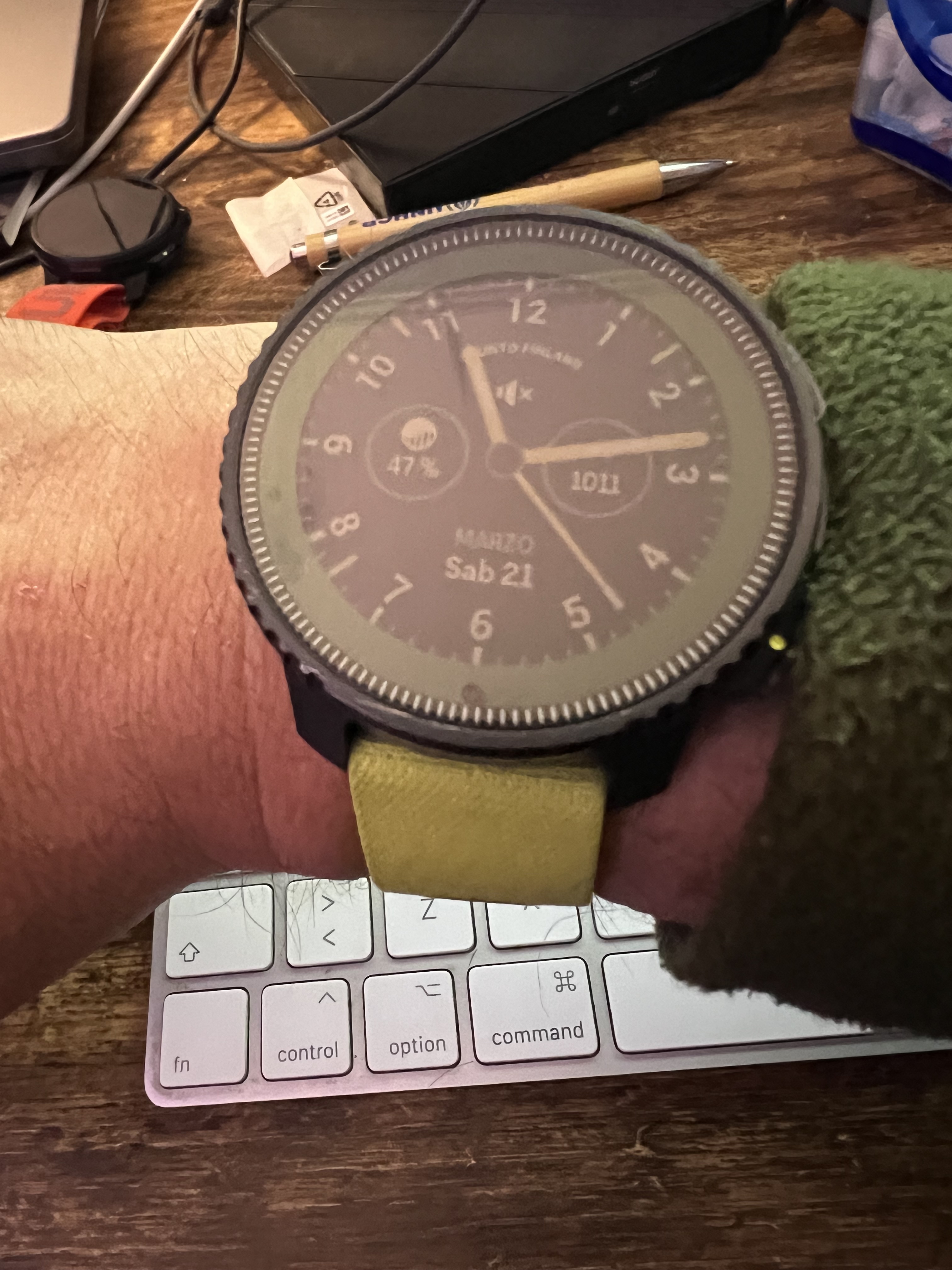
-
Hello, I noted that today only: why on the Vector wf the units of both temperature and battery are dimmed (as their small icons above), while the one on the bottom field (alti, baro, compass) isn’t?
I think it’s a bug, since all should be clearly visible!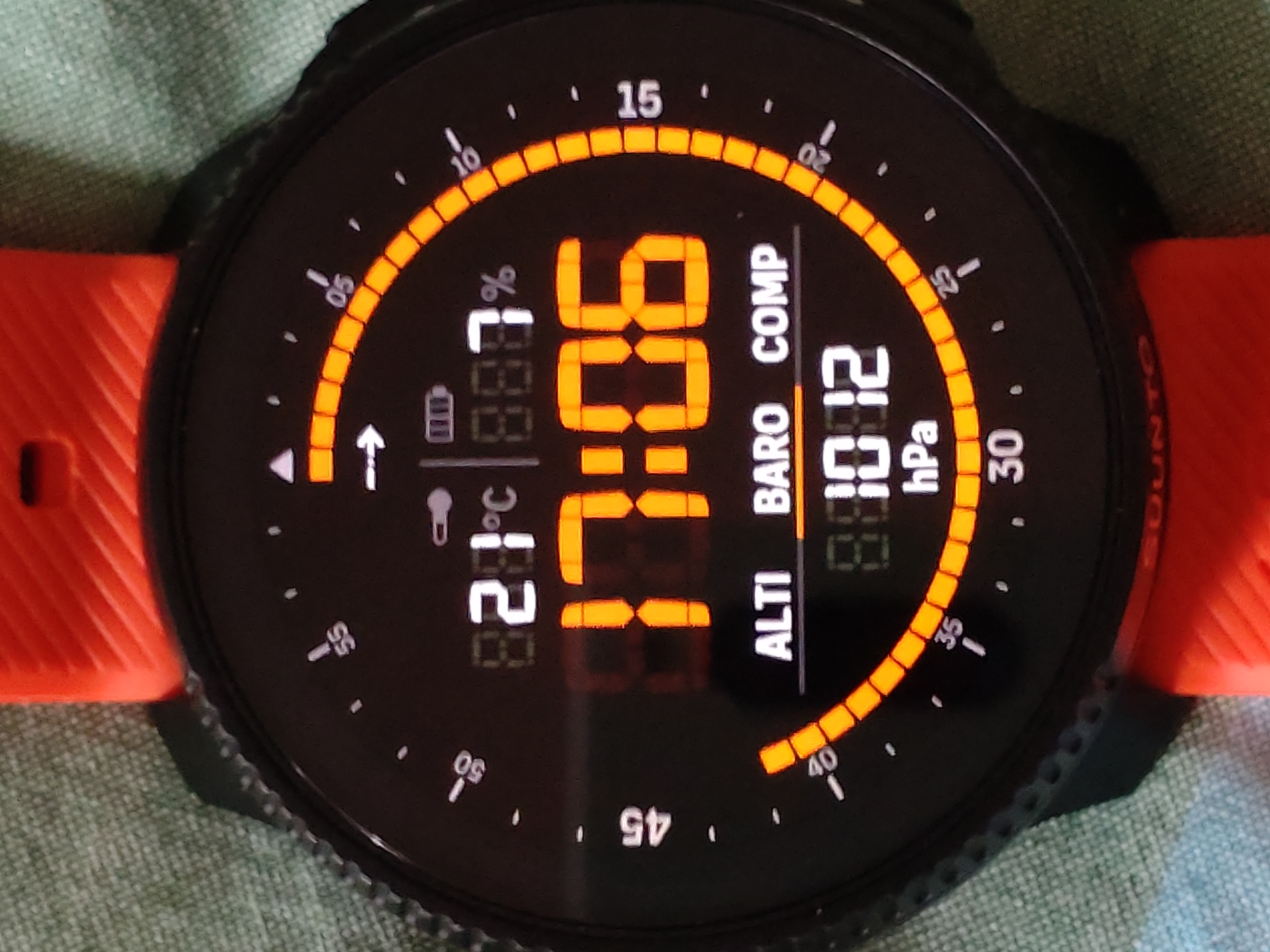
-
@Stefano-M64 said in Vector watch face - tone down digital shadow:
I think it’s a bug, since all should be clearly visible!
I don’t think it’s a bug (but I am not Suunto) - but my thinking is
The top icons/data is fixed > can’t be changedHowever, you can switch between “Alti” - “Baro” - “Comp” by touching the respective data.
What could make sense, if only the setting that’s acrive (Baro in your case) is highlighted - but that’s solved by the underlining of the Data-icon
What I would wish for in this watchface is that you can change the shown complications - at least in the upper part of the watchface
-
I’ve had the same issue, I posted about it in another thread. Really looking forward to this being fixed as it’s my favourite watchface by far, unfortunately unreadable right now. For me it was fine until last week


Not a biggie but I do agree it would be great if in time the top two fields (temperature & battery) became customisable in the future