Suunto Routeplanner
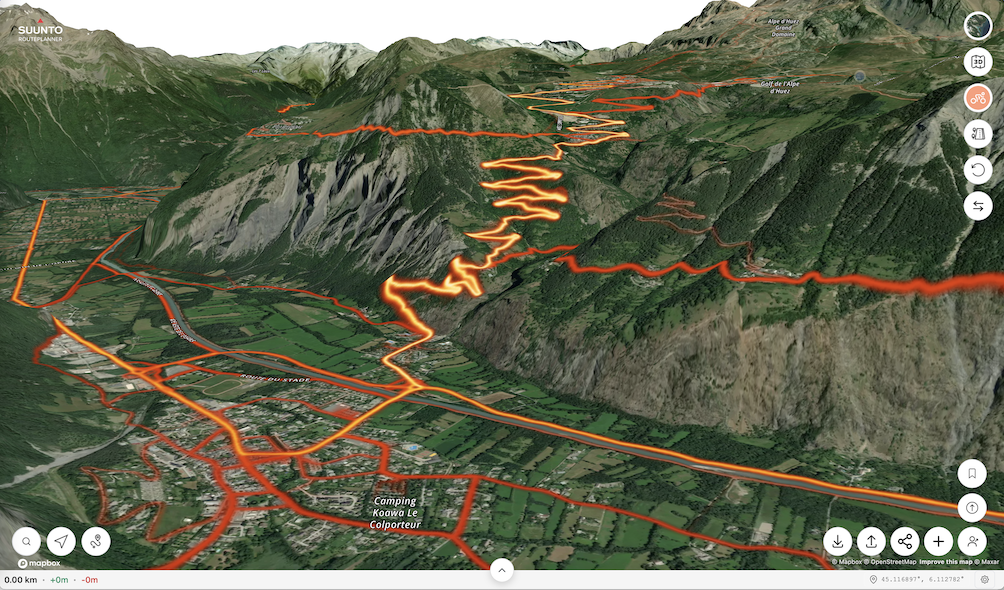
-
@Egika You’re right. I tested it again: If I draw a route from scratch in the Web Route Planner and upload it to Suunto, I can enable TbT. BUT: If I open an existing GPX file in the Route Planner and then upload it to Suunto, the option for TbT in the Suunto App is missing.
-
@tuxbuster I think the reason is, that existing GPX files do not necessarily match to existing paths or roads. There is just no data basis on which any tool can decide where a turn is a turn.
To introduce turns, the app need to know if a road forks or has an intersection - this information cannot be applied to external gpx tracks that probably don’t stick to roads in the first place.I hope you can understand what I mean…
t6, S6, Elementum Terra, Ambit 3 Sapphire, Spartan Ultra Copper, Traverse Alpha, S7 Graphite LE, S9B Ambassador, S9P Titanium, S9PP Titanium, Vertical All Black, Race Titanium Charcoal, Race S Titanium Courtney, Run Lime, Race 2, Vertical 2 Titanium
-
@Egika I see what you mean. The imported GPX is treated more like a static overlay rather than a natively planned route. For TbT to work, the Route Planner would need to ‘snap’ the GPX to the map and recalculate the path based on the map data upon saving. This is the only way the system can generate the necessary turn instructions.
-
The turn-by-turn guidance is not a standard in GPX files and Suunto uses a specific way of storing “turn-by-turn guidance waypoints” into the file. Other route planners may use a different way to store them. Thus it’s working between Routeplanner and Suunto app as they are using same way to mark them, but third party GPX files use different syntax or none. Recreating tbt into a GPX file that does not have it is not trivial as it requires rerouting the complete route. It can be done, but getting good quality tbt is really challenging.
-
@kemetter said in Suunto Routeplanner:
The turn-by-turn guidance is not a standard in GPX files
Not standard in GPX files but there is a Garmin standard for route FIT files. Perhaps Suunto could adopt that.
Basically, turn directions are stored as route waypoints with special waypoint codes.
Some route editors like PlotARoute are capable of inserting turn direction and saving the route as a FIT file, and that works correctly with Garmin watches.Suunto: Ambit, Ambit 3 Peak, 9 Baro, Race S, Race Ti, Vertical 2 Ti
Garmin: Forerunner 210, Forerunner 610, Fenix 6X, Fenix 7X Ti -
@sky-runner The problem is that GPX is an open standard. FIT is a proprietary format that Garmin currently allows others to use.
-
@Egika said in Suunto Routeplanner:
@tuxbuster I think the reason is, that existing GPX files do not necessarily match to existing paths or roads. There is just no data basis on which any tool can decide where a turn is a turn.
Komoot kan add tbt notifications if you upload a gpx to their app (and sync it to suunto). The garmin connect can also do it. But you cannot sync that to suunto (nor does garmin a particular good job. You get tbt alerts that are just bends in the road)
-
@elbee said in Suunto Routeplanner:
@Egika said in Suunto Routeplanner:
@tuxbuster I think the reason is, that existing GPX files do not necessarily match to existing paths or roads. There is just no data basis on which any tool can decide where a turn is a turn.
Komoot kan add tbt notifications if you upload a gpx to their app (and sync it to suunto). The garmin connect can also do it. But you cannot sync that to suunto (nor does garmin a particular good job. You get tbt alerts that are just bends in the road)
Like said, it can be done but quality will most likely be bad, meaning you will get either too many or too few turn instructions.
-
@sky-runner said in Suunto Routeplanner:
@kemetter said in Suunto Routeplanner:
The turn-by-turn guidance is not a standard in GPX files
Not standard in GPX files but there is a Garmin standard for route FIT files. Perhaps Suunto could adopt that.
Basically, turn directions are stored as route waypoints with special waypoint codes.
Some route editors like PlotARoute are capable of inserting turn direction and saving the route as a FIT file, and that works correctly with Garmin watches.So does Garmin use FIT to store routes? But they don’t store their TbT into GPX files?
-
Like said, it can be done but quality will most likely be bad, meaning you will get either too many or too few turn instructions.
The komoot route? No, it’s not bad and quite usable. Have you actually tried it?
(There is no room in a gpx file for tbt alerts afaik. All other brands also use fit for this)
-
Overall, excellent work—I do GIS for my “day job,” and the map styling has to be some of the best I’ve ever seen, on ALL baselayers!
Only bugs I’ve found are units settings and login not being stored when returning later (might be a cookie issue on my end though), and when changing the units to imperial, the route library (when logged in) still shows overall route distances in km.
For a future tweak, It would be awesome to have elevation and sunrise/sunset time pop up as a label when clicking (or tapping) a position like in the Suunto App. And perhaps, for manual point-to-point routes, labels on the lines with bearing and distance? Just thoughts from my overly map-heavy brain though. Seriously, excellent work on this project!
-
@JebClydeNC said in Suunto Routeplanner:
Overall, excellent work—I do GIS for my “day job,” and the map styling has to be some of the best I’ve ever seen, on ALL baselayers!
Only bugs I’ve found are units settings and login not being stored when returning later (might be a cookie issue on my end though), and when changing the units to imperial, the route library (when logged in) still shows overall route distances in km.
For a future tweak, It would be awesome to have elevation and sunrise/sunset time pop up as a label when clicking (or tapping) a position like in the Suunto App. And perhaps, for manual point-to-point routes, labels on the lines with bearing and distance? Just thoughts from my overly map-heavy brain though. Seriously, excellent work on this project!
Thanks. The login is stored but clearing cache will remove it. Some browsers may by default clear cache between sessions. Regarding the imperial problem, I am not able to reproduce it. Make sure you reload the page in case you have had it open for long and try to find a way to reproduce it.
Nice feature ideas, need to think about them. Difficult to support these on both touch and desktop use though.
-
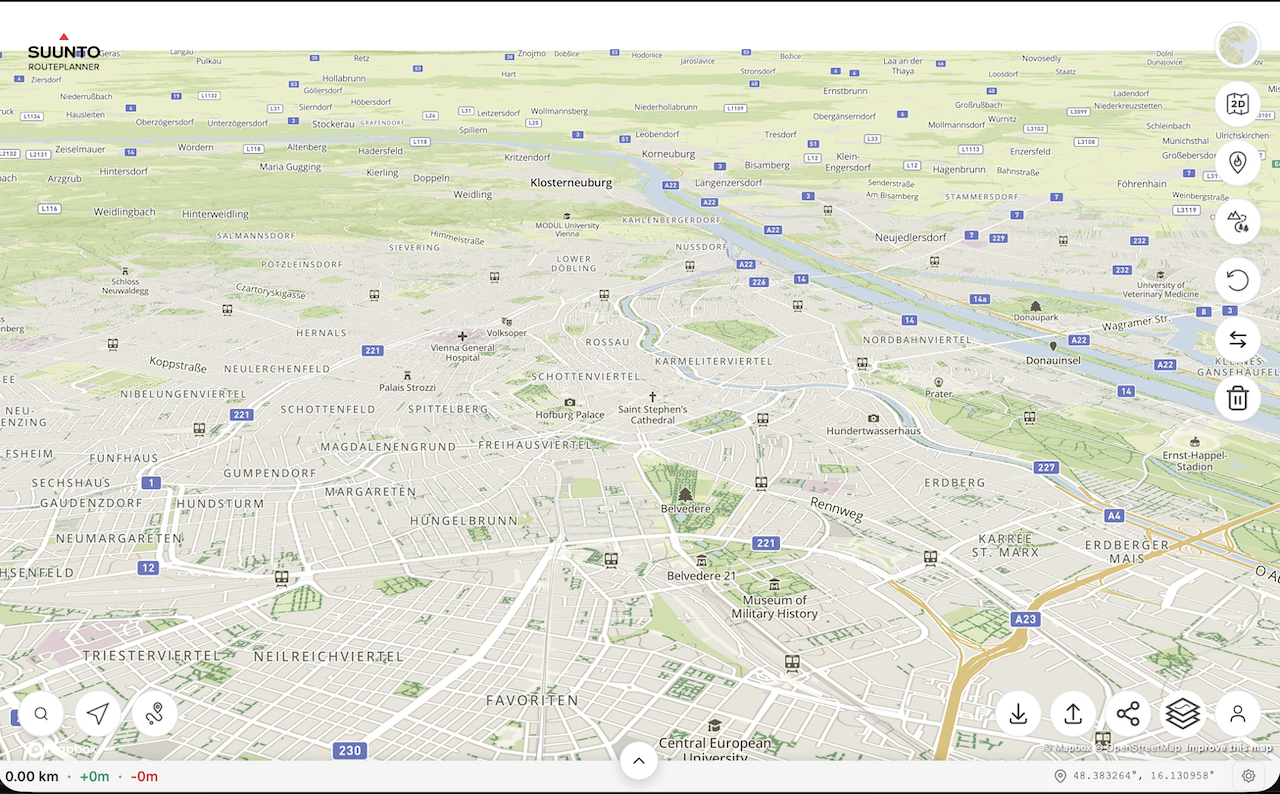
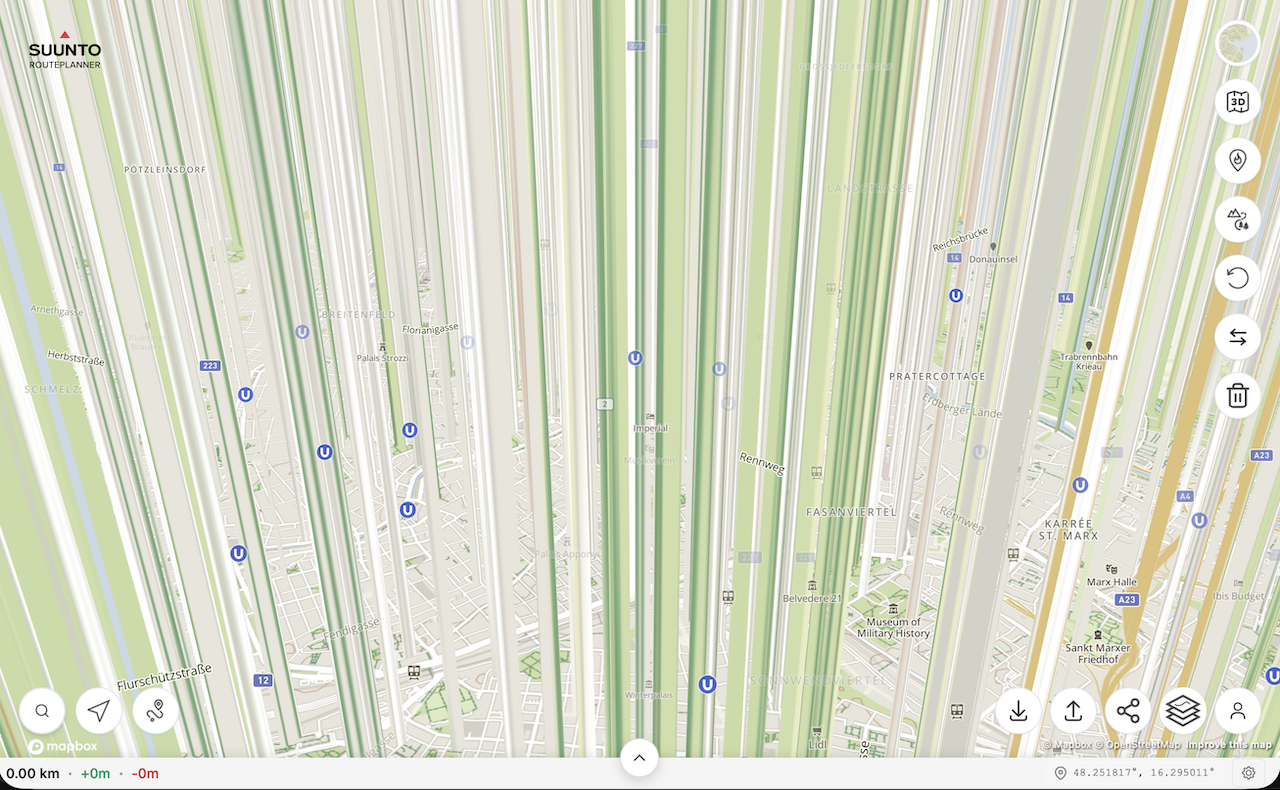
@kemetter on my Mac I have the same problem as @johann.fuehrer with the rendering of 3D model if I press the 3D button but not if I tilt the map with the mouse. On iOS devices it works normally.
First screenshot is the map tilted with the mouse, second screenshot is after pressing the 3D button without moving the map.
(MacOS 26.2 (25C56), Safari 26.2 (21623.1.14.11.9))
-
@Freezer what Mac did you try this on? Works on my M4 Mac mini…
-
@2b2bff, hi! I’m on MacBook Air M2 (Mac14,2).
-
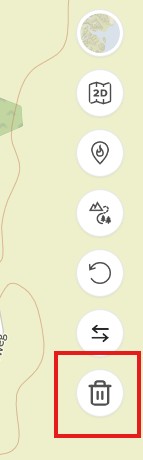
said in Suunto Routeplanner:
Reset Button: An option to clear the currently planned route and start fresh on an empty map.
@kemetter Thanks for the new button to clear the current route

-
@tuxbuster Oh, this is good, thanks Suunto. But I wait for slope/gradient % indication. Maybe some day…
-
@Freezer said in Suunto Routeplanner:
@kemetter on my Mac I have the same problem as @johann.fuehrer with the rendering of 3D model if I press the 3D button but not if I tilt the map with the mouse. On iOS devices it works normally.
First screenshot is the map tilted with the mouse, second screenshot is after pressing the 3D button without moving the map.
(MacOS 26.2 (25C56), Safari 26.2 (21623.1.14.11.9))
I think that’s the ‘Interstellar View’
-
Used a couple of times, would like to add that if I can log in with Suunto account, I also want to be able to me my heatmap on the site too when planning please at some point.
-
I am really glad to see this browser option from Suunto! Quick question about the Route Collection functionality. Is it possible to see all routes in a collection on the basemap at once? I am planning a multi-day trip and would like to see the option to have multiple routes visible at a time. In my case, I am trying to separate my routes by day.







Hello! It looks like you're interested in this conversation, but you don't have an account yet.
Getting fed up of having to scroll through the same posts each visit? When you register for an account, you'll always come back to exactly where you were before, and choose to be notified of new replies (either via email, or push notification). You'll also be able to save bookmarks and upvote posts to show your appreciation to other community members.
With your input, this post could be even better 💗
Register Login