Suggested feature: enable “Workout Options” during activity for sensor reconnection
-
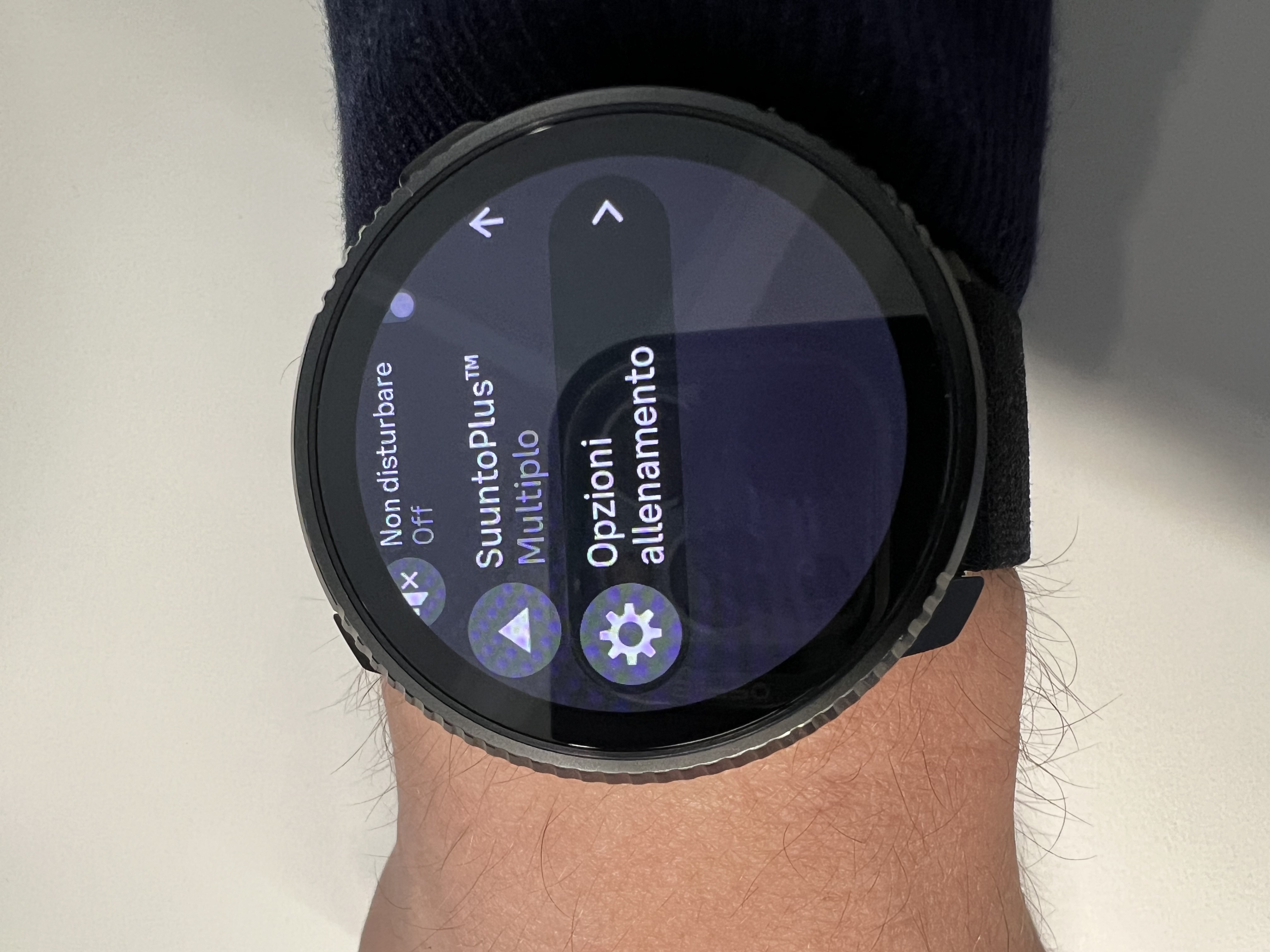
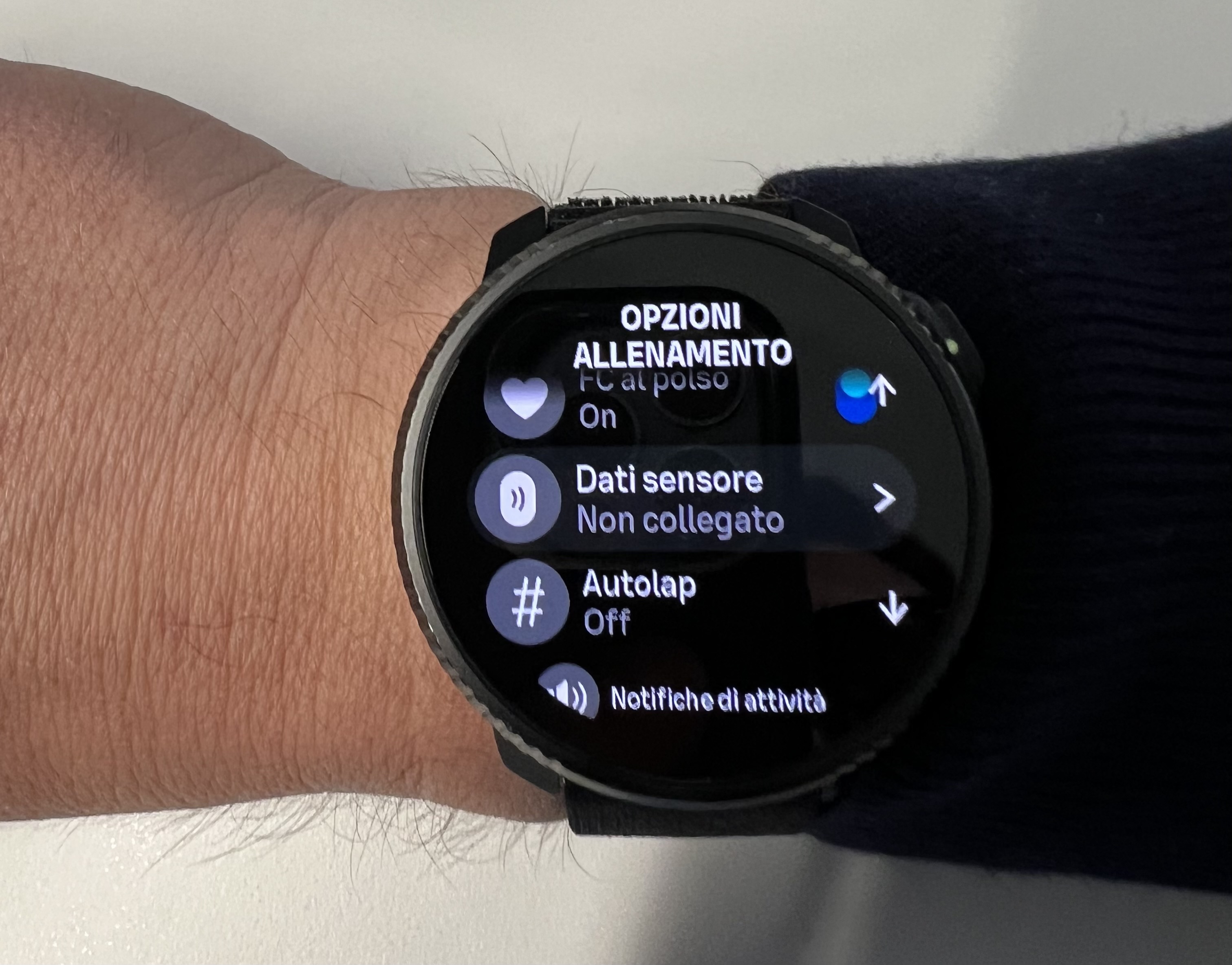
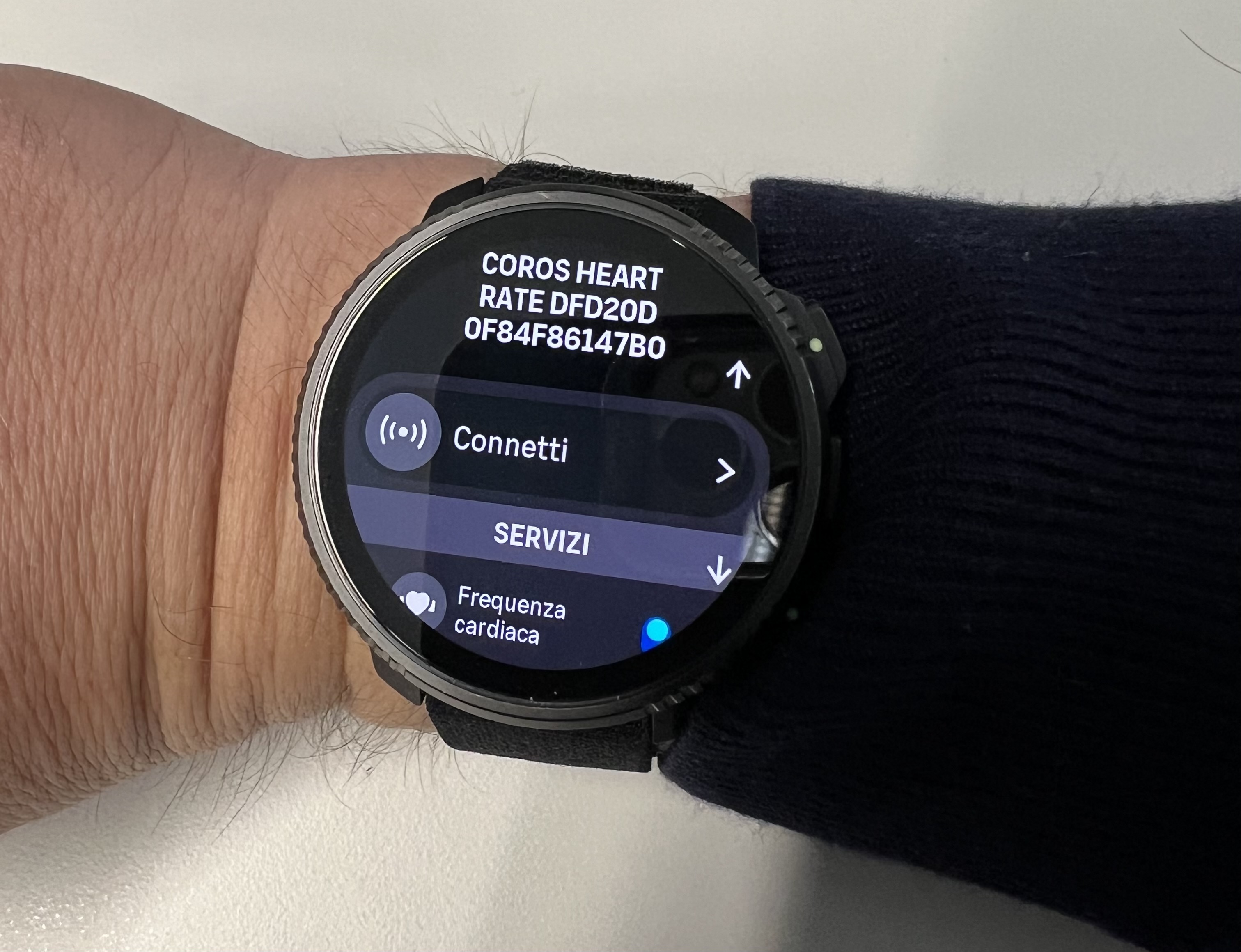
Improvement: make the “workout options” menu accessible even after the activity has started, so sensors can be reconnected in case of disconnection or when switching devices due to battery depletion (e.g., during ultras).
Currently, if the device loses connectivity with a sensor for a few minutes, it cannot reconnect automatically, and it is also not possible to reconnect it manually via the menu that is only available before starting the activity.
-
@Manuel-Extreme as far as I know, this depends on the sensor, I am not saying this is not something that Suunto should fix, but that it is more difficult to reproduce.
Can you reproduce the issue and send logs [1]? Also provide details about your external sensor.[1] https://forum.suunto.com/topic/14914/reporting-an-issue-with-your-watch-hopefully-made-easier
Watch: Suunto Vertical 2 Titanium Black
Blog: isazi's home
-
@isazi It’s not exactly a bug, but rather a feature that should be implemented.
If I change the heart rate strap because the battery is dead, I’m not able to connect a new one since I can’t access that menu, which is only available before starting the activity.
For example, yesterday I left the Vertical 2 on the treadmill and had to step away for a few minutes, which caused both Stryd and the HRM-600 to disconnect. I was no longer able to reconnect them unless I stopped the activity and started a new one.
-
@Manuel-Extreme said in Suggested feature: enable “Workout Options” during activity for sensor reconnection:
If I change the heart rate strap because the battery is dead, I’m not able to connect a new one since I can’t access that menu, which is only available before starting the activity.
This is true, it would be beneficial to access the pairing menu also during activity.
For example, yesterday I left the Vertical 2 on the treadmill and had to step away for a few minutes, which caused both Stryd and the HRM-600 to disconnect. I was no longer able to reconnect them unless I stopped the activity and started a new one.
This is instead a bug, it should not happen, if you lose connection temporarily you should automatically reconnect when back in range. This works for some devices, but not for others, so I guess some devices go to sleep and a connection must be established again, while others wake up and keep going.
Watch: Suunto Vertical 2 Titanium Black
Blog: isazi's home
-
In the pool, it’s normal to lose the connection when submerged, and it happens to me often. It’s just a matter of seconds, but the straps (Coros HR, Polar Verity Sense, HRM-600) reconnect automatically and seamlessly.
Probably, for longer “pauses” (e.g., 10 minutes), a forced connection wake-up is needed (even if the devices remain on and transmitting). That’s why I think forcing a “connect” command could restore the connection.
However, I don’t know how the software is implemented. In any case, these kinds of automations rarely work well on anything that isn’t an Apple device

-
@Manuel-Extreme
This is shocking to know as it might be a complete deal-breaker for everyone doing triathlons!Usually I connect my HRM before swimming to have it automatically reconnect afterwards for biking and running. But if it does not get any connection while swimming at all (happens quite often to me) it might not automatically reconnect afterwards and leave you without any HR data for the complete race!
-
@brave_dave just a side not here: the Suunto one has a buffer, so it should sync the data at the workout finish
-
@2b2bff
Yes, but when it does not automatically connect after the swim, there will be no live data during running and biking.
In that case, everything will end up in the internal memory and would only be for the archive and analysis post race. Most important though is an automatic connection after the swim to get live data during the rest of the race to control effort especially during the run.These are all work-arounds but not how it should be!
-
@2b2bff luckily I have a separate bike computer cause with this issue the watch will also not automatically connect to my powermeter once I switch to the bike.
This is a disaster for a watch that aims to function as a triathlon device and if they do not resolve the issue until triathlons season really kicks-off I am probably forced to switch to Garmin or Coros.
-
@brave_dave but have you tried yourself or are just commenting without any experience? Because in most cases the watch actually reconnects to the sensors, it is only for some sensors that it’s still not working
-
@isazi
I do not perform updates anymore until I know that no major bugs are introduced or that introduced ones are fixed!
My first watch got corrupted during my second update and I had to live without it for 1 month until I got it replaced by a new watch. Then after another update I had the battery drain issue and right now I am stuck with another Bluetooth issue also reported often here, where I get constant short disconnects to my powermeter while it works flawless with my bike computer. So quite some bad experiences with new updates…
Therefore, I now switched to getting information if it is save updating to the new version or if I rather should stick with a reliable older one. For me it is important to have a working and reliable device as I can do without most of the functions introduced.