Suunto app Forum Suunto Community Forum
    • Recent
    • Tags
    • Popular
    • Register
    • Login

    Live location S+ app

    Scheduled Pinned Locked Moved SuuntoPlus™ Sports Apps
    358 Posts 82 Posters 152.7k Views 92 Watching
    Loading More Posts
    • Oldest to Newest
    • Newest to Oldest
    • Most Votes
    Reply
    • Reply as topic
    Log in to reply
    This topic has been deleted. Only users with topic management privileges can see it.
    • Danny polegD
      Danny poleg Silver Members
      last edited by

      @Nikolai-Simonov The topic may have come up
      Is there a way to share location permanently without pressing SOS on the watch?
      For example, I’m starting a certain competition that those who want can follow me all the time
      and thank you for this app

      Nikolai SimonovN 1 Reply Last reply
      Reply Quote 0
      • Nikolai SimonovN
        Nikolai Simonov @Tieutieu
        last edited by

        @Tieutieu Huge thanks for the detailed feedback!

        Super cool to hear it worked well and that your friends enjoyed following!

        So regarding the questions,
        The tracking link stays the same as long as the app is installed it’s tied to the app installation, not the watch.
        Planned route overlay is already on the roadmap you’re not the first to ask, and it’s definitely something we want to add soon! In addition, to this feature I’m going to add offline map just inside the app.

        The ideas about altitude profile toggle and a “zoom out to full track” option it’s deffinetelly good, btw, currently web ui isn’t mature and there a lot of things where to grow.

        Thanx a lot for review! And great view on the photo!

        Suunto Race 2 Ti
        Suunto Race
        Suunto 9 Baro

        Suunto Aqua
        Suunto Wings

        TieutieuT 1 Reply Last reply
        Reply Quote 1
        • Nikolai SimonovN
          Nikolai Simonov @Danny poleg
          last edited by

          @Danny-poleg

          You definitely don’t need to press the SOS button to share your location.

          You can simply share the QR code or link from the mobile app with anyone who wants to follow you they’ll be able to watch your activity in real time for the whole session.

          Suunto Race 2 Ti
          Suunto Race
          Suunto 9 Baro

          Suunto Aqua
          Suunto Wings

          Danny polegD H 2 Replies Last reply
          Reply Quote 3
          • TieutieuT
            Tieutieu Platinum Member @Nikolai Simonov
            last edited by

            @Nikolai-Simonov thanks ! What about the other metrics not transmitted ? Only speed was visible in tracing

            Suunto’s devices at home :
            On use : SV1 Ti Solar, SRs3, SRs, S9pp Ti sand, Suunto Wing & Spark
            As collector : S9B titanium Ambassador edition, A3P, X6

            1 Reply Last reply
            Reply Quote 0
            • safariS
              safari @Nikolai Simonov
              last edited by

              @Nikolai-Simonov
              Last night I tested the software in the field (literally). My family was able to follow me throughout the night. It worked really well.
              It might be one of the most useful applications I have come across recently.
              Thanks again

              history:
              Suunto Vertical 2 titanium Black
              suunto vertical solar titanium
              suunto 9 baro
              suunto ambit 3
              suunto ambit 2
              Suunto Heart Rate Belt
              Suunto Smart Heart Rate Belt

              suunto App: apple iphone 14 pro

              1 Reply Last reply
              Reply Quote 2
              • Danny polegD
                Danny poleg Silver Members @Nikolai Simonov
                last edited by

                @Nikolai-Simonov Thank you, thank you, and thank you again
                Great feature

                1 Reply Last reply
                Reply Quote 0
                • H
                  halajos Bronze Member @Nikolai Simonov
                  last edited by

                  @Nikolai-Simonov thanks for the efforts, looks very interesting. Any chance to reduce the power consumption on the phone, for instance by limiting the update frequency to let’s say once per minute? I’m using the built-in location sharing on Android, which is far less accurate but doesn’t eat the battery.

                  TieutieuT EgikaE sebchastangS 3 Replies Last reply
                  Reply Quote 1
                  • TieutieuT
                    Tieutieu Platinum Member @halajos
                    last edited by Tieutieu

                    @halajos I’m with you. the consumption I observed yesteday during testing is to high. for Now I would choose to use live tracking :

                    • for small races or journey under 5 hours max
                    • or launch it during longer activities only when needed

                    Suunto’s devices at home :
                    On use : SV1 Ti Solar, SRs3, SRs, S9pp Ti sand, Suunto Wing & Spark
                    As collector : S9B titanium Ambassador edition, A3P, X6

                    1 Reply Last reply
                    Reply Quote 0
                    • EgikaE
                      Egika Platinum Member @halajos
                      last edited by

                      @halajos said in Live location S+ app:

                      @Nikolai-Simonov thanks for the efforts, looks very interesting. Any chance to reduce the power consumption on the phone, for instance by limiting the update frequency to let’s say once per minute? I’m using the built-in location sharing on Android, which is far less accurate but doesn’t eat the battery.

                      hm. I thought the original idea of the app was, to reduce power consumption of the phone. Like BT connection uses less energy than the phone’s GPS chip…?
                      Seems not to be the case for you then…

                      t6, S6, Elementum Terra, Ambit 3 Sapphire, Spartan Ultra, Traverse Alpha, S7 Graphite LE, S9B Ambassador, S9P Titanium, S9PP Titanium, Vertical All Black, Race Titanium, Race S Titanium Courtney, Run Lime, Race 2, Vertical 2 Titanium, Race 3s

                      TieutieuT 1 Reply Last reply
                      Reply Quote 0
                      • TieutieuT
                        Tieutieu Platinum Member @Egika
                        last edited by

                        @Egika as phone need to send position through mobile network, it consumes data and battery, and as I observed lot of time, phone consumes more battery especially when mobile network is weak and the phone tries to reach it.
                        But I’m sure it uses less battery than if using phone GPS chipset.

                        Suunto’s devices at home :
                        On use : SV1 Ti Solar, SRs3, SRs, S9pp Ti sand, Suunto Wing & Spark
                        As collector : S9B titanium Ambassador edition, A3P, X6

                        EgikaE 1 Reply Last reply
                        Reply Quote 0
                        • EgikaE
                          Egika Platinum Member @Tieutieu
                          last edited by

                          @Tieutieu I undertood, that @halajos compared built in location sharing from the phone with the new setup and watch connection.
                          Maybe he can clarify, if the mobile network reception was comparable…

                          t6, S6, Elementum Terra, Ambit 3 Sapphire, Spartan Ultra, Traverse Alpha, S7 Graphite LE, S9B Ambassador, S9P Titanium, S9PP Titanium, Vertical All Black, Race Titanium, Race S Titanium Courtney, Run Lime, Race 2, Vertical 2 Titanium, Race 3s

                          H 1 Reply Last reply
                          Reply Quote 0
                          • sebchastangS
                            sebchastang Silver Members @halajos
                            last edited by

                            @halajos Thanks a lot for your work @Nikolai-Simonov 👍
                            Ideally it would be nice to choose the update frequency (for exemple 1s, 5s, 10s, 30s, 1min, 2min, 5min, 10min, 30min) so we can save battery on both watch and smartphone.

                            Suunto Vertical Titanium Solar
                            Suunto Traverse

                            1 Reply Last reply
                            Reply Quote 1
                            • H
                              halajos Bronze Member @Egika
                              last edited by

                              @Egika I didn’t compare, I just have past experience with location sharing on Android during a 11-hour run. If I extrapolate the 19% in about 2 hours with Live.t mentioned by @Tieutieu, it would deplete the battery completely in 11 hours. I don’t recall how much Google location sharing consumed within that 11 hours, but it was definitely far from full discharge.

                              G EgikaE 2 Replies Last reply
                              Reply Quote 0
                              • G
                                Gunnar Bronze Member @halajos
                                last edited by

                                @halajos Android can show the battery consumption per app, does iOs this too?

                                1 Reply Last reply
                                Reply Quote 0
                                • EgikaE
                                  Egika Platinum Member @halajos
                                  last edited by

                                  @halajos I would really like to see a real world comparison in phone battery effect under comparable situations. Maybe someone can test.

                                  t6, S6, Elementum Terra, Ambit 3 Sapphire, Spartan Ultra, Traverse Alpha, S7 Graphite LE, S9B Ambassador, S9P Titanium, S9PP Titanium, Vertical All Black, Race Titanium, Race S Titanium Courtney, Run Lime, Race 2, Vertical 2 Titanium, Race 3s

                                  1 Reply Last reply
                                  Reply Quote 0
                                  • MiroslavaM
                                    Miroslava @Nikolai Simonov
                                    last edited by

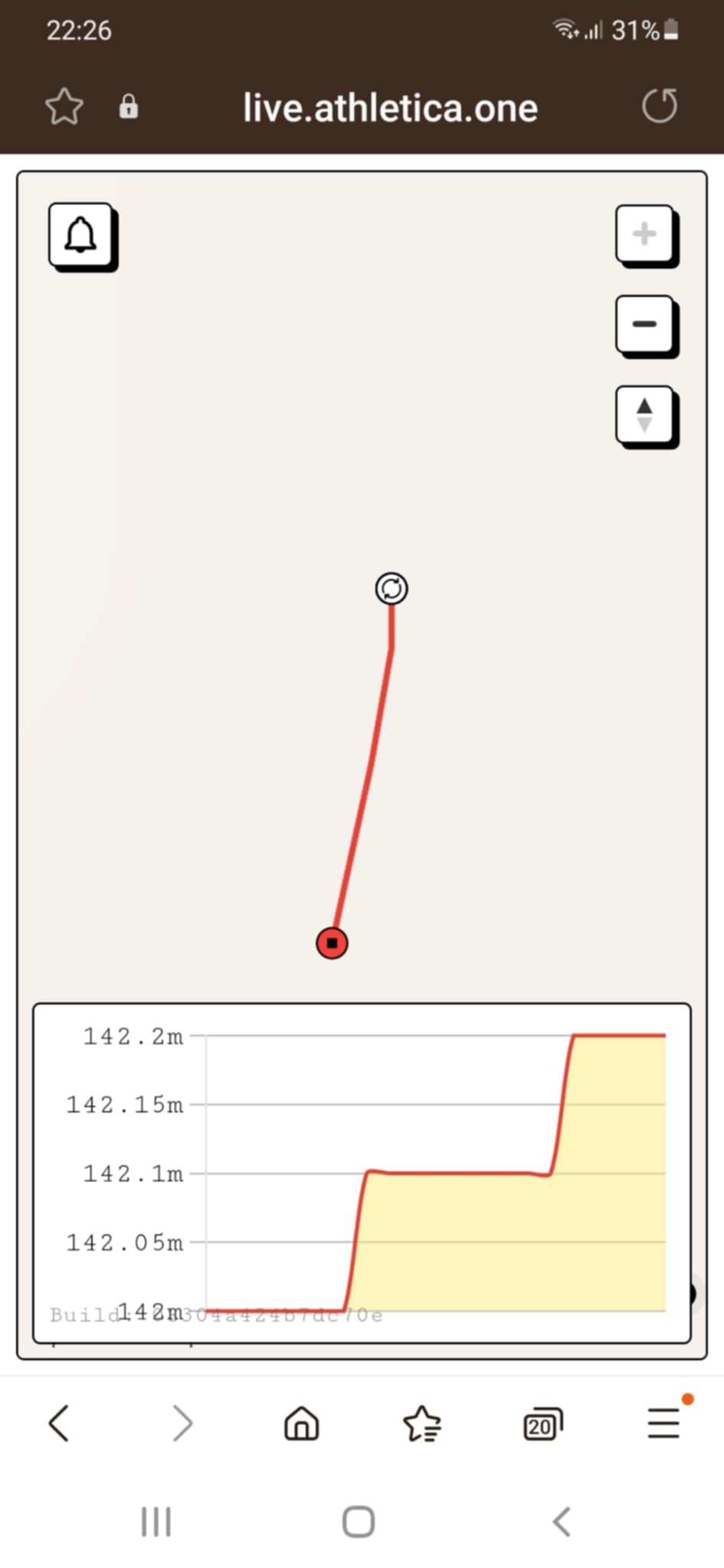
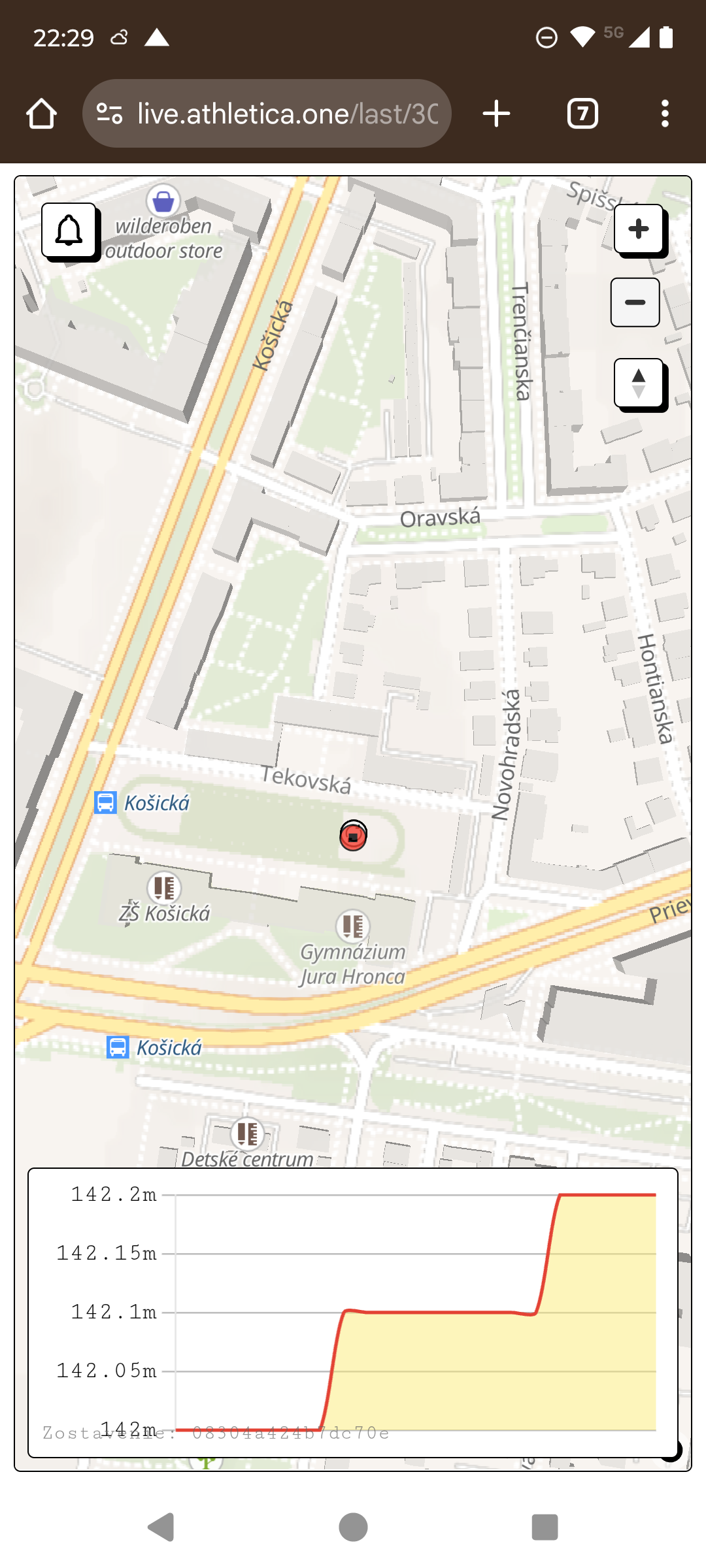
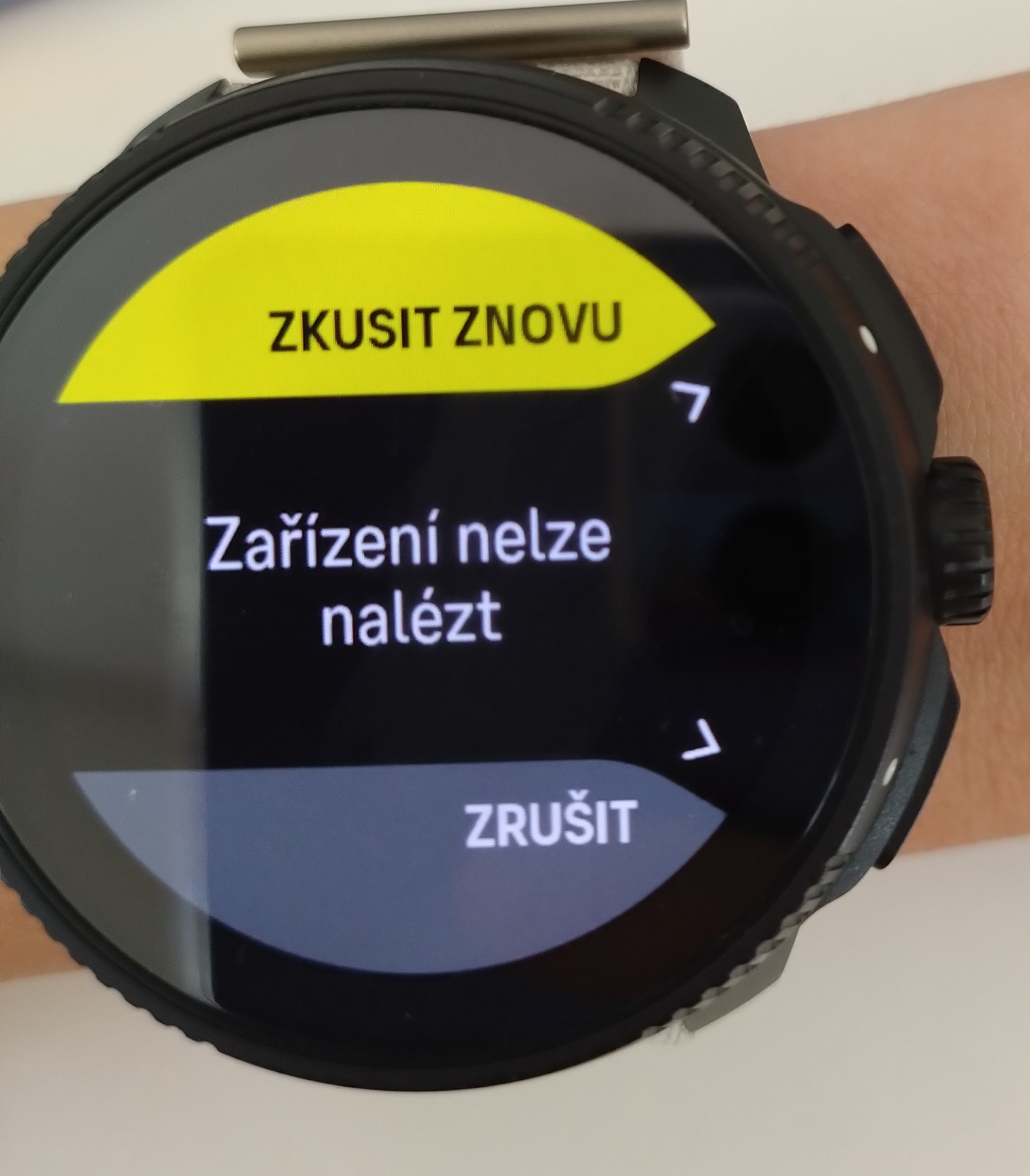
                                    @Nikolai-Simonov So either I’m stupid or it doesn’t work 😄 I went for a run yesterday, I set everything up, just like you sent me in the instructions, I’m attaching a photo. It registered the position but nothing happened, no movement, no data, nothing.1000016250.jpg 1000016252.png Today I went out to the street to try walking to work. I’m not exaggerating but I had to press the button 10 times because the device was not found. On the 11th attempt it connected, I say ok I sent my location to my friend, let her follow me, I even tried an SOS SMS, all this is ok I send a photo of the walk 1000016259.png
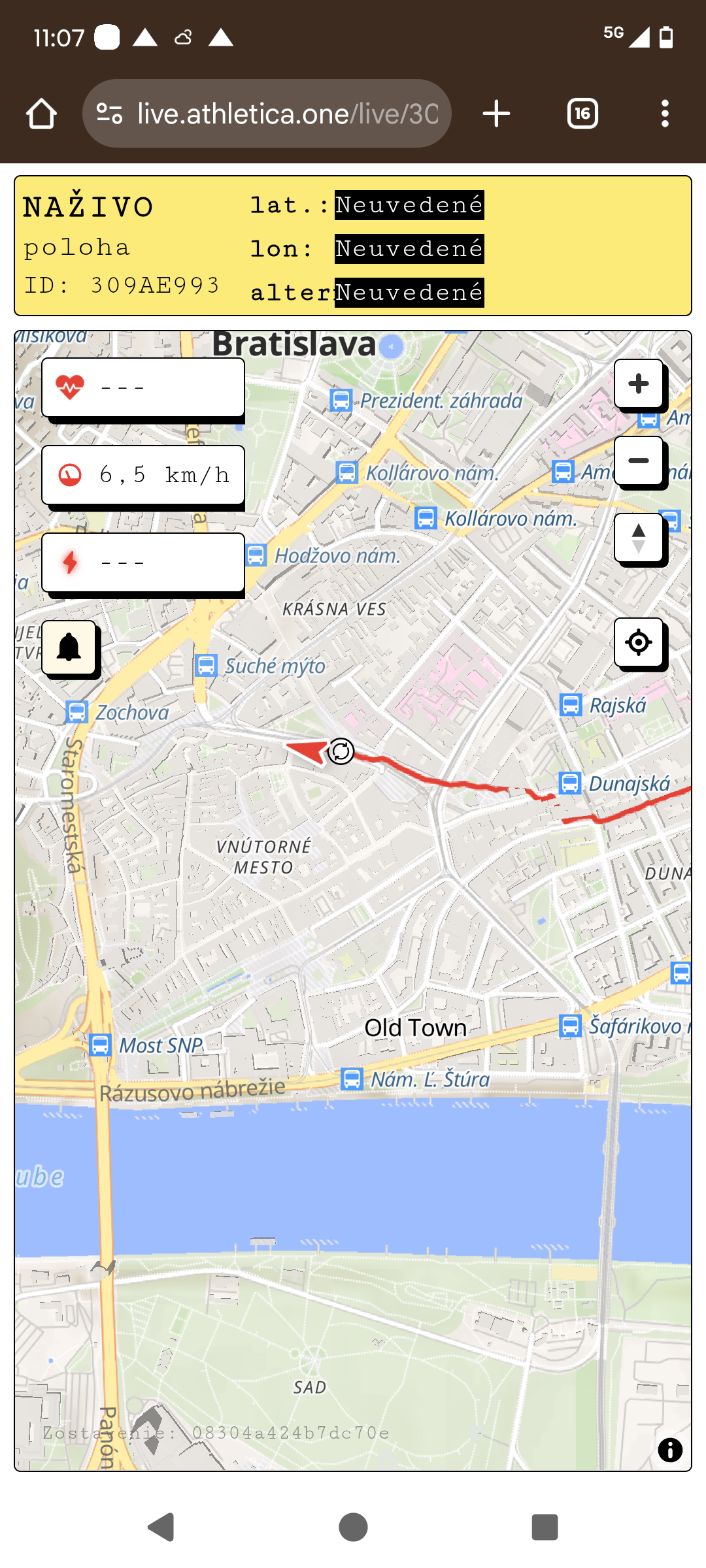
                                    but I have basically three questions

                                    1. why do I have to press the button on the watch 10 times before the device finds it? Is it a problem with android or what?
                                    2. it didn’t show my heart rate, only my movement speed
                                    3. every minute I got a notification on my phone that the watch was connected (can I turn it off somehow? this was very annoying). During a walk that lasted 2.5km, I got those notifications about 15 times.
                                      I have no idea what I’m doing wrong
                                    Nikolai SimonovN 1 Reply Last reply
                                    Reply Quote 0
                                    • Nikolai SimonovN
                                      Nikolai Simonov @Miroslava
                                      last edited by

                                      @Miroslava
                                      Thanks for trying it out and for the detailed message!

                                      • What button are you pressing 10 times?

                                      • To see heart rate in the tracking view, make sure the “Additional metrics” option is enabled in the app settings.
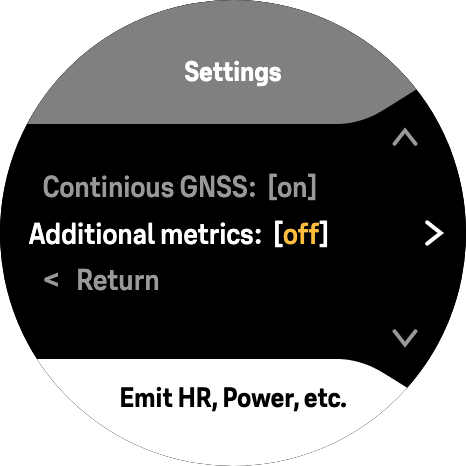
                                        Media Pack Settings.png

                                      • Repeated “watch connected” notifications
                                        Those shouldn’t appear constantly. That sounds like an issue possibly a phone-specific behavior. Could you let me know what phone model and Android version you’re using?

                                      Suunto Race 2 Ti
                                      Suunto Race
                                      Suunto 9 Baro

                                      Suunto Aqua
                                      Suunto Wings

                                      TieutieuT MiroslavaM Francesco PaganoF 3 Replies Last reply
                                      Reply Quote 1
                                      • TieutieuT
                                        Tieutieu Platinum Member @Nikolai Simonov
                                        last edited by

                                        @Nikolai-Simonov Thanks. I just edited my test report to specify that sending metrics was off and that i had continious gnss ON.
                                        I’ll test again with notifications off, gnss off and additional metrics on

                                        Suunto’s devices at home :
                                        On use : SV1 Ti Solar, SRs3, SRs, S9pp Ti sand, Suunto Wing & Spark
                                        As collector : S9B titanium Ambassador edition, A3P, X6

                                        1 Reply Last reply
                                        Reply Quote 0
                                        • MiroslavaM
                                          Miroslava @Nikolai Simonov
                                          last edited by

                                          @Nikolai-Simonov

                                          1. hod.jpg 1. I pressed the top button 10 times today until it connected
                                            1. I already understood that it’s in the settings 🙂
                                          2. Motorola edge neo 30 i think android 14
                                            tommorow i go run and try it again
                                          1 Reply Last reply
                                          Reply Quote 0
                                          • Dimitrios KanellopoulosD
                                            Dimitrios Kanellopoulos Community Manager
                                            last edited by

                                            Is the web made with react ?

                                            Community Manager / Admin @Suunto

                                            Creator of quantified-self.io

                                            Nikolai SimonovN 1 Reply Last reply
                                            Reply Quote 0

                                            Hello! It looks like you're interested in this conversation, but you don't have an account yet.

                                            Getting fed up of having to scroll through the same posts each visit? When you register for an account, you'll always come back to exactly where you were before, and choose to be notified of new replies (either via email, or push notification). You'll also be able to save bookmarks and upvote posts to show your appreciation to other community members.

                                            With your input, this post could be even better 💗

                                            Register Login
                                            • First post
                                              Last post

                                            Suunto Terms | Privacy Policy