• 0 Votes
    4 Posts
    102 Views
    A
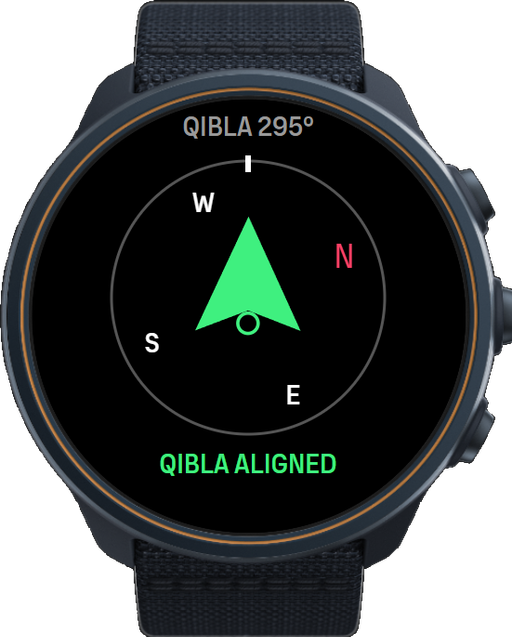
    @isazi @isazi said: @ahmadnajiullah you can publish apps yourself in the S+ store, after joining the Suunto developer program [1]. This way the app will stay on your watch, and could also be installed by others. @isazi thanks, I did not know I could publish it myself. I’ll apply to the developer program and submit it to the S+ store. That solves the “app disappears after sync” problem, and it means other people can install it without VS Code. If there is anything I should know before submitting (review time, rules for apps like this), I’d be glad to hear it. @SergioB said: @ahmadnajiullah detto: What I’m asking for, in order of preference: A built-in Qibla (or “bearing to a saved point”) screen on the compass. Within an activity or from the map widget, this is already possible. Just save the coordinates as a PDI and sync to the watch. Then start an activity or open the map widget and choose Navigation>PDI>your saved PDI. You will see an arrow on the map pointing to your saved coordinates. @SergioB thanks, the PDI trick works and I’ll keep it as a backup. The Kaaba as a saved point is a good idea. The difference for me is what the watch shows while you do it. The map arrow needs the map screen and a running activity, and it points at the point on the map. The app shows only the bearing and tells you how many degrees to turn, then goes green and vibrates when you face it. That is easier to read with a quick glance before prayer. But for people who just want something that works today, the PDI method is a fine answer.
  • Live location S+ app

    358
    59 Votes
    358 Posts
    153k Views
    C
    The live tracking isnt working sending notifications to emails etc so my partner can see the live track… I tried emailing but all I get is email no longer exists!
  • 9 Votes
    12 Posts
    1k Views
    M
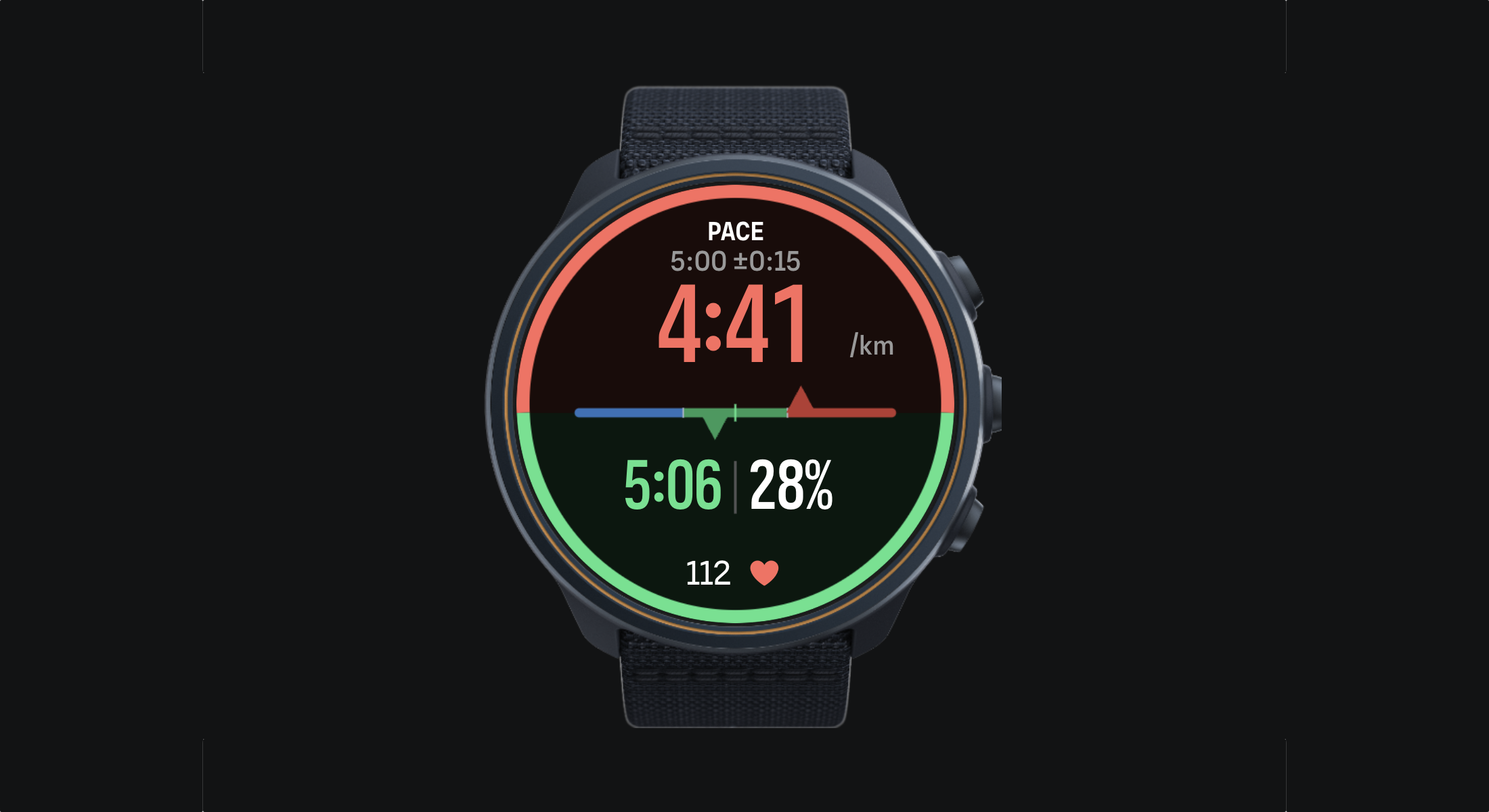
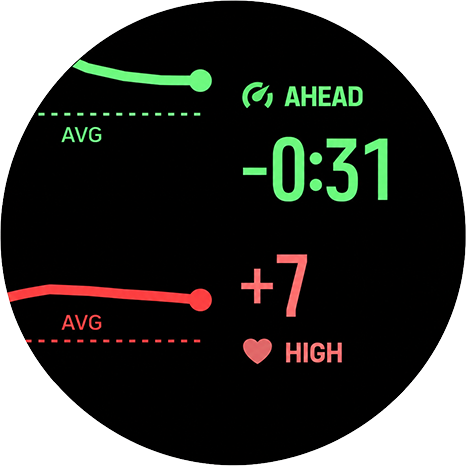
    The few seconds delay before vibrating is an interesting choice, because it separates a brief wobble from sustained drift. I am curious whether people read that delay as reassuring or as missing feedback when the bottom average is already moving.
  • oSpotter - Gym workout tracker

    28
    4
    5 Votes
    28 Posts
    3k Views
    UjcoCZU
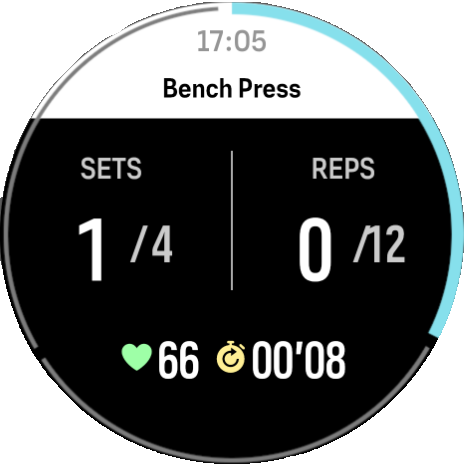
    Thank you very much for your work; your app does practically everything I need – it’s already quite similar to what Garmin does natively. There’s one important thing missing: the countdown for the break could be shown as a circle gradually filling up around the display, but above all, I’m missing an audio and vibration alert at the end of the break!!! As it is, it demands a lot of unnecessary attention during the break instead of allowing for maximum rest… But overall, it’s better than Suunto’s native interval training – for me, at least – although that one does give an audible alert at the end of a one-minute break…
  • Zonesense Activity Tracker

    1
    1
    0 Votes
    1 Posts
    145 Views
    No one has replied
  • SuuntoPlus App: Stifa - a few questions

    3
    1 Votes
    3 Posts
    751 Views
    W
    @MarkG @francesco-pagano Had a few really good runs with the Stifa app here’s my 10 mile effort up into Lyme Park which is a hilly National trust park in the UK : [image: image.jpeg] The “warm-up” to get the park is continuously up and felt like it held me at a comfortable-hard pace, then hit the lap button to reset the calculations once I was in the park itself where there is a steeper road going into the park and all the the way up to a high point where I turned around hitting the lap button again. I have a 10-mile race coming up soon and this feels like the ideal prep. For training I’m using 175 bpm as my max heart rate which results in optimal zone usage but thinking about raising to 180 so the Stifa app can auto-scale the workout so it’s something near race pace - could be a winning plan The “Stifa Snitt” score shown here: [image: image.jpeg] …which is the total elevation gain ( in m ) / total distance ( in km ) : [image: image.jpeg] [image: image.jpeg] How do other people use the app - especially when to hit the lap button? Martin
  • Gustin is now available in the Suunto app

    38
    1
    37 Votes
    38 Posts
    5k Views
    Marcelo MönchM
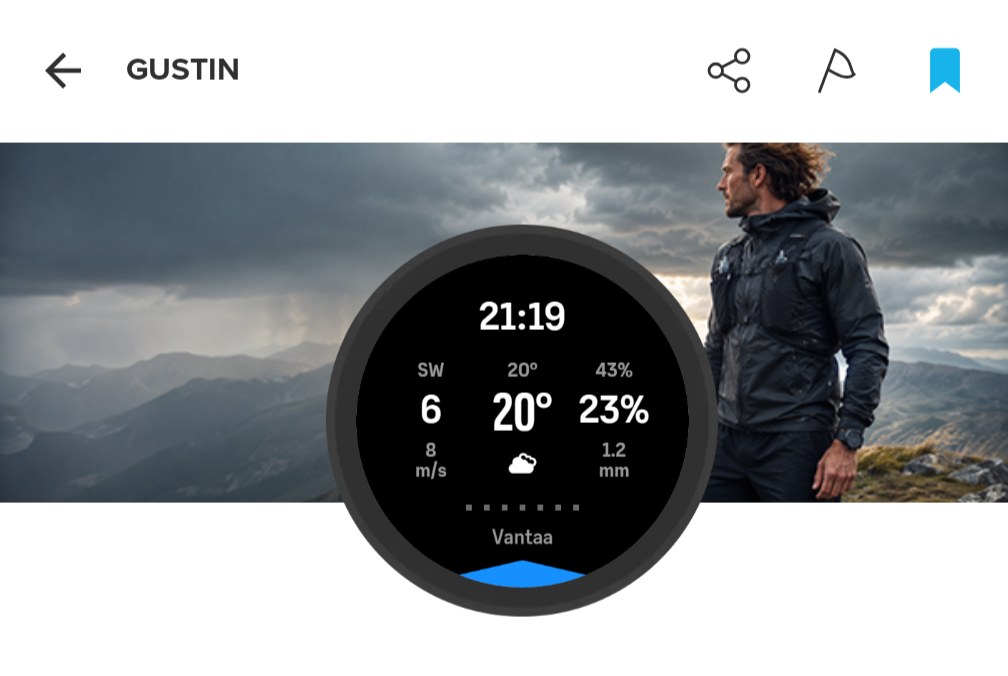
    @Łukasz-Szmigiel muito obrigado pelo retorno.
  • Constantin: monitor effort drift against your session average

    65
    3
    25 Votes
    65 Posts
    8k Views
    Łukasz SzmigielŁ
    Constantin 3.13 is out (Carduelis release) This update is about memory on the watch when you run route navigation or a second SuuntoPlus app at the same time. Constantin uses less memory. Its screen needs about a fifth less memory when it opens, for example when you switch to it from navigation. That’s the moment the watch could close it before. Views, chart and buttons work as before. If the watch still closes Constantin mid-workout, please tell me your watch model, which apps were running, and whether navigation was on.
  • Race Pacing app - Using Grade adjusted Pace according to GPX

    2
    3 Votes
    2 Posts
    937 Views
    M
    A useful starting point is the average pace needed for the distance and goal time, with that pace then adjusted for the hills on the course. I check the basic numbers here: https://milepacecalculator.com
  • oCycler - FTMS bike link: power & cadence

    29
    1
    8 Votes
    29 Posts
    3k Views
    O
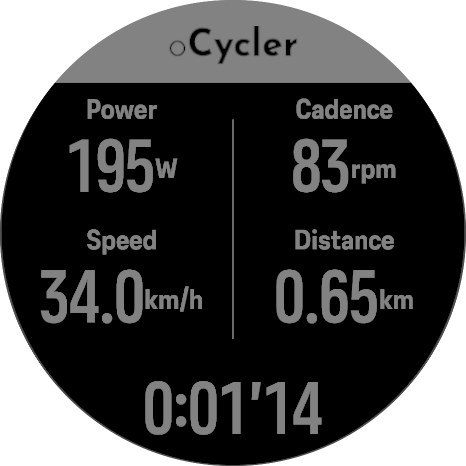
    @Wilson75 I usually have the opposite problem with my trainer, if I use the FTMS - be it oCycler, myWhoosh, TrainingPeaks virtual or Kinomap the connection to the device remains active on the bike, therefore (be it a watch, tablet or macbook) I need to soft reset my bike to connect to something else. That’s the nuance of the protocol I got used to.
  • Cycling Power Estimator

    52
    11 Votes
    52 Posts
    8k Views
    mickywickyftwM
    @SergioB …aaand that is why it crashed I knew about the limit but couldn’t find a reference to it anymore yestwrday, so tried anyway. TBH TSS is less useful than the other metrics. Maybe I’ll give the user a choice of metrics to: Display at the bottom of the power estimator screen (currently it’s duration) to write in the summary output
  • S+ Race pacer

    61
    1
    6 Votes
    61 Posts
    21k Views
    B
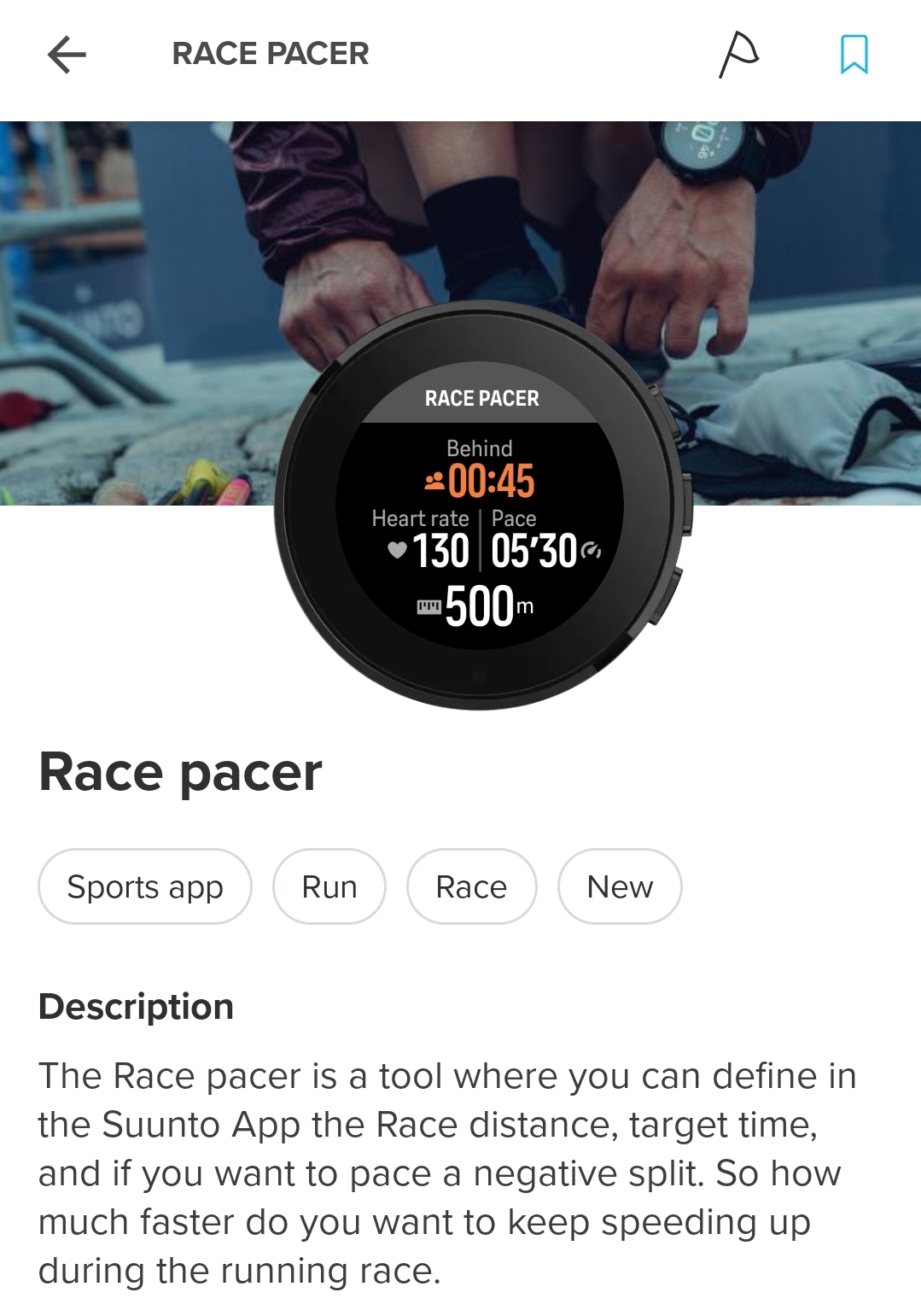
    @false I know, two years later I tested the application today and it worked fine. I fully agree with @false comments. In addition: I lack a “target pace” field, to know what is expected (especially when using a negative split, I cannot retain X values). An easy-to-catch-when-running marker could help as well (green when within a 10s/km range for example, red otherwise - could be configurable). maybe finer grain on % of splits Is this application still under development, or is this a message in a bottle thrown to the sea?
  • STRENGTH TRACKER

    6
    1
    25 Votes
    6 Posts
    2k Views
    J
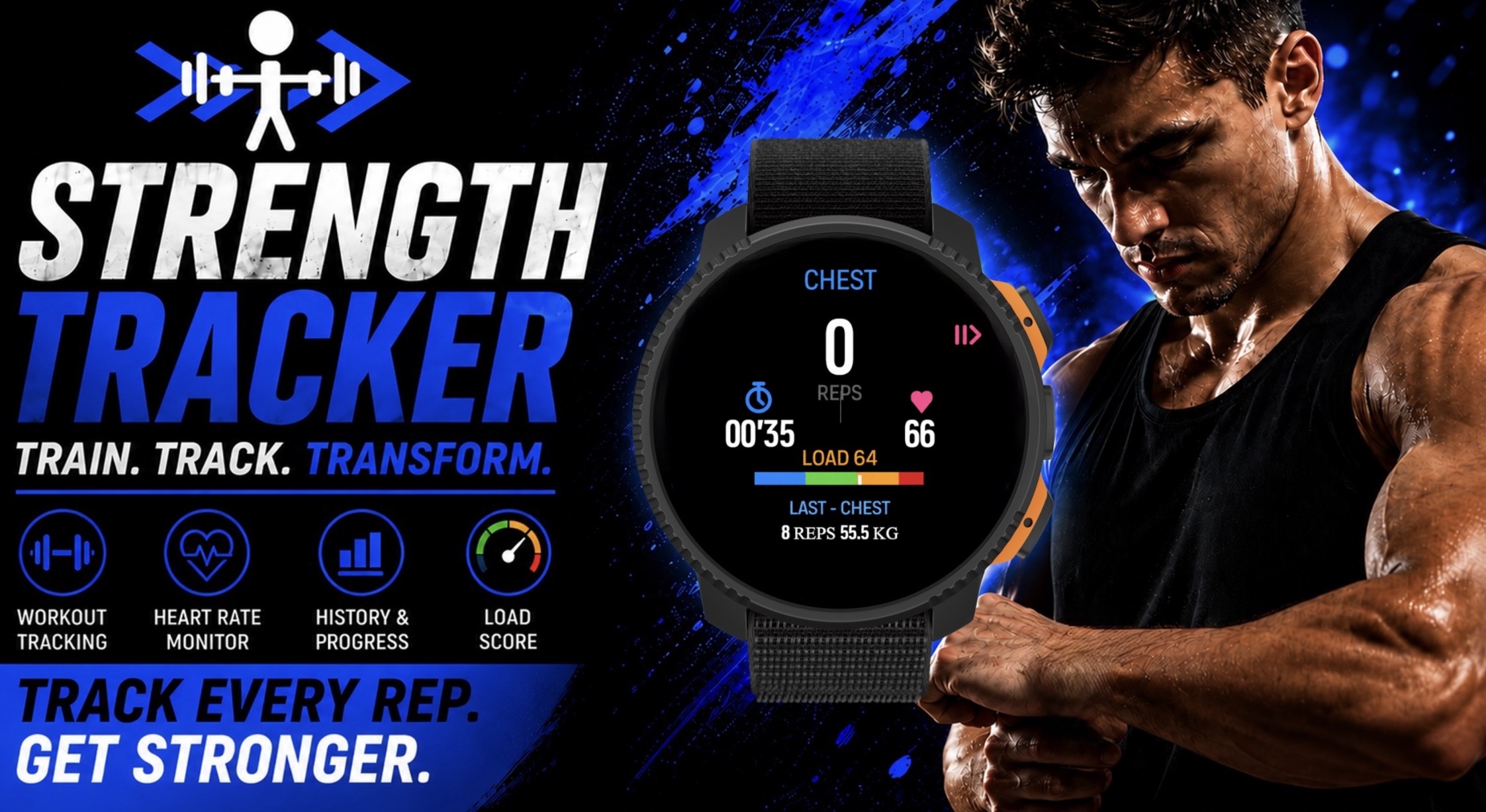
    @mich-heller Agreed on algo. It got me more reps on initial release but after the latest update, I too have been getting no reps at all on some movements.
  • Aerobic Decoupling

    8
    0 Votes
    8 Posts
    929 Views
    S
    @isazi yep I meant that, support@
  • Sleep HRV vs workout HRV

    4
    0 Votes
    4 Posts
    339 Views
    E
    Hrv on a consumer device just isn’t that accurate. When a person lay still (sleeping), there might be reasonable results, but the slightest move influences the measurement. https://www.researchgate.net/publication/400515012_Right_Place_Right_Time_Validation_of_a_Consumer-Grade_Wearable_for_Heart_Rate_and_Heart_Rate_Variability_Across_Sleep-Wake_Cycles_Physical_Activity_and_Postures_in_an_Ambulatory_Study_Preprint And the gadgetblogger version: https://the5krunner.com/2026/02/18/garmin-hrv-accuracy/ (And no, suunto is not magical better in measuring hrv)
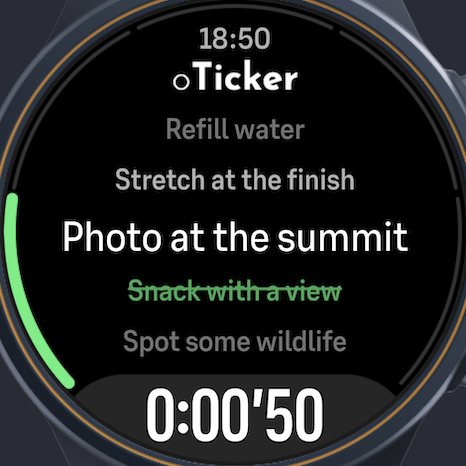
  • oTicker - Checklist app

    1
    1
    2 Votes
    1 Posts
    223 Views
    No one has replied
  • livetracking

    7
    0 Votes
    7 Posts
    776 Views
    Tomas5T
    @Majula contact suunto directly using chat in app. They will tell you if this is known bug or if you need replacement for watch etc.
  • 3 Votes
    3 Posts
    399 Views
    R
    Thank you. Your description matches everything I have measured from inside a SuuntoPlus feature, and it explains the one result I could not account for. Here is what I can add, measured rather than guessed, in case it is useful to you or to anyone else reading. The trigger really is the direct distance A feature can read /Navigation/Poi/Active/Distance. While a route is being navigated, that is the direct distance to the next named waypoint, and it is accurate to about a meter: I logged it once a second for a whole walk and checked all 495 samples against the route’s GPX, and the best match is the expected waypoint every time, to within 1m. /Navigation/Poi/Active/Name gives that waypoint’s name and switches at the passage. So the concept you describe from the outside is visible from the inside too, and it is the only usable thing a feature is given about a waypoint. There is no resource for a waypoint’s coordinates, and none for a bearing to it. Off route it all stops, exactly as you say On one walk I left the route deliberately. For 178 seconds Poi/Active/Distance, /Name, /Coordinates, /Bearing and Routes/NavigatedRoute/DistanceToDestination all went silent together. ClosestPoint and Position kept answering. Coming back on route brought everything back. This is the part I find hardest to accept as a design. Being off track is the moment you most need the watch to tell you where the next waypoint is, because that is the information you need to get back on the route at all. On the line, where everything still works, you can already see where you are going. The data is withheld exactly where it becomes necessary, and for a pilot or a skipper pushed off track by wind or current that is not a rare corner case, it is a normal part of the trip. Your point about reversing explains a result I had left open I walked a short loop whose start and end sit 26m apart. The very first sample, before a step was taken, read Position 1.000 and 50 m to the destination, and the watch never ran waypoint navigation at all for that walk. Position then went negative for the rest of it. I could not explain it and left it unexplained. Your description of the navigation reversing on an out and back, and then listing the waypoints back to the start, fits it exactly. What I did about the missing bearing Since the distance to the next waypoint is exposed and its position is not, the position can be recovered from the distance alone. Each measurement says the waypoint lies on a circle of known radius around a known position, and circles taken from a moving observer meet at one point. Solving that over a leg puts the waypoint within a few meters of where the GPX says it is, and from then on the bearing is computed locally, so it survives the watch going quiet. It works, but only for the waypoint the watch is currently offering. Once off route there is no new waypoint to learn, so it carries the current leg and no further. The question I am left with Is there any resource, documented or not, that gives a feature the coordinates of a route’s waypoints? I have tried about twenty spellings across Routes/NavigatedRoute and found none, and after your answer I understand why: if the list is recomputed rather than stored, there is nothing to read. If that is so, then the only stored thing with coordinates that a feature can reach is the POI library, through /Navigation/Poi/Count and /Navigation/Poi/<index>/Coordinates, which do answer. Is that a supported way to read them, and is it expected to keep working?
  • 1 year Live.τ 🎉

    13
    28 Votes
    13 Posts
    2k Views
    UjcoCZU
    @herlas Well, that would be great. Or at least it could better support the developers’ efforts, since it already provides them with the Suunto Plus platform.
  • The best race pacing app for a 10k?

    10
    0 Votes
    10 Posts
    806 Views
    G
    @Steven-Hambleton I ran a half marathon recently with my Suunto Run and used Marathon Mode as well as Ghost Runner. Worked great for me and I got a new PB Very happy to have had those tools.

Suunto Terms | Privacy Policy