Suunto 9 Peak Pro no watch faces on watch and in app
-
I need screenshots of the issue in mobile app, your used operating system and app versions, email or name of the account you use in Suunto App to DM
Opinions expressed are solely my own and do not express the views or opinions of my employer
-
@pavel.samokha My iOS 15.8.5, Suunto App Version 2.39.1 (16998), email: <redacted>, Username: kosmarikas. Watch: Suunto Race S, Software version 2.48.16. Here some screenshots:
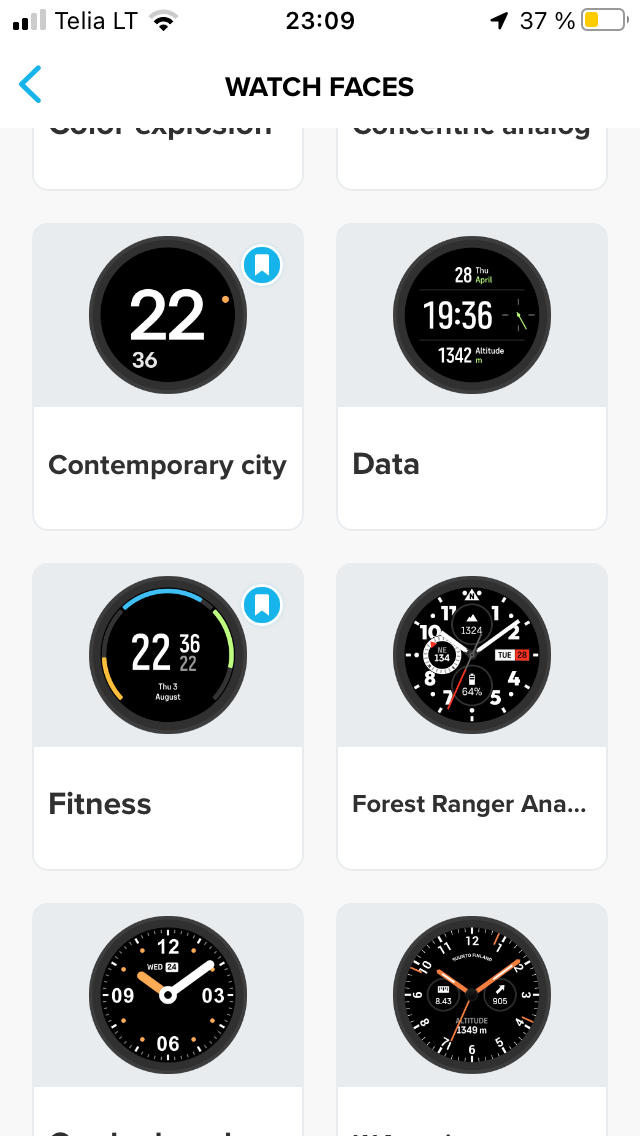
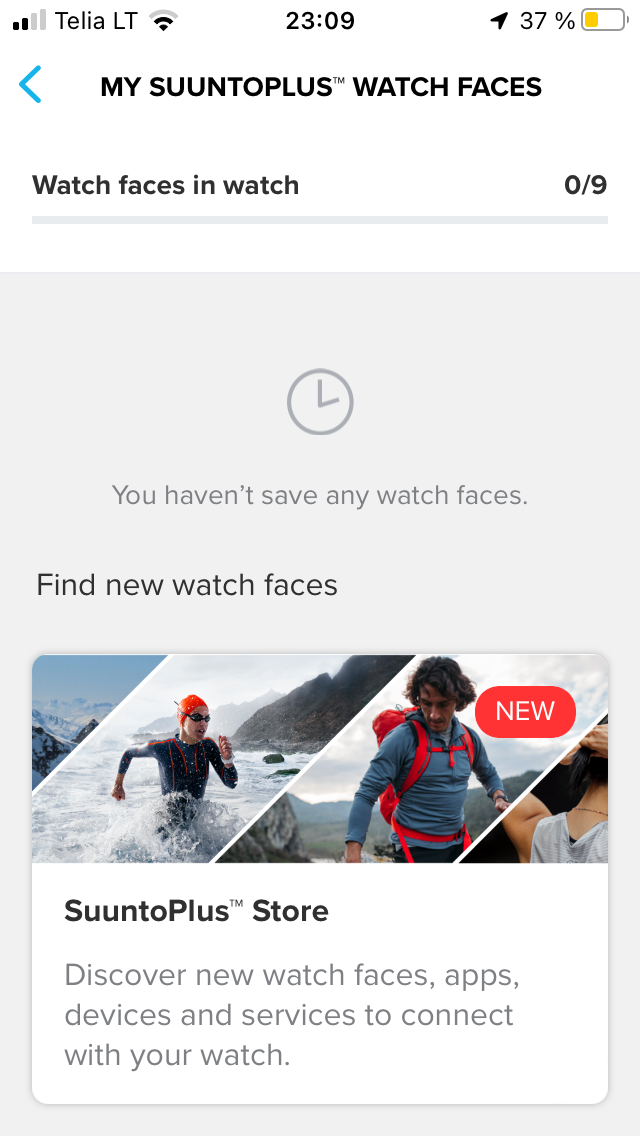
-
@Antanas-V I’m running the same iOS and SA version as you. I’m guessing that’s the issue.
-
@duffman19 I guess too, but don`t want to change my iPhone SE 1gen for that!
-
@Antanas-V I thought I was the only one still using that phone! Hopefully it’s a backend issue with SuuntoPlus (maybe related to upcoming watch firmware or SA updates) and it will get resolved soon.
I don’t mind the stock 9PP watch face, but I much prefer having an analog one. In fact, I’ve gone back to wearing an original 9P while this gets sorted since all of the faces are built-in to the software.
-
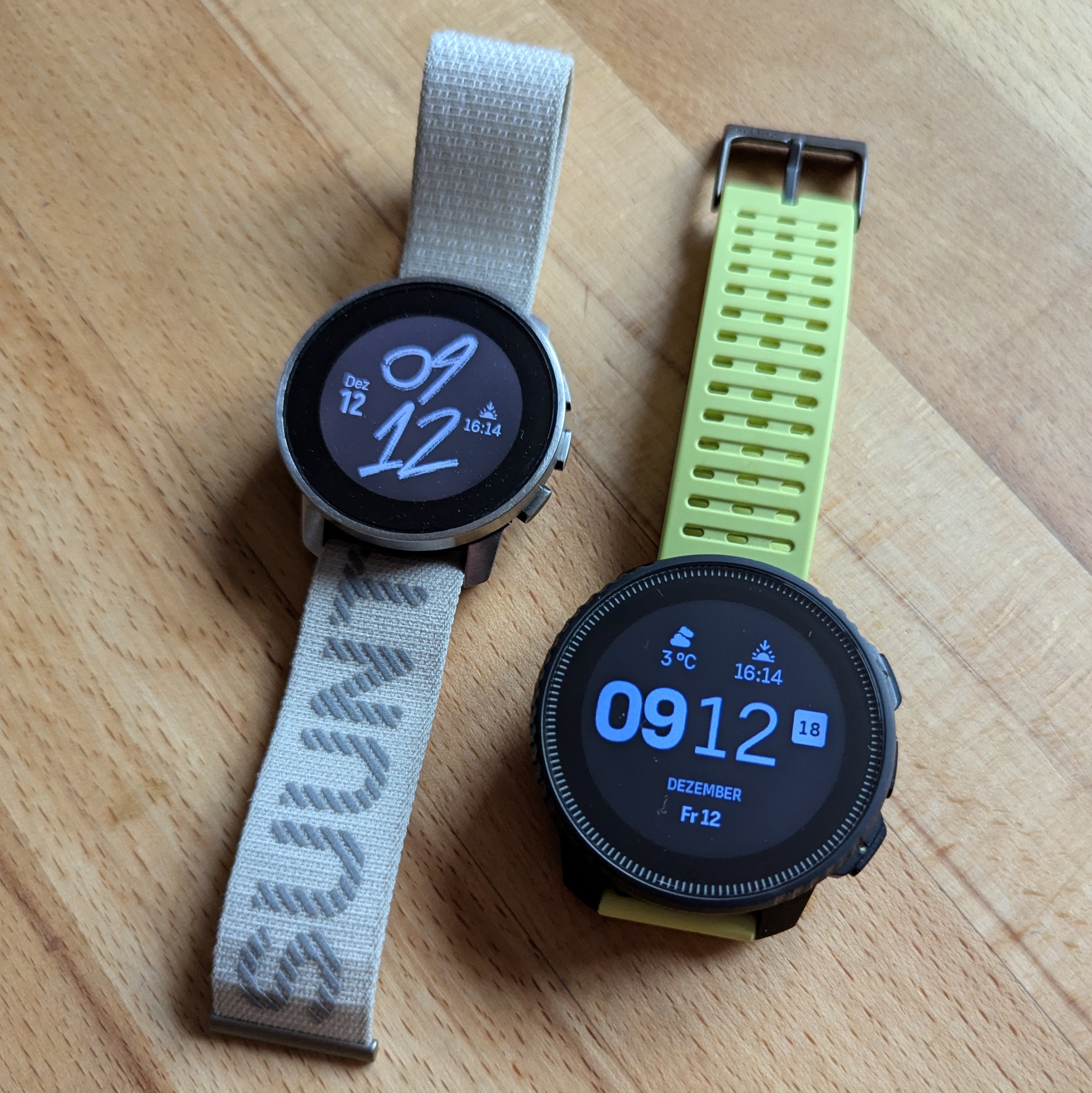
Today I switched back from the Vertical to the 9PP. The question wasn’t whether the watch faces would be deleted and reset to the default watch face, but whether it would happen on the first or second sync with the app. Surprise, it was the second one!

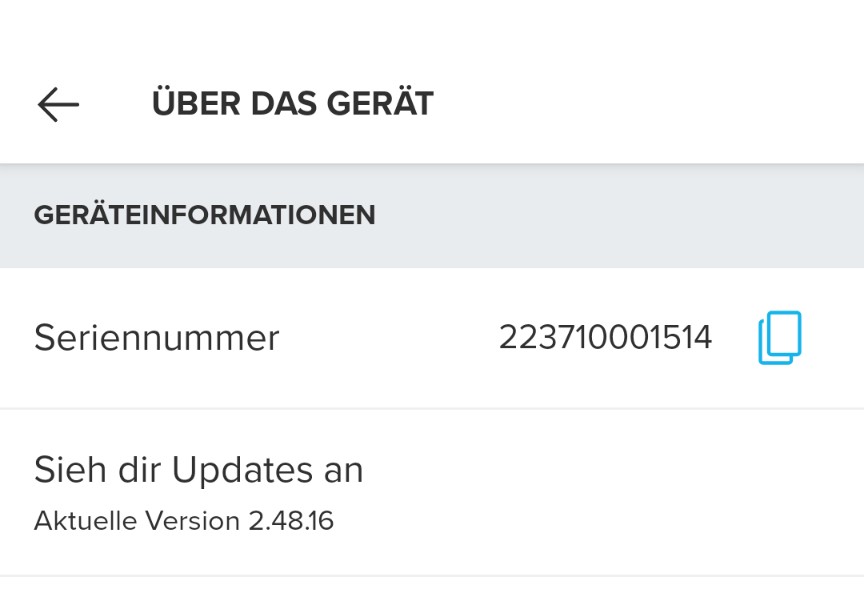
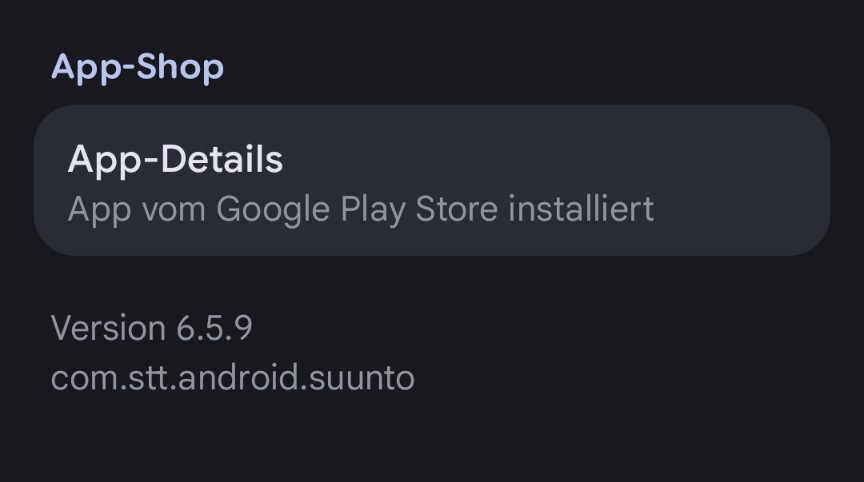
-
The 9PP resetted over night to the standard watch face without beeing connected to SA.
The Vertical with the first sync this morning.

-
@pilleus This is strange, I do not have any issue with watch faces and my SVTS, I’m using last SA beta and las firmware in the watch. I just have synced the watch and everything went as expected. My current watchface is the Race 2 one.
-
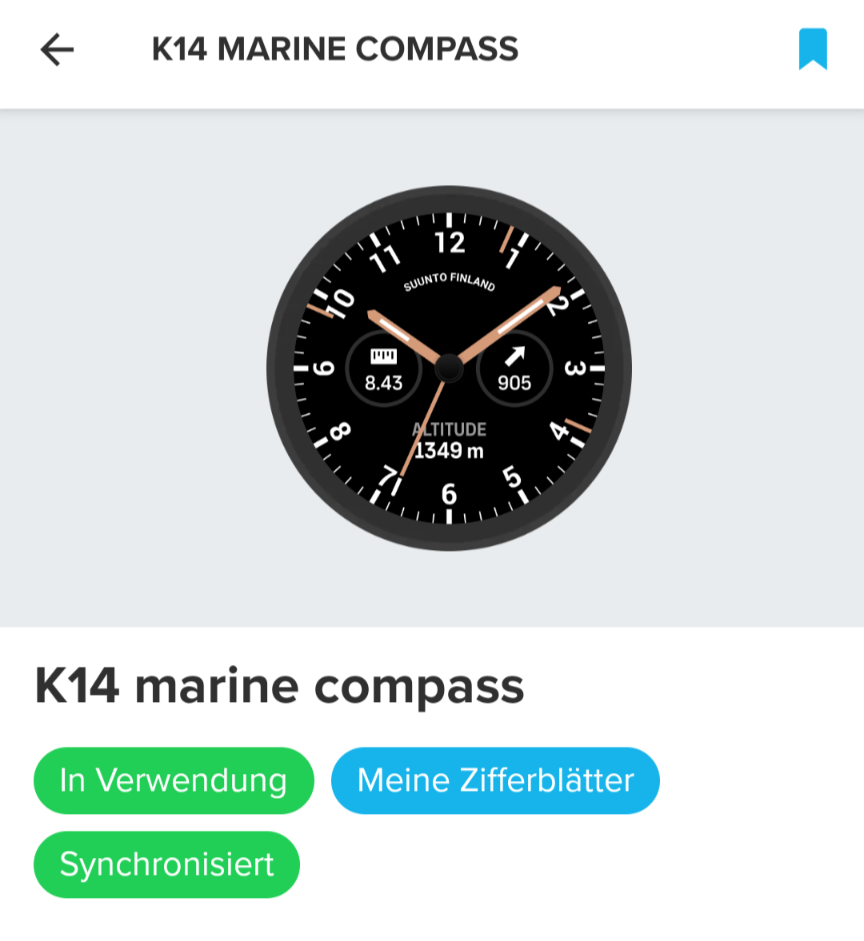
I use this one on both watches. Since a long time. Never before the first crash on Suunto’s Plus side any issues. Since that moment again and again the reset to the standard watch face and no other watch faces on the watches. After some syncs the watch faces will be back, but all configuration is löst.
I resetted both watches to factory settings, no luck.
-
Have I already told you what the 9PP did this morning? The daily watch face madness is going on.

-
Okay, it was in the morning. Now I connected the Vertical to use it for cycling.
Suunto app decided to show the standard watch face during the first sync.
Suunto, I accept the challenge!


-
@pavel.samokha Any updates on this? My watches (9PP and V1) are still affected and unable to load any SuuntoPlus watch faces.
Vertical Ti / S9PP Ti / S9P Ti
-
@duffman19 Same problem still persists on my V1.
-
@duffman19 Same problem still persists on my Race S.
-
@pavel.samokha The latest watch update (2.50.26) has not solved this issue for me. I still cannot load SuuntoPlus watch faces on my 9PP and V1. Should we assume that anyone running outdated Suunto App software is out of luck?
-
@duffman19 sorry, I didn’t have time yet to take a look into this problem. I still plan to, but I can’t say when
Opinions expressed are solely my own and do not express the views or opinions of my employer
-
@pavel.samokha Thanks. I understand it probably only affects a small minority of users.
-
Same situation for me unfortunately. After updating to 2.50.26, watch faces still won’t load on my 9 Peak Pro. Nothing has changed on my end. At this point it’s getting a bit frustrating,
-
After the update to the actual firmware my 9PP resetted the watch face to the standard watch face twice while syncing the watch with Suunto plus.
 ️
️ -
@pilleus This is frustrating. Hopefully they’ll find a fix soon.
It wouldn’t bother me quite as much except that the default watch face is now the “Adrenaline” one, which is pretty limited with two data fields and not my cup of tea design wise. All of the original marketing material for the 9PP used the “Data” watch face, which is at least a bit more versatile.






Hello! It looks like you're interested in this conversation, but you don't have an account yet.
Getting fed up of having to scroll through the same posts each visit? When you register for an account, you'll always come back to exactly where you were before, and choose to be notified of new replies (either via email, or push notification). You'll also be able to save bookmarks and upvote posts to show your appreciation to other community members.
With your input, this post could be even better 💗
Register Login